

Secure AI OCR tool. Images are processed instantly and automatically deleted after conversion.
Image to PDF Converter
Upload any image and our OCR engine extracts the text, then exports it as a clean, searchable PDF. Not just an image wrapped in a PDF — real text you can search, copy, and edit. Free, no signup, no watermark.
How to Convert Images to PDF in 3 Easy Steps
Turn any photo or image into a shareable PDF document in seconds, nothing to install, no account needed.
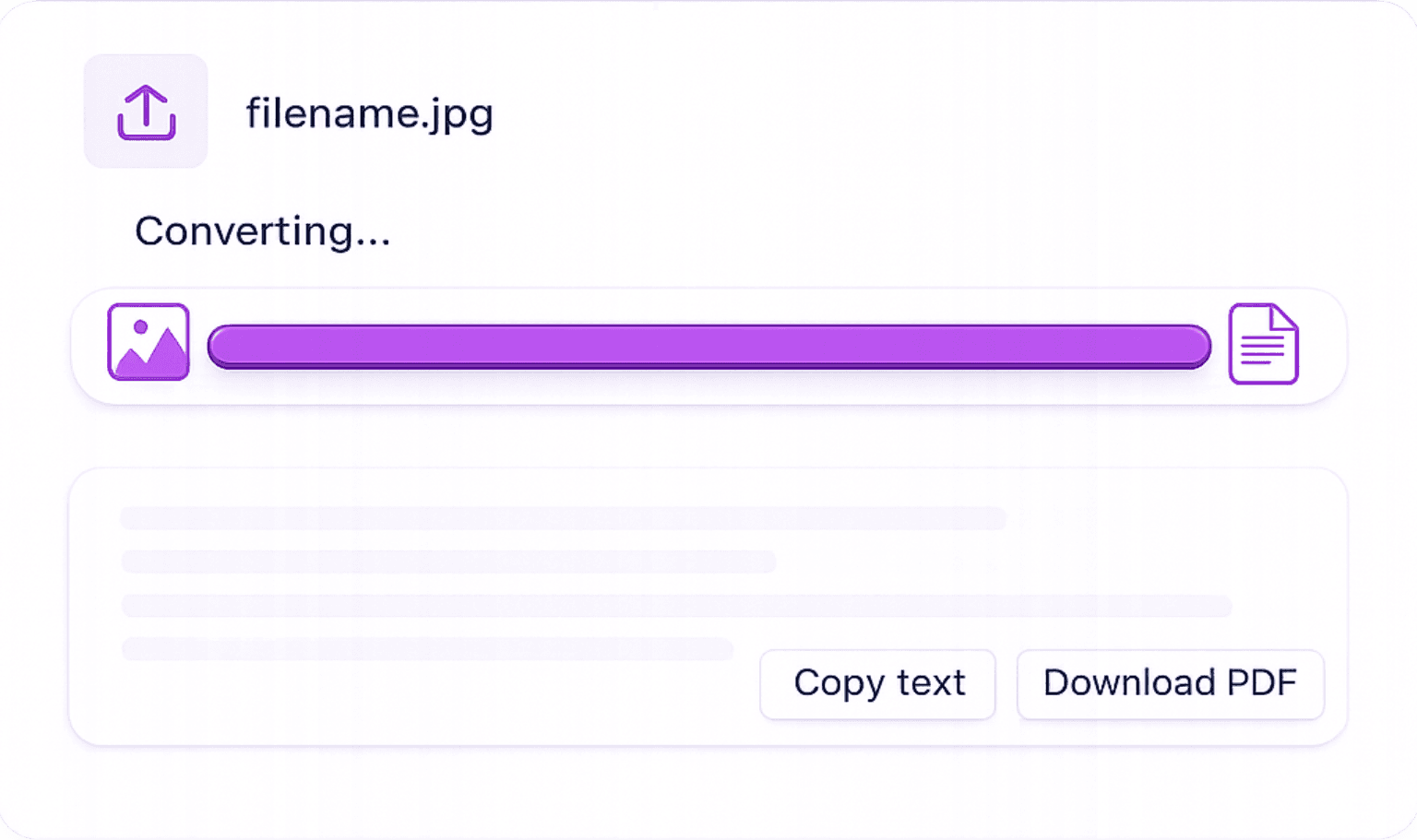
Upload Your Image: Select one or more images (JPG, PNG, WEBP, BMP, TIFF) from your device or drag them into the uploader. Supports high-resolution photos and compressed files alike.
Processing & Optimisation: Our tool processes your image and prepares it for PDF output, maintaining the original resolution and clarity without adding watermarks.
Download Your PDF: Click the PDF button to download your converted document instantly. Ready to share, print, or archive.
Features That Make Our Image to PDF Tool Stand Out
Straightforward conversion with no hidden limits, no account walls, and full image quality preserved.
All Major Image Formats
Supports JPG, JPEG, PNG, WEBP, BMP, GIF, and TIFF. Upload your image in any common format and get a PDF back.
Full Resolution Preserved
Your PDF output matches the original image quality. No compression, no blurring, no degradation, exactly as uploaded.
No Watermarks, Ever
100% watermark-free output for every user, every time. No hidden premium tier required to remove branding.
Secure: Auto-Deleted After Use
Images are processed over an encrypted connection and automatically deleted from our servers after download. Your files stay private.
Why Convert Images to PDF?
PDF is the universal format for sharing and archiving. Here's when converting your images to PDF makes the most sense.
Send JPG Receipts as PDF to Accountants: Convert photos of paper receipts into PDF documents for expense reporting, accounting, or VAT submissions.
Create Professional Shareable Documents: Photos and images are not always universally viewable. Converting to PDF ensures your content looks the same on any device or OS.
Scan & Archive Physical Documents: Photograph physical documents with your phone and convert the JPG photos to PDF for long-term digital archiving.
Package Product Photos into a PDF Catalogue: Combine multiple product images into a single multi-page PDF catalogue for client presentations or supplier emails.
Submit Handwritten Assignments as PDF: Students can photograph handwritten work and convert images to PDF for digital submission.
Image to PDF: Frequently Asked Questions
Online Image to text converter converts any image into editable text.