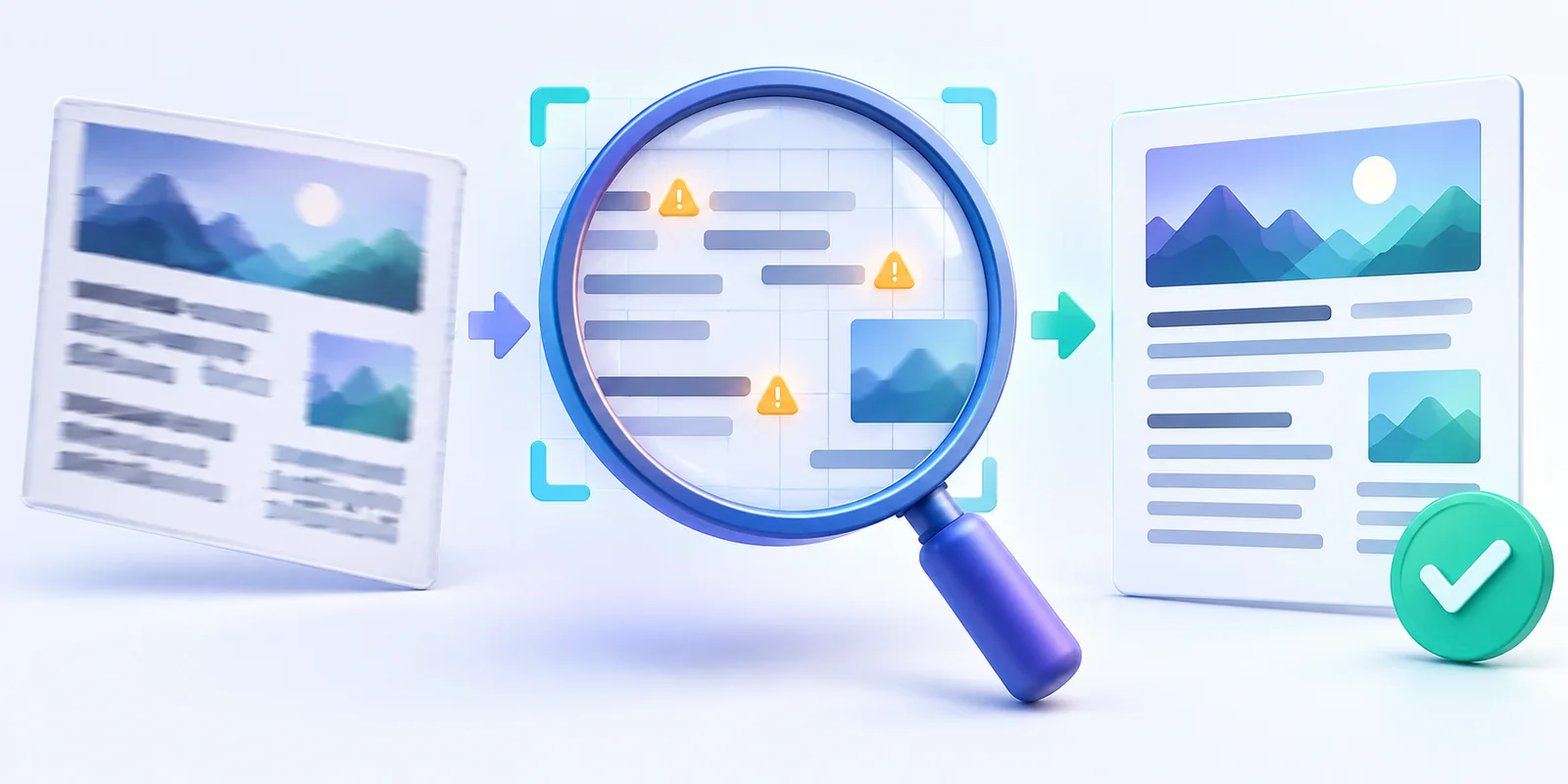
Why Screenshot Translations Go Wrong and How to Improve Them
Understand how OCR errors, missing context, mixed languages and image quality affect screenshot translation—and learn how to improve the result.
Read more →
 Menu
MenuPractical guides, comparisons, and tips to help you convert images into accurate, editable text.
Understand how OCR errors, missing context, mixed languages and image quality affect screenshot translation—and learn how to improve the result.
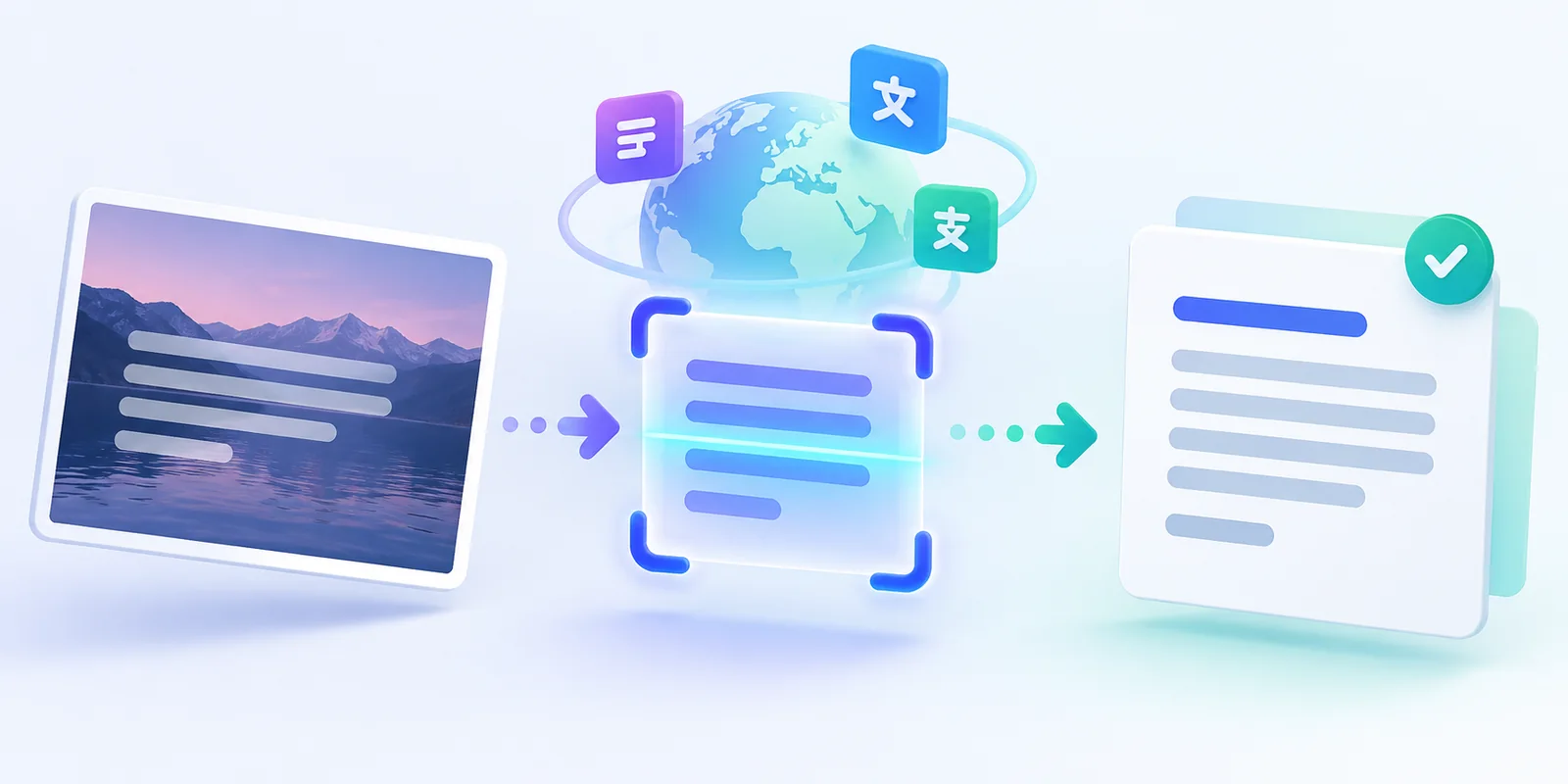
Learn how to extract text from a screenshot, correct OCR mistakes, translate it into another language, and copy or download the result.
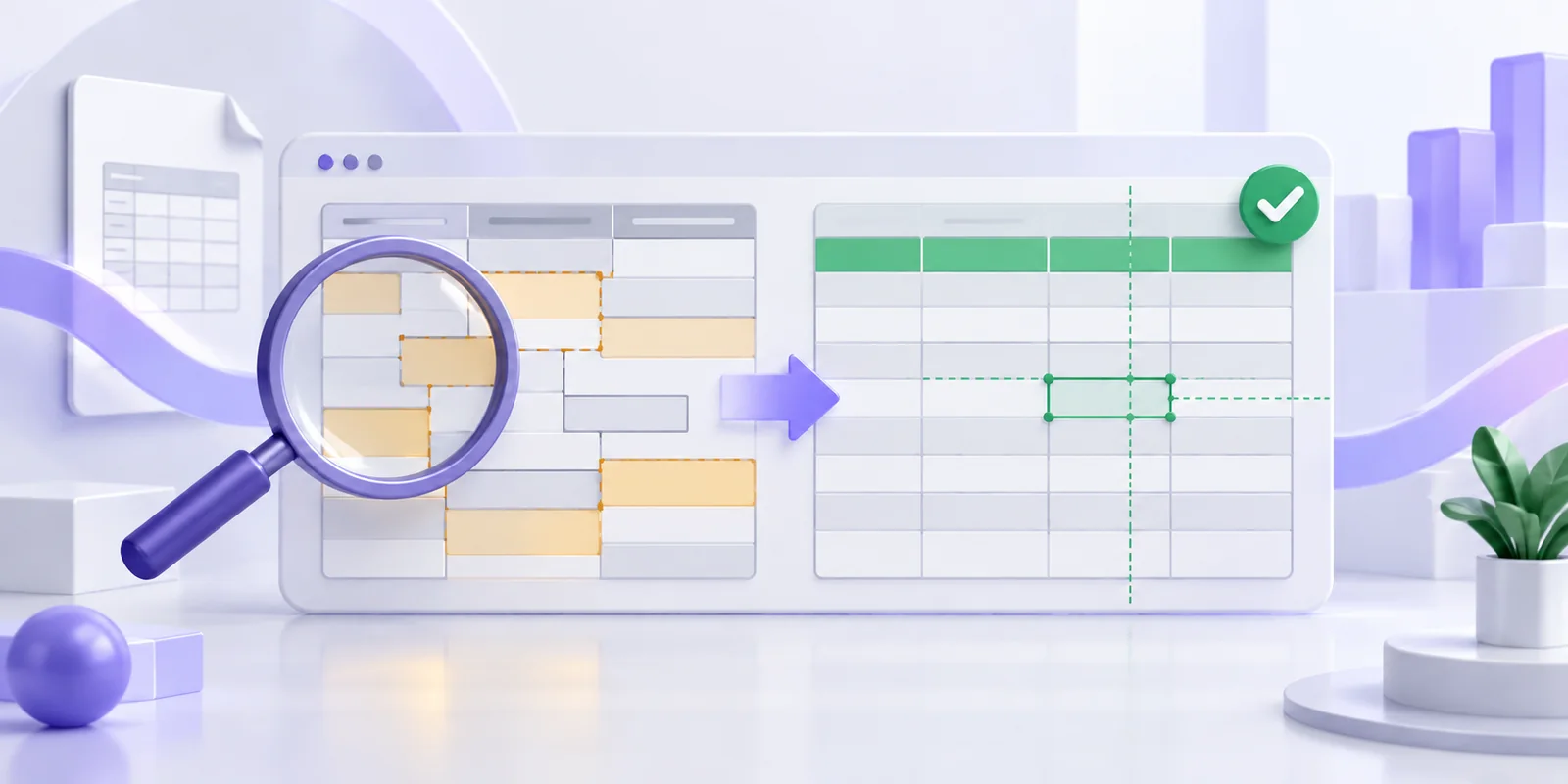
Find out why PDF values move into the wrong Excel columns and how to correct wrapped rows, headers, numbers and identifiers before export.
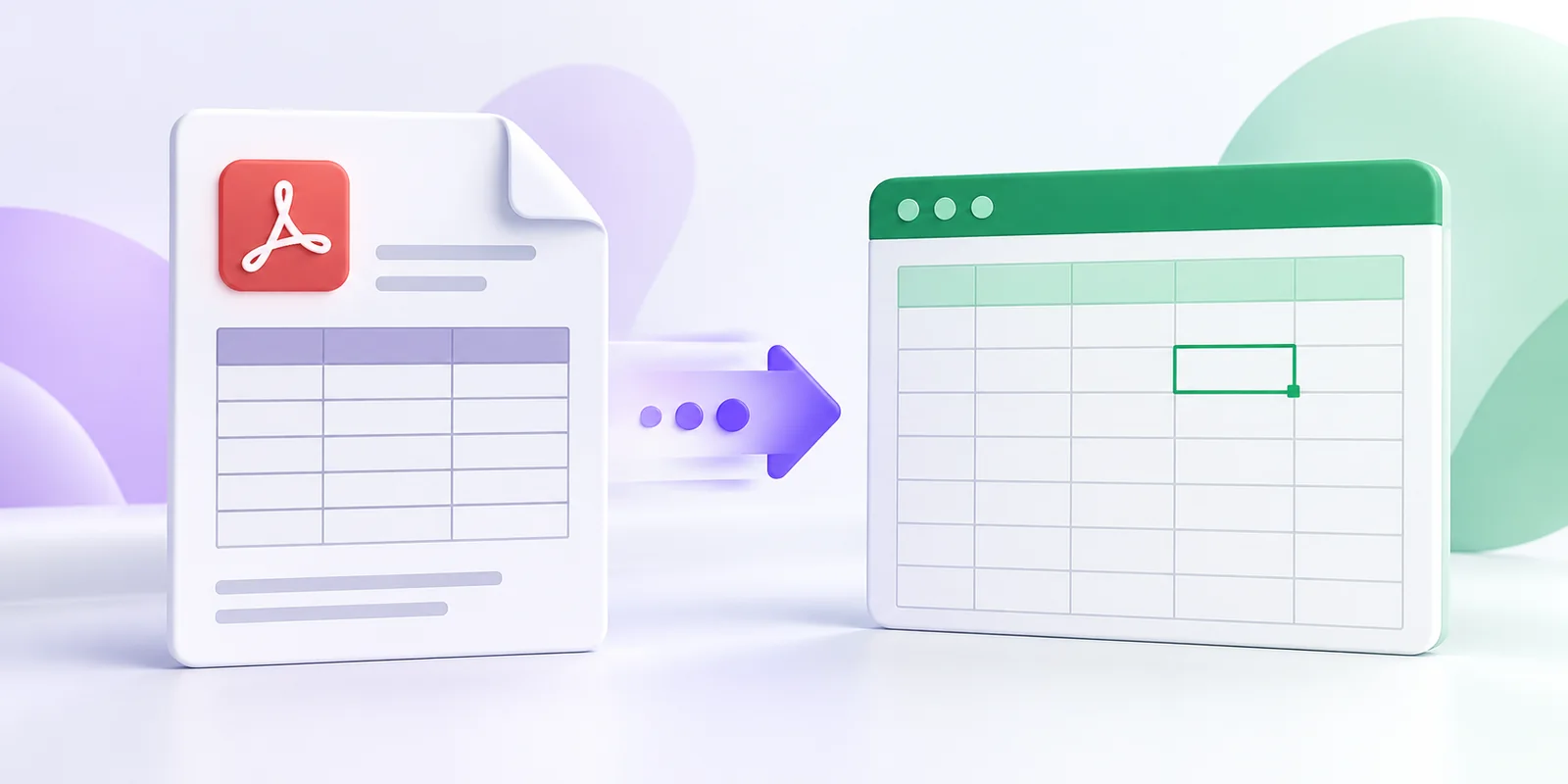
Learn how to extract a table from a digital PDF, review the rows and columns, and download an editable XLSX or CSV spreadsheet.
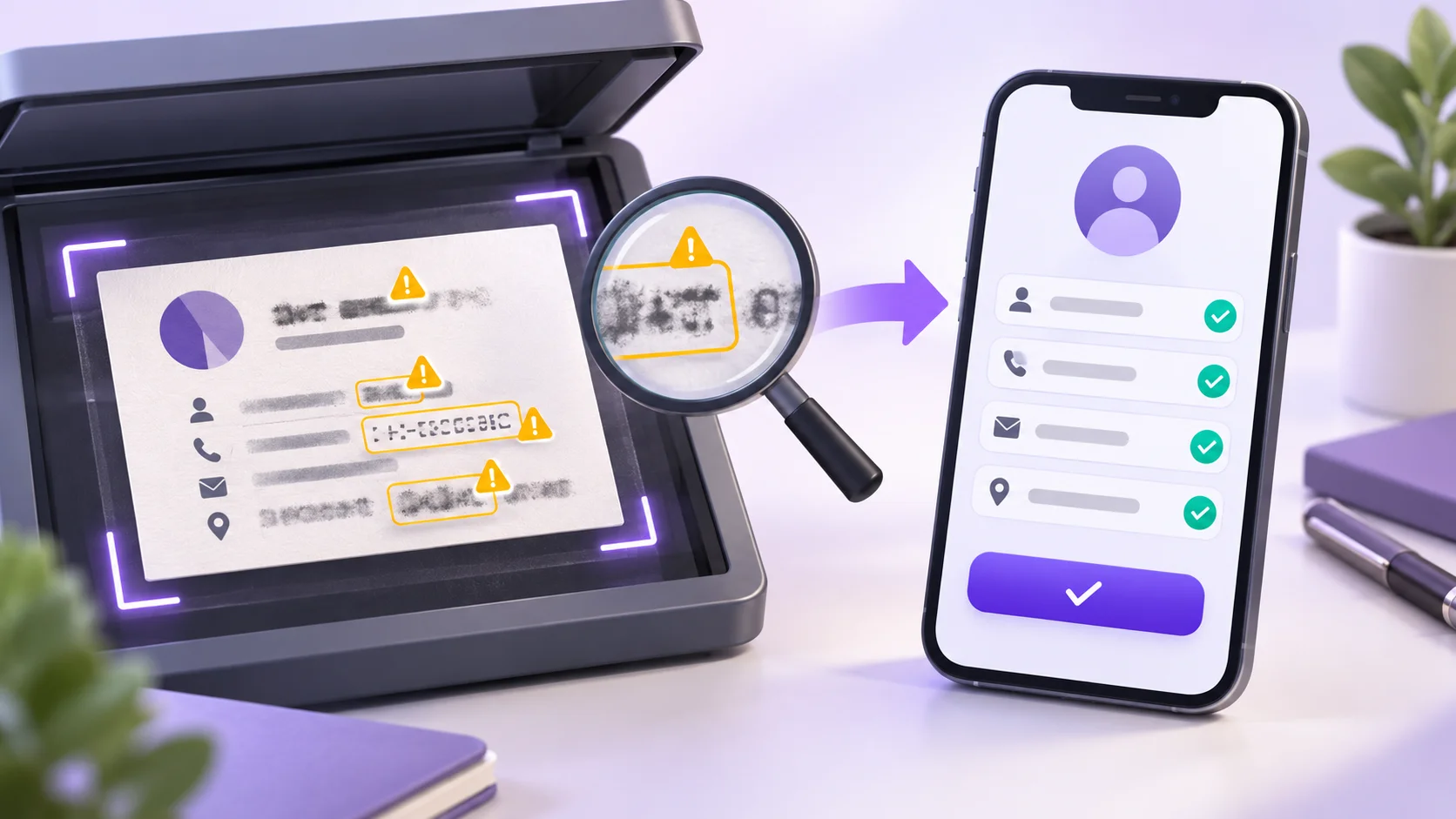
Learn why a business card scanner reads some details incorrectly and how to fix names, phone numbers, emails and company fields before saving a contact.
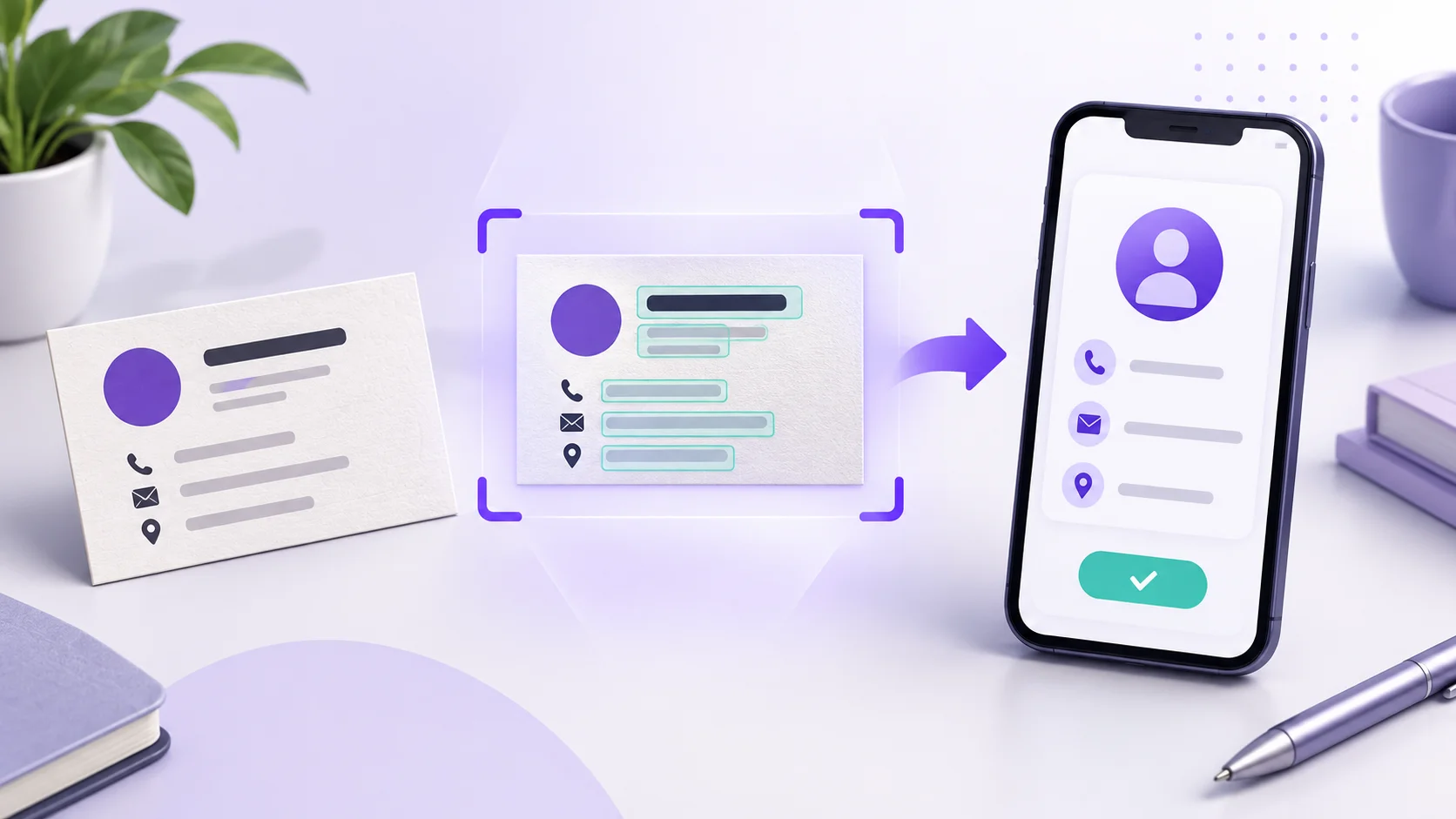
Convert a business card photo into an editable contact, check the extracted details, and download a VCF file for your phone or contacts app.
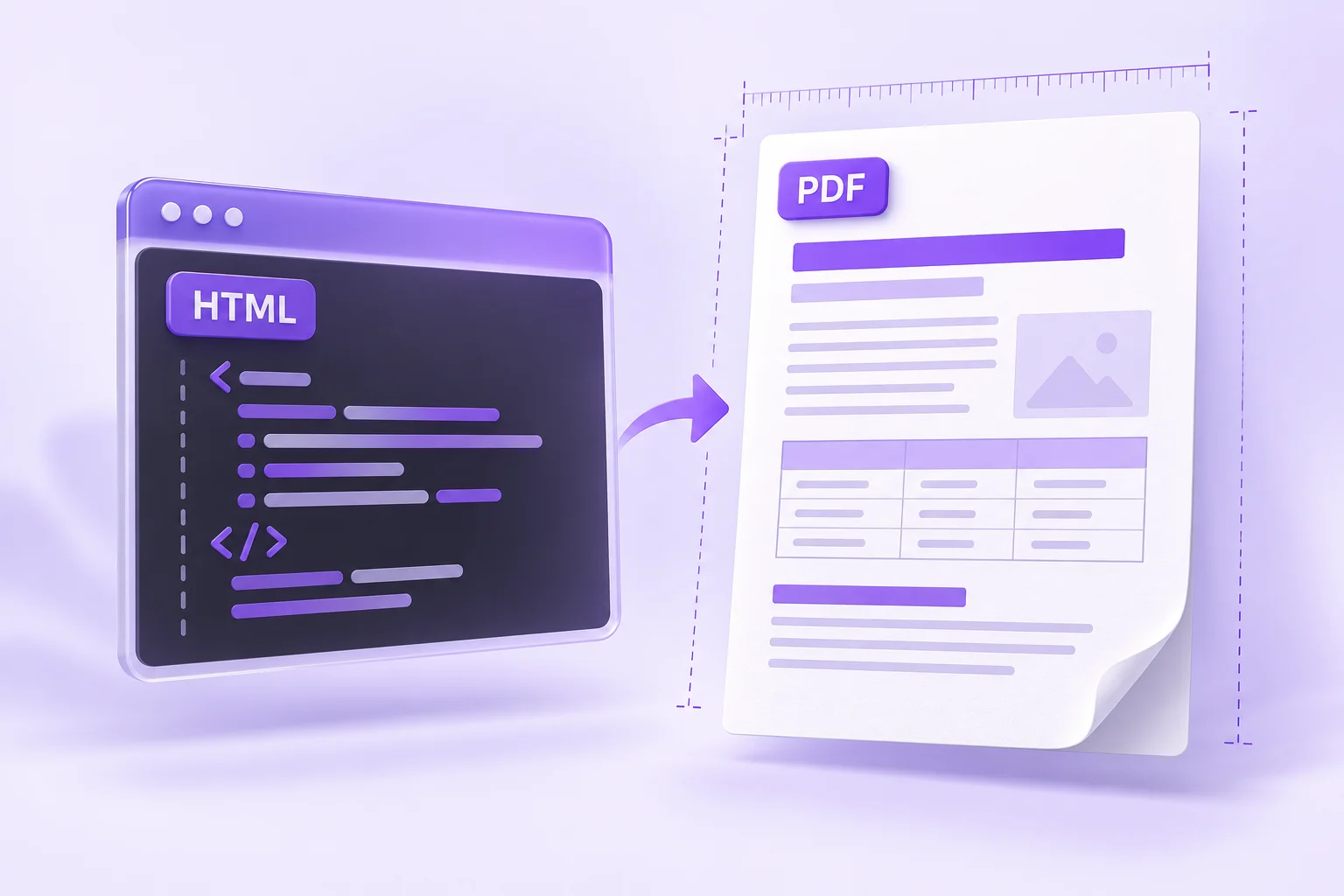
A good browser preview can still produce a PDF with clipped tables or awkward page splits. Use this workflow to simplify the document and check the actual export.
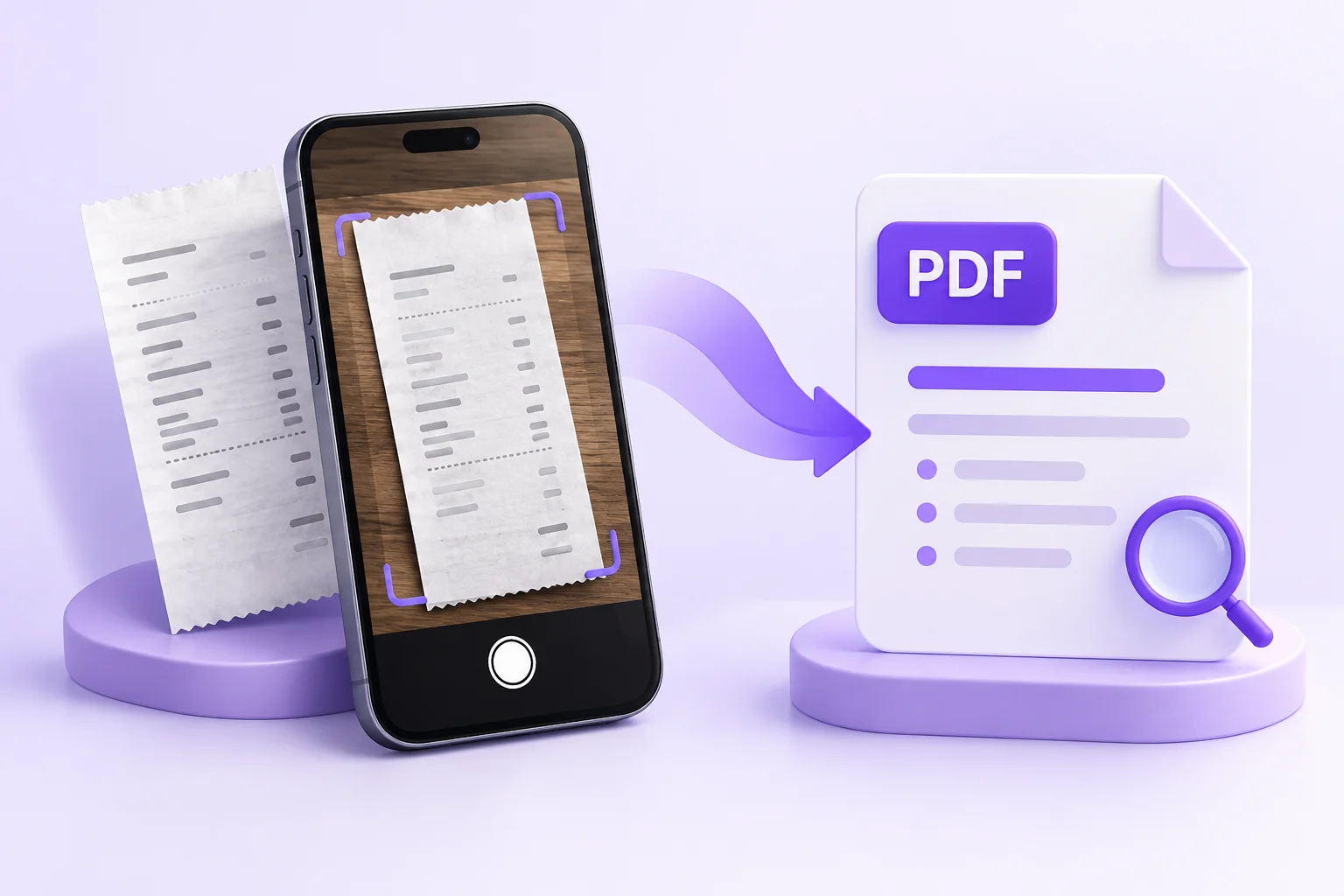
A receipt PDF is more useful when its text is checked and its filename makes sense. Use this capture, conversion, and filing routine to avoid a folder of anonymous downloads.
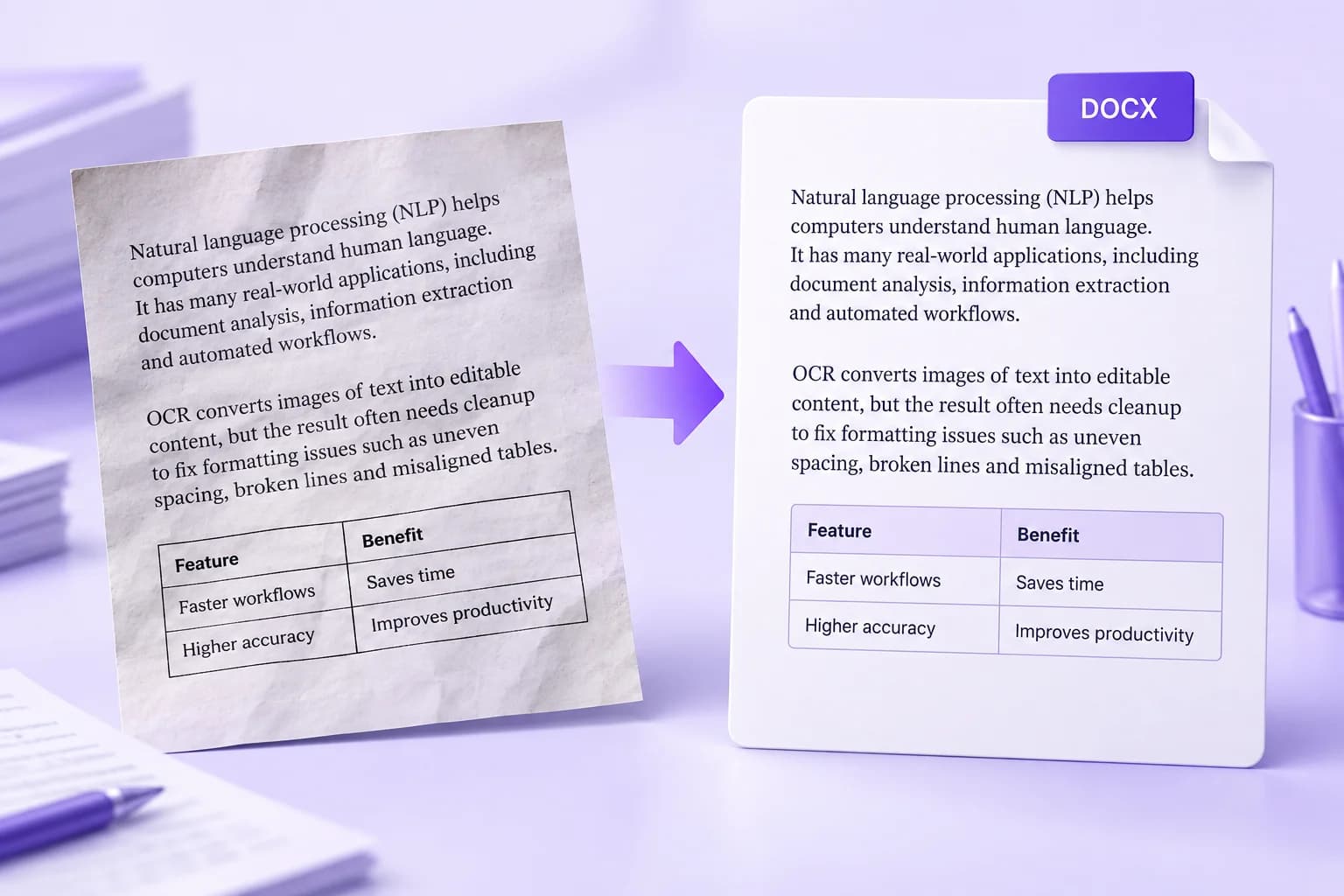
An editable document is a starting point. Learn which formatting problems to fix first and how to turn OCR output into a Word file that is easier to update.
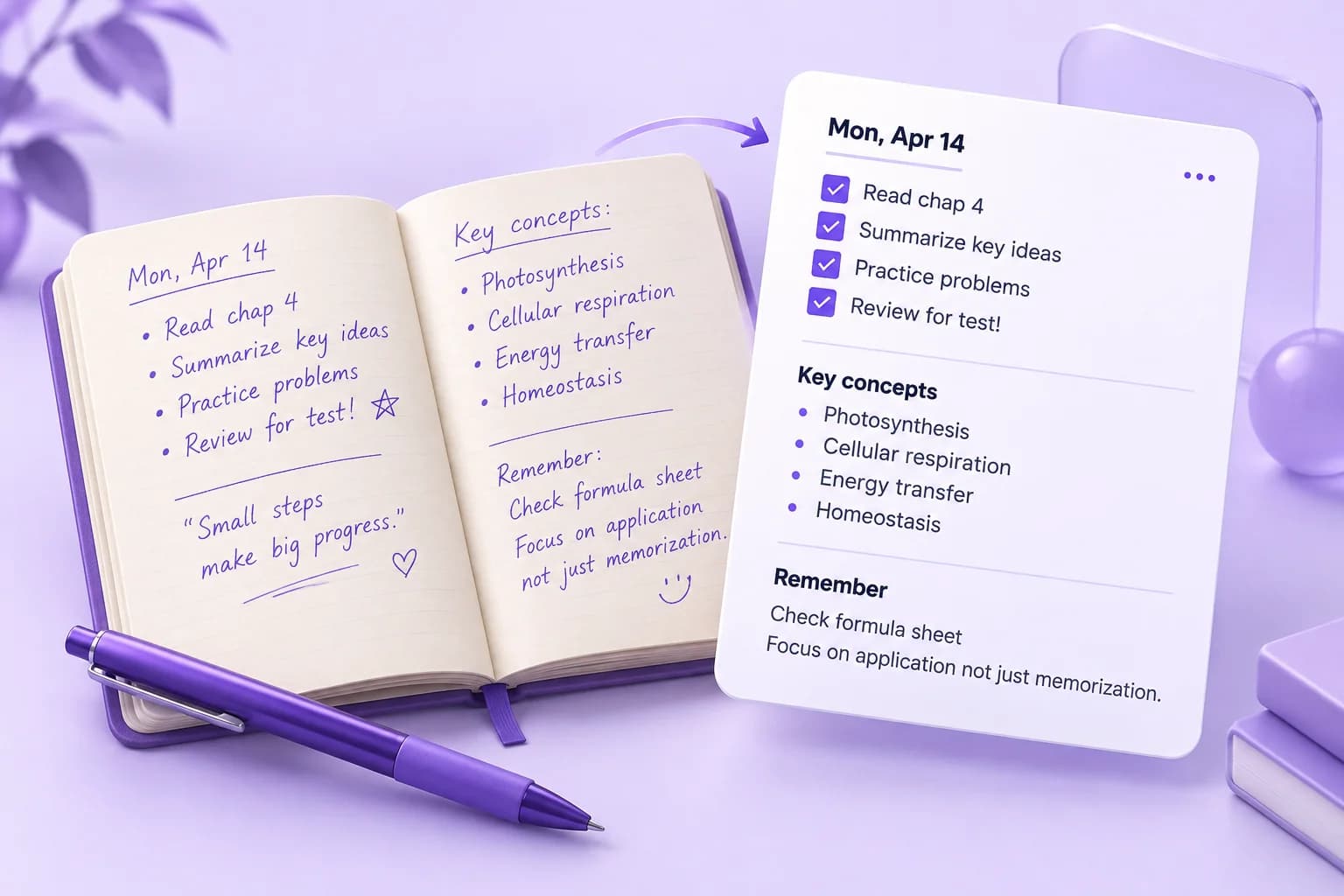
Turning a notebook into useful revision material takes more than extracting words. Keep page order, preserve context, and build digital notes you can check against the original.
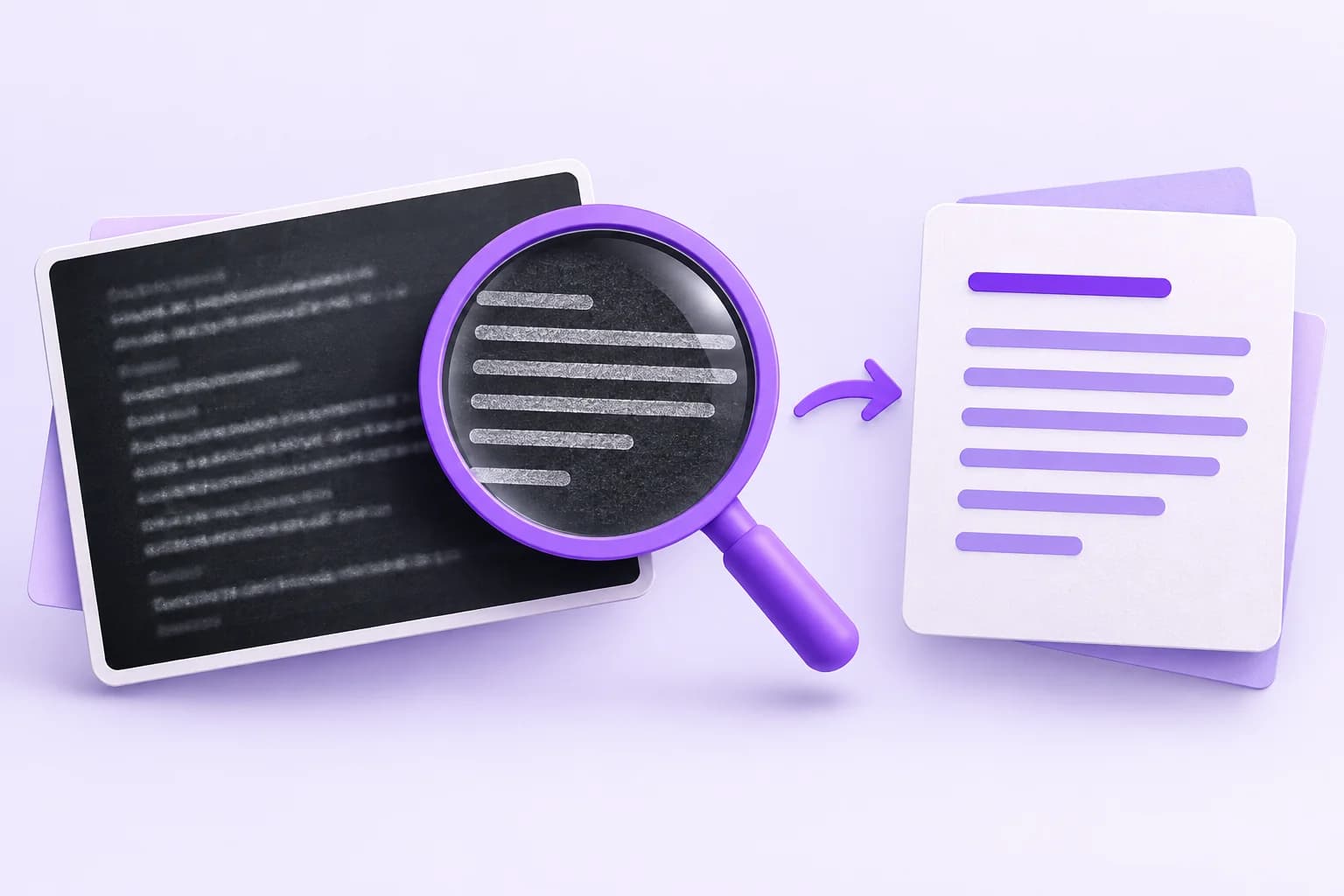
Tiny interface text and crowded screenshots can turn a simple copy task into cleanup. This guide helps you isolate the right content and check the details OCR can miss.
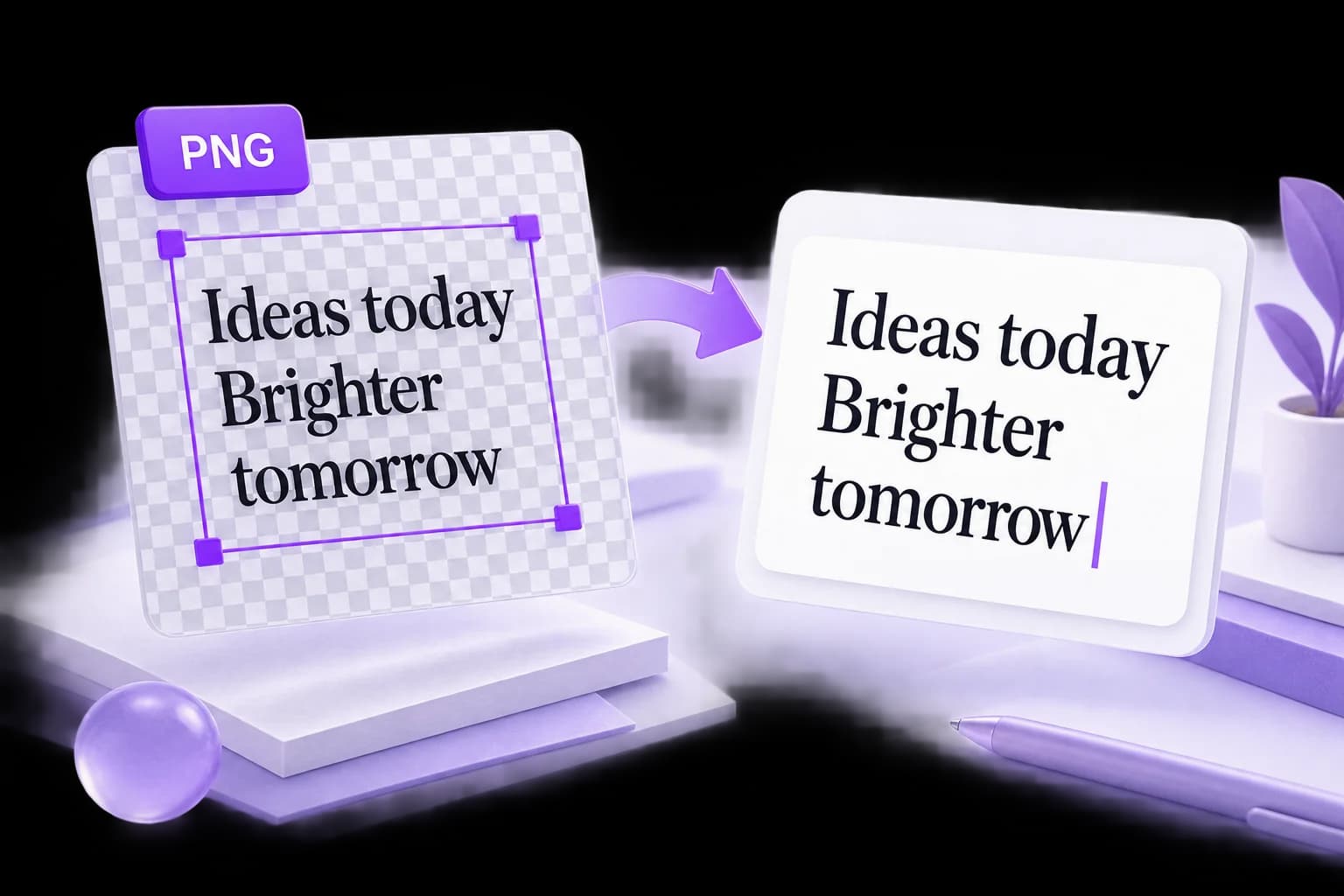
A PNG can look sharp and still produce incomplete text. Work through the source image, background, crop, and reading order before trying another conversion.
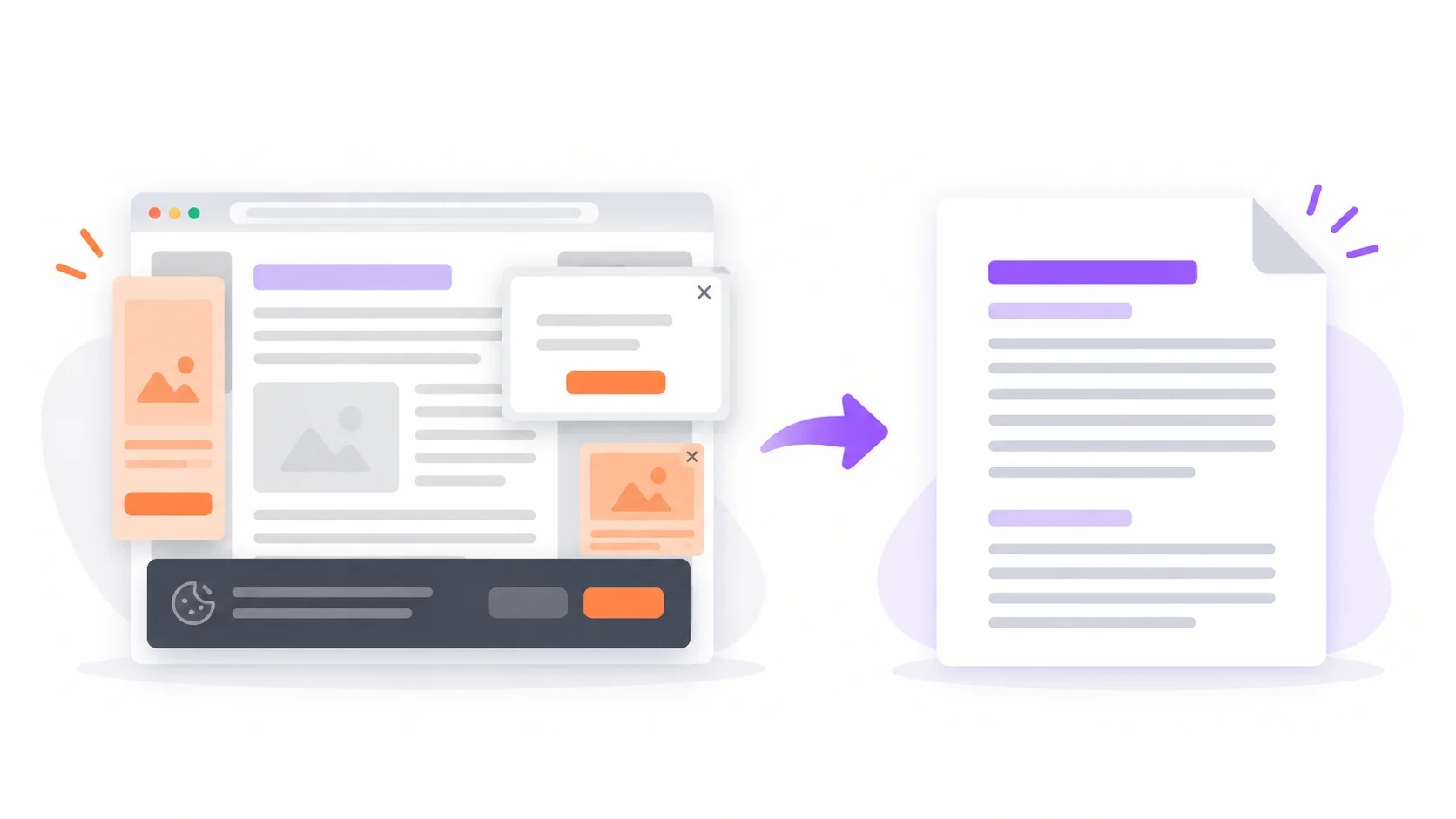
Browser print-to-PDF keeps the ads, cookie banners, and broken layouts. Here's how to turn any URL into a clean, shareable PDF — and when the built-in way is actually enough.
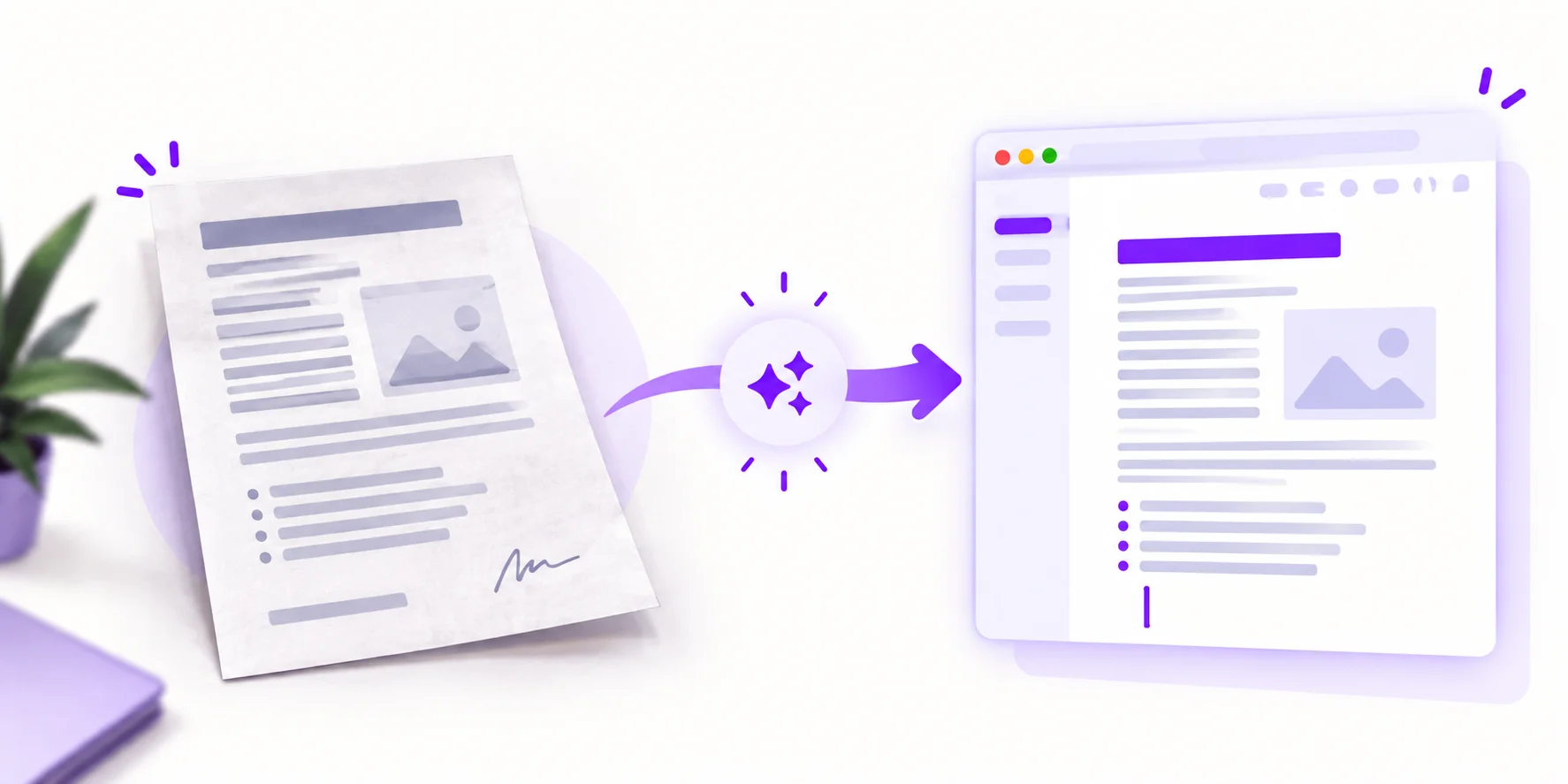
Turn a photo or scan into an editable .docx in three steps — and see exactly which formatting survives the conversion: paragraphs, tables, columns, and what to fix by hand.
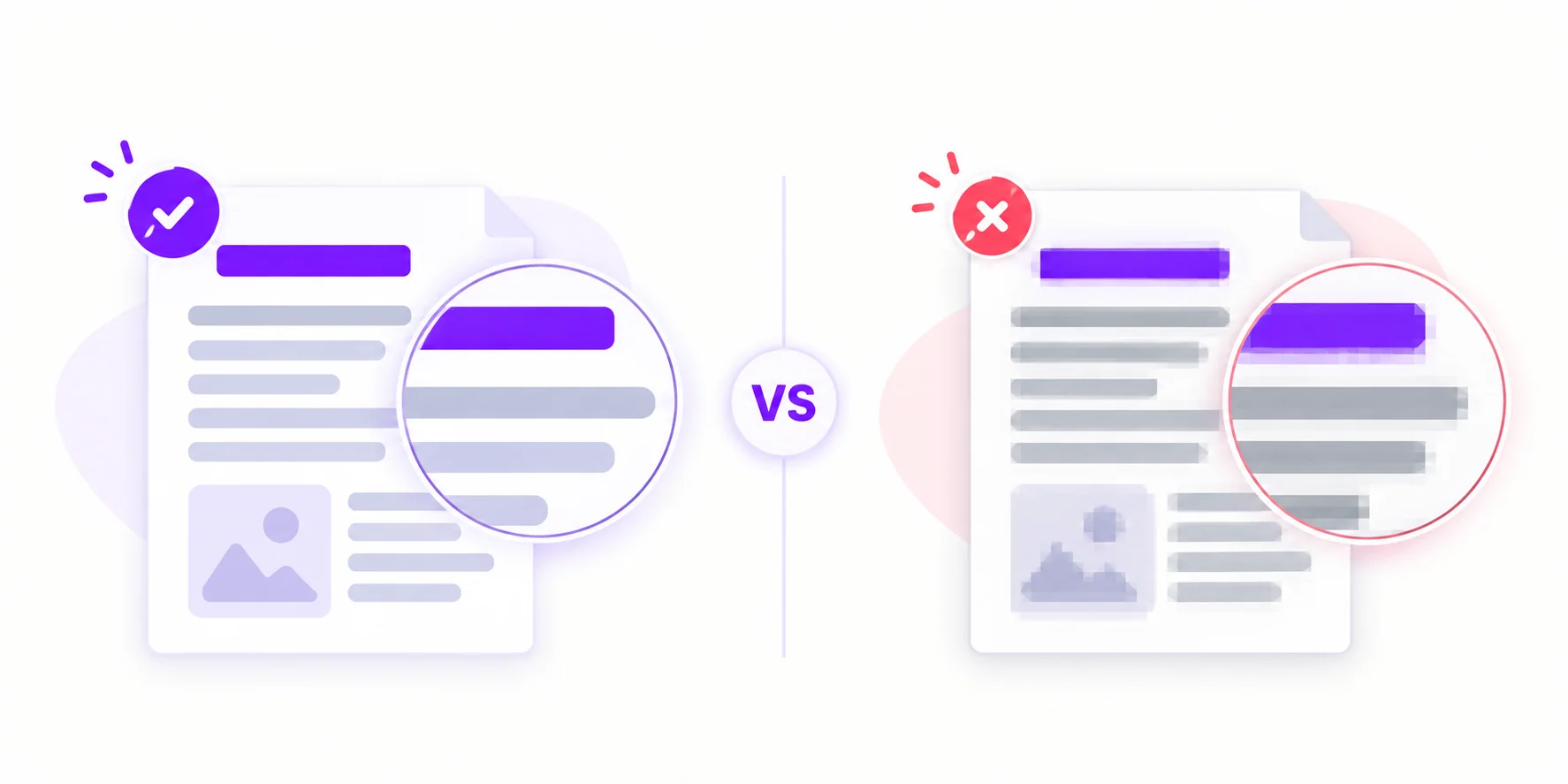
PNG keeps every pixel; JPG throws data away — and it throws it away exactly where letters live. What compression does to text, when it matters for OCR, and which format to choose.
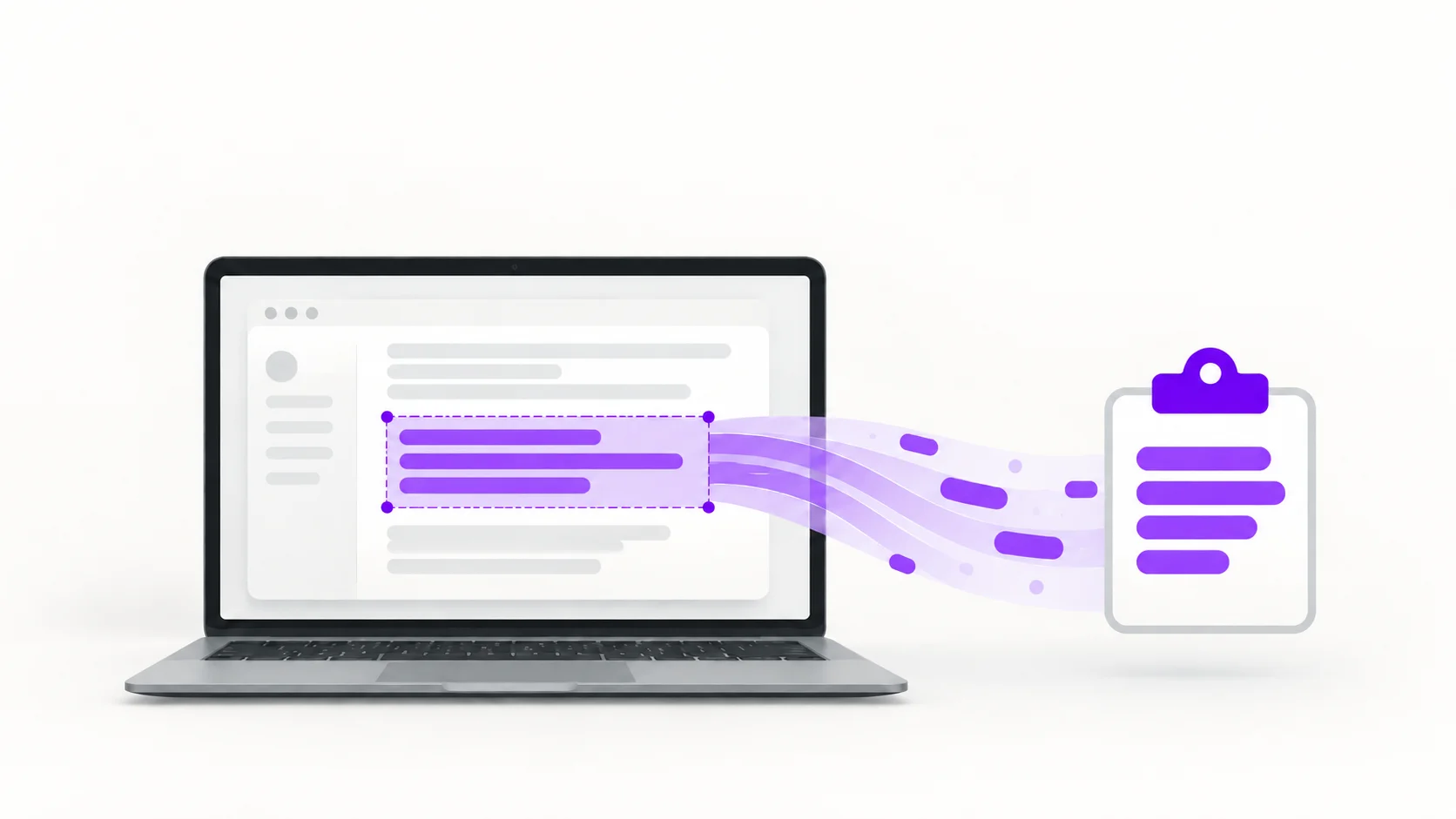
Six ways to copy text from any screenshot — the built-in tools on Windows 11, macOS, iPhone, and Android, plus a free web tool that works everywhere. No retyping.
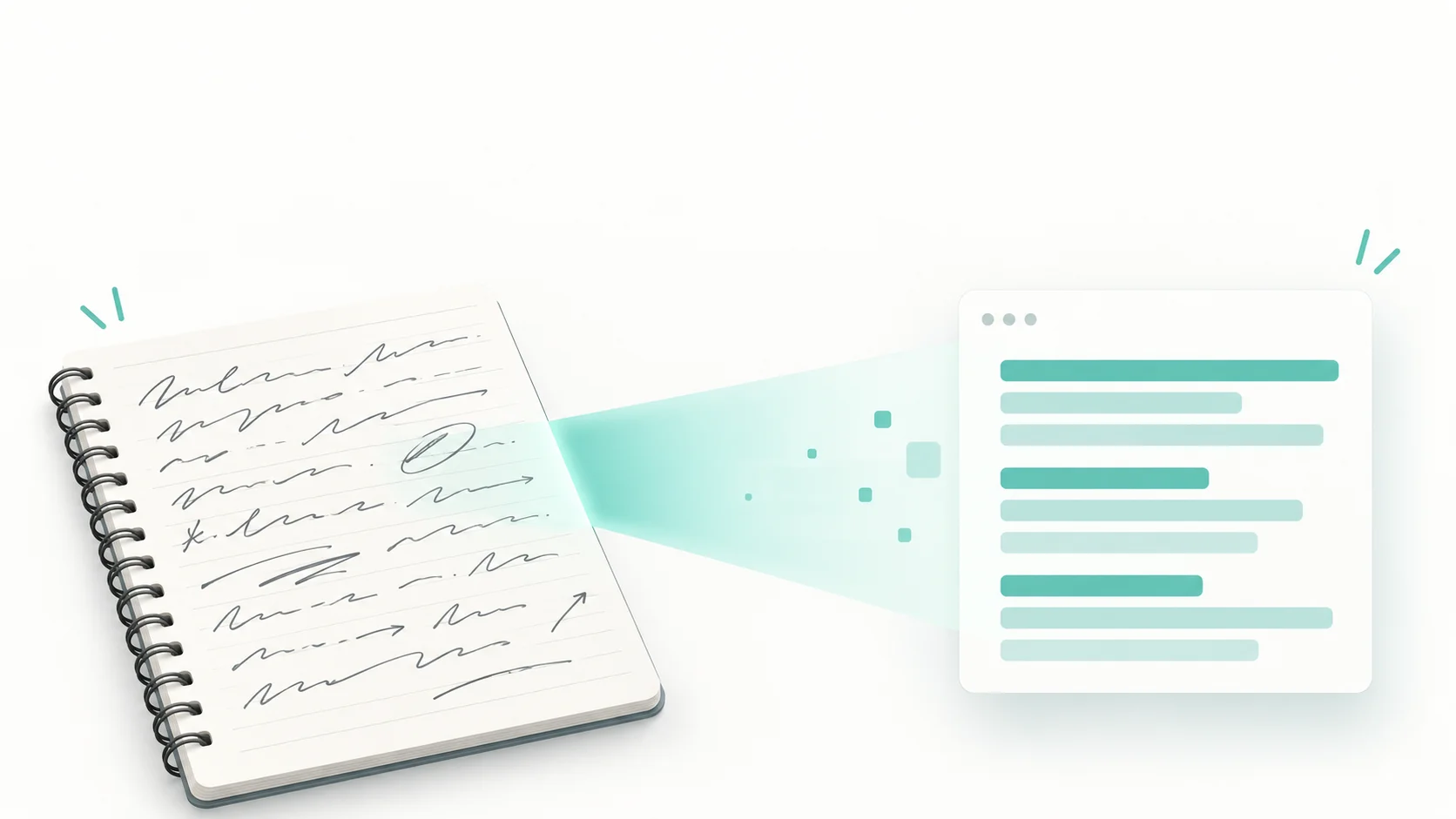
We put handwriting OCR to the test with cursive, neat print, and messy meeting notes. See what AI recognition gets right, what breaks it, and how to get the best accuracy from your own notes
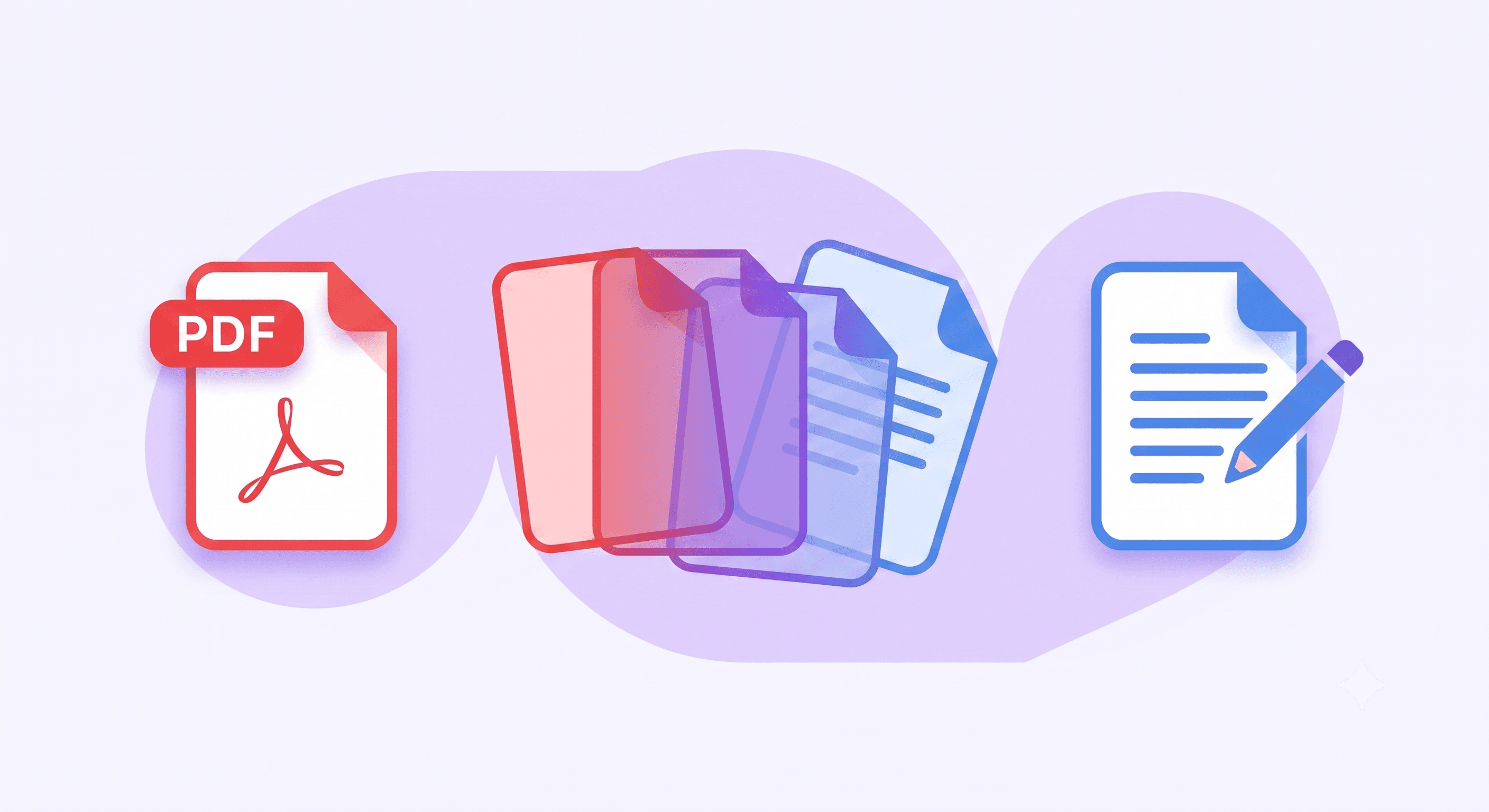
Convert selectable PDF text to Word, handle scans through image uploads, and check the formatting before using the result.
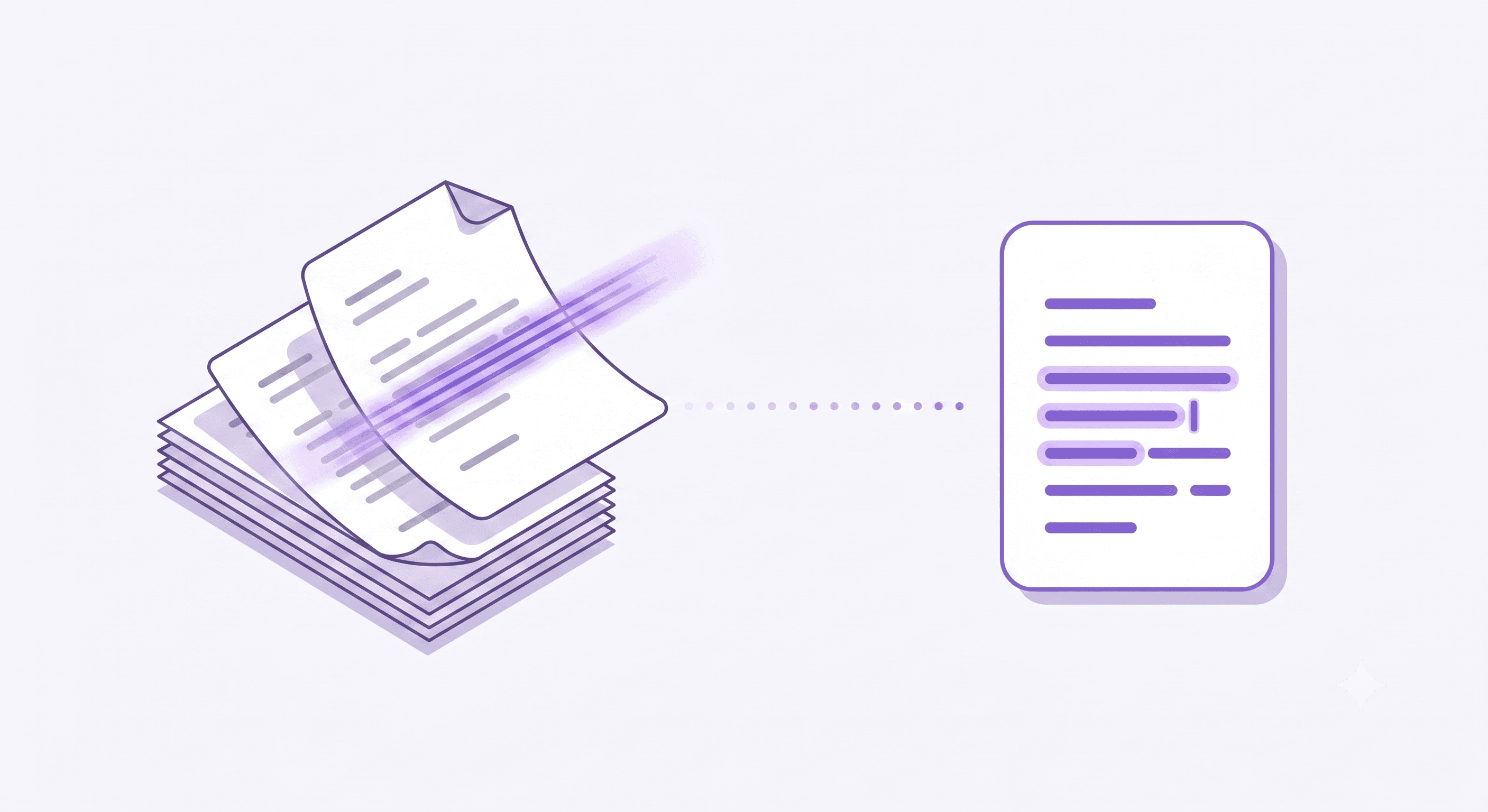
Learn how to save scanned PDF pages as images for OCR, review the text and choose a suitable export. Direct image-only PDF OCR is not supported.
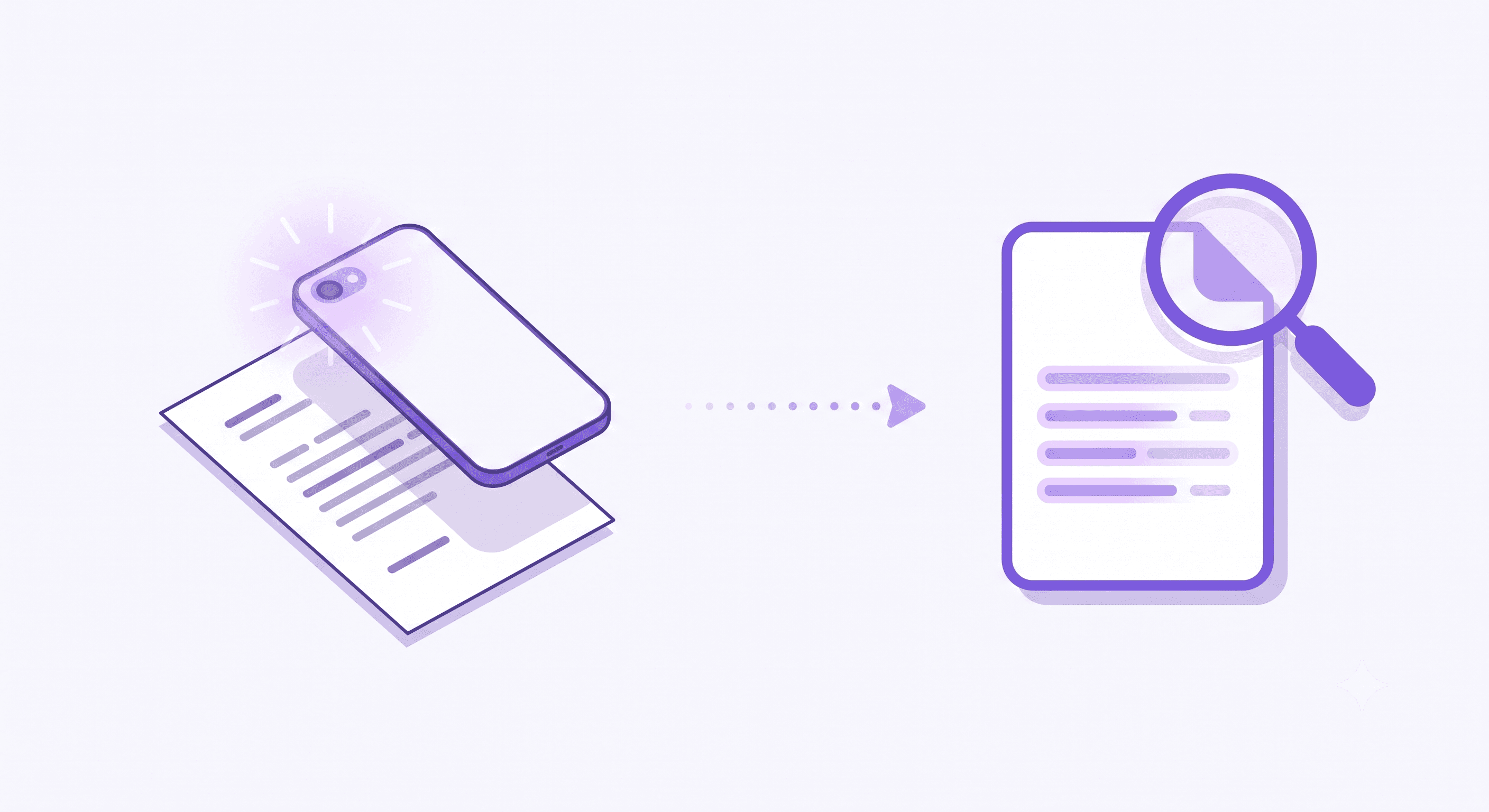
Create a PDF from recognized photo text and understand what changes. The converter does not preserve the original photo or merge multiple images.
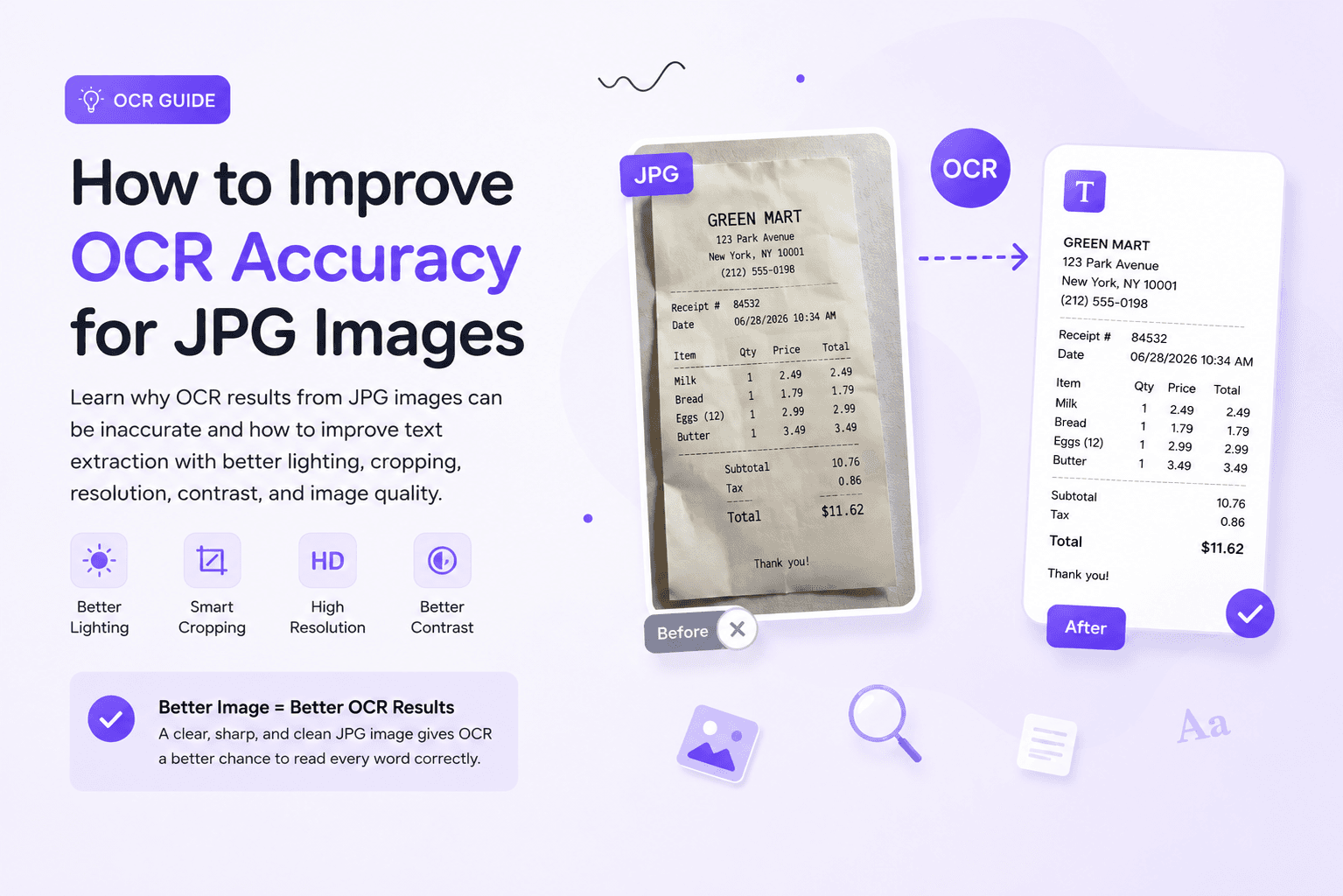
OCR results from JPG images depend on image quality. Learn how blur, shadows, compression, cropping, and small text affect OCR accuracy, and how to prepare cleaner JPG images before extracting text.
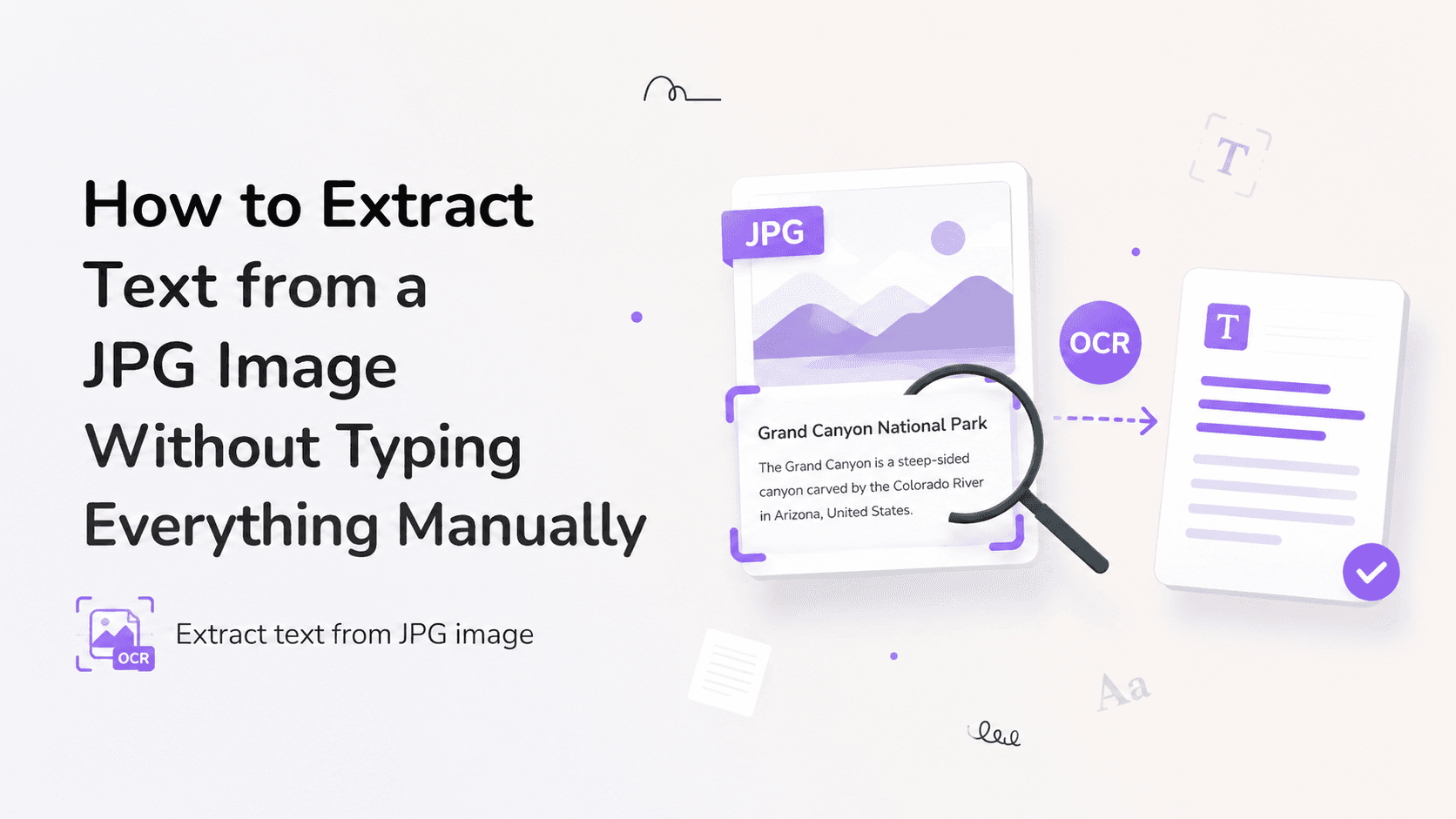
Learn why text inside JPG images cannot be copied directly, how OCR works, and how to prepare JPG photos, receipts, and scanned pages for cleaner text extraction.
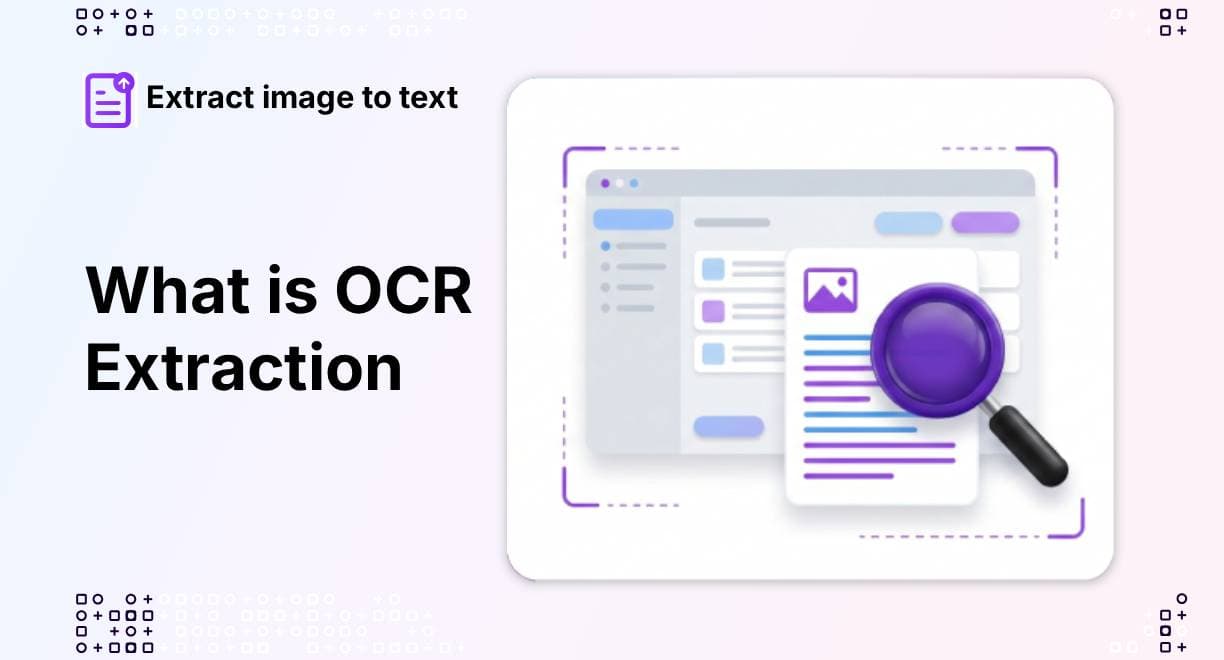
Once the image is processed by OCR, it begins the next phase, which is character recognition. Here, the technology identifies the individual characters, words, and sentences. Basically, in this step, the extraction process begins.
Have you ever taken a screenshot, captured a receipt photo, or scanned an important document and later needed to copy the text inside it? Manually typing everything again can waste time and increase the risk of mistakes.