Extract Image to Text – OCR Tool LogoMenu

Handwriting to Text Converter

Convert handwritten notes, journals, and documents to editable digital text instantly using AI-powered handwriting recognition. Supports cursive, printed, and mixed handwriting styles in over 100 languages — free, with no signup required.

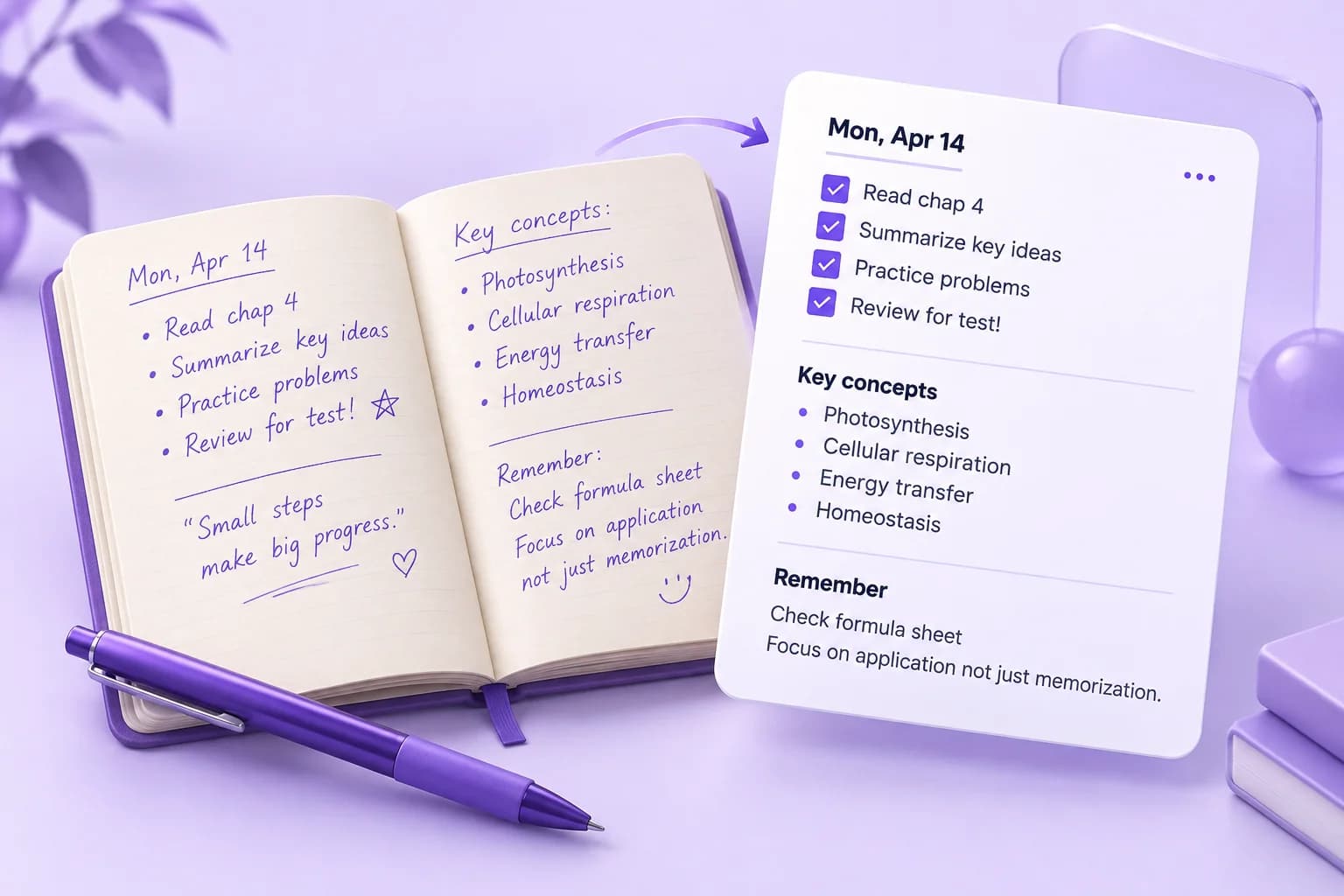
How to Convert Handwritten Notes to Digital Text

Three steps from paper to digital. Photograph your handwriting, upload it, and get editable text in seconds.

How to convert image to text illustration
1

Photograph or Scan Your Handwriting: Use your phone camera, a scanner, or any image of your handwritten notes. JPG, PNG, and TIFF formats work best. Good lighting and a steady hand when photographing will maximise accuracy.

2

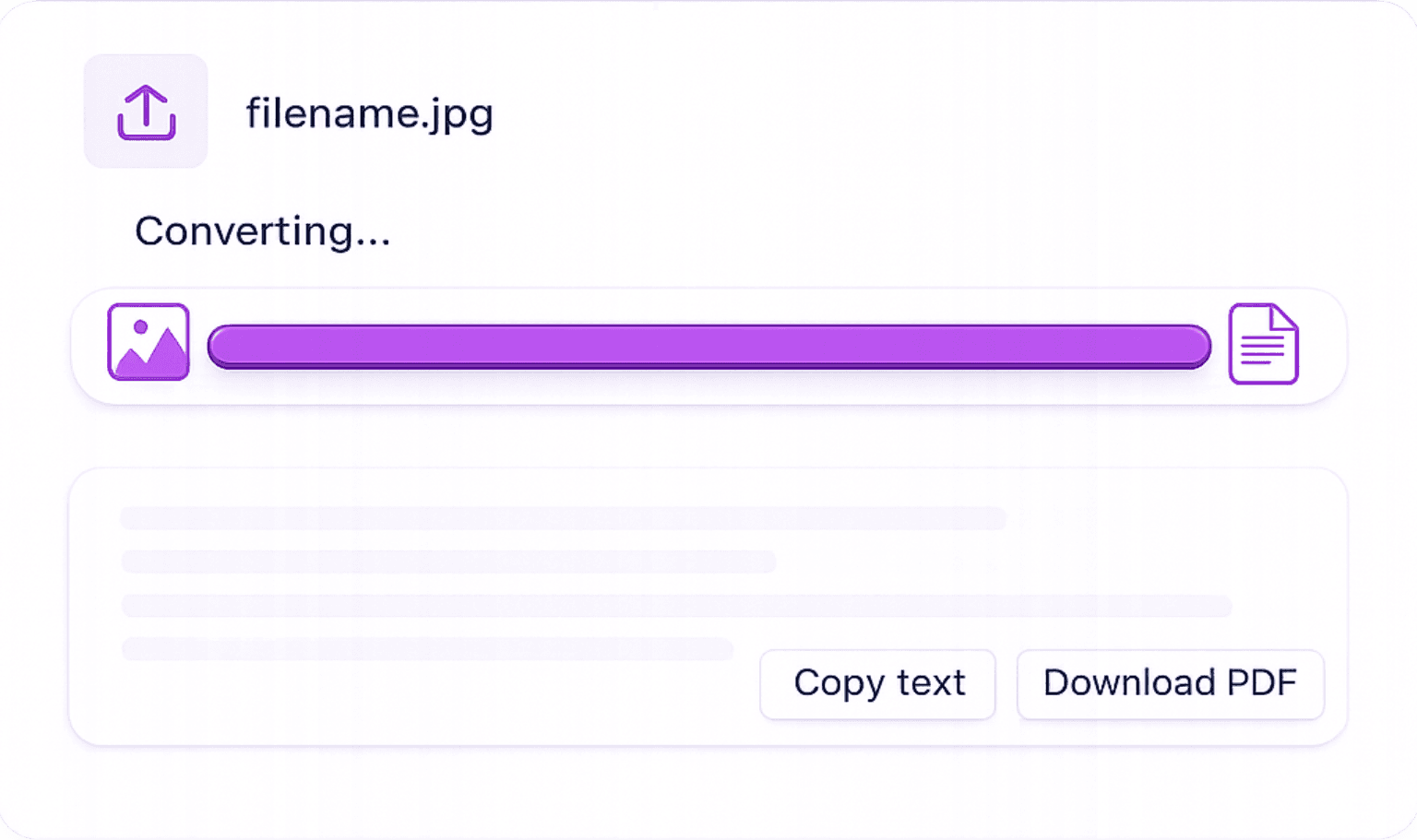
Upload to Our Handwriting OCR Tool: Drag and drop your image into the uploader or click to browse. Our AI analyses the strokes, letterforms, and spacing to identify each character — printed or cursive.

3

Instant Digital Text — Edit, Copy, or Export: Your handwriting is converted to editable text within seconds. Copy it directly or download as a Word document, PDF, or plain TXT file.

How Our AI Reads Handwriting

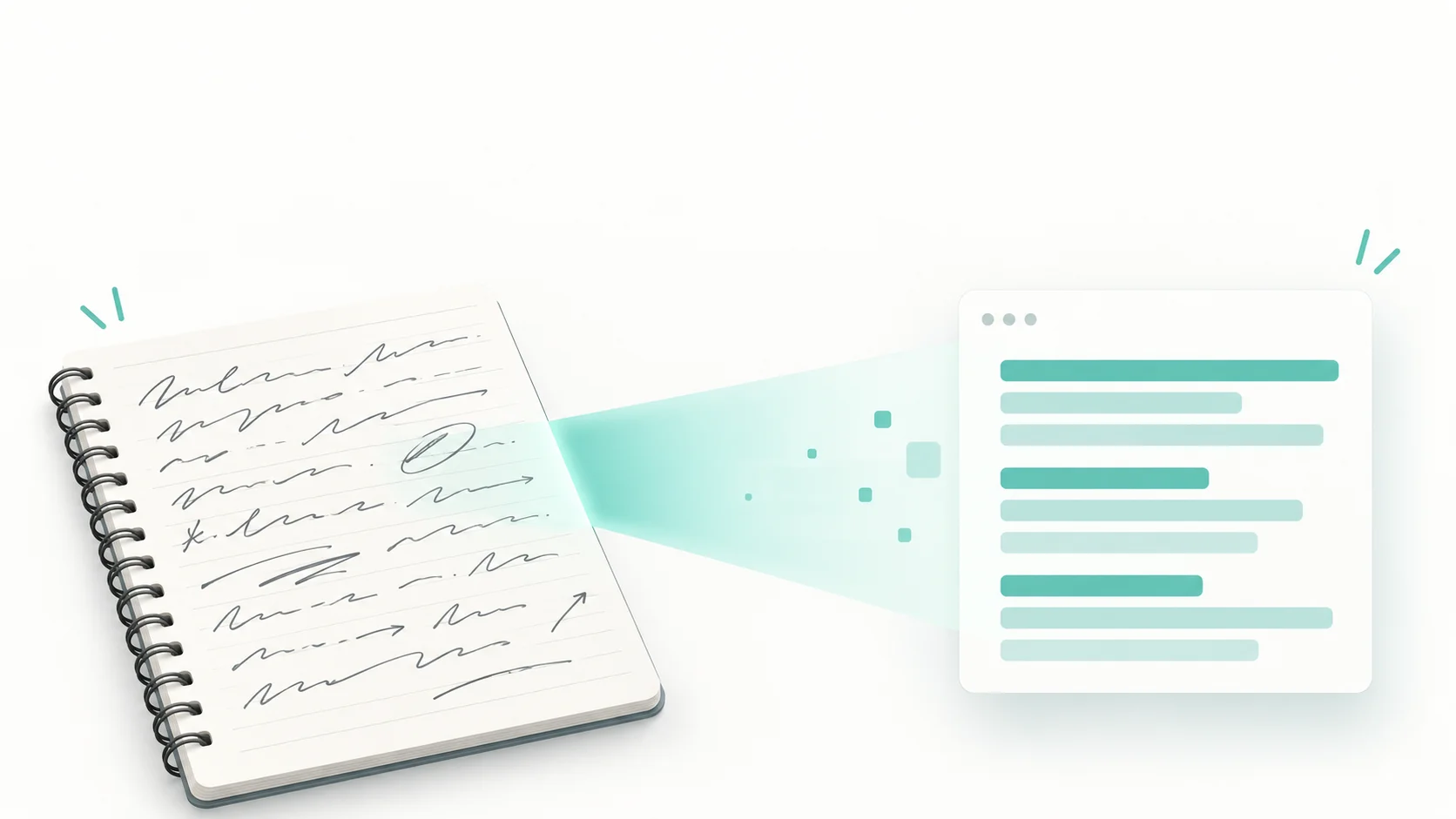
Trained on millions of handwriting samples, our OCR engine handles the natural variation in human writing that traditional scanners miss.

Cursive & Printed Handwriting

Our deep learning model recognises joined cursive script, block printing, and mixed styles — covering the full range of natural handwriting.

100+ Languages Supported

Convert handwritten text in English, Spanish, French, German, Arabic, Chinese, and over 100 other languages with high accuracy.

Handles Notes, Letters & Forms

Works on lecture notes, personal diaries, handwritten forms, historical manuscripts, and field research notes.

Instant Results — No Waiting

AI processing delivers your digital text in seconds, not minutes. Turn hours of physical note-taking into searchable digital content instantly.

Who Uses Handwriting to Text Conversion?

From students to researchers, anyone with handwritten content benefits from instant digital conversion.

  • Students: Digitise Lecture Notes Instantly — Photograph your handwritten lecture notes after class and convert them to searchable, editable digital text for easier revision and sharing.

  • Researchers: Archive Handwritten Field Notes — Convert field research notes, survey responses, or interview transcripts written by hand into digital documents for analysis.

  • Professionals: Convert Handwritten Forms to Data — Extract data from paper-based forms, feedback sheets, or client notes and import the text into spreadsheets or databases.

  • Writers: Preserve Handwritten Drafts — Convert handwritten story drafts, poems, or brainstorming notes into Word documents ready for editing and publishing.

  • Historians & Archivists: Transcribe Historical Documents — Digitise old letters, personal manuscripts, and historical records to make them searchable and shareable online.

Handwriting to Text — Frequently Asked Questions

Online Image to text converter converts any image into editable text.

Yes. Our AI OCR model is specifically trained on cursive handwriting samples and can accurately read joined-up script, including mixed cursive and printed text on the same page. Clear cursive with consistent letterforms achieves the highest accuracy.
Accuracy depends on the clarity of the handwriting and image quality. Clear, well-lit, consistently written text typically achieves 90–98% accuracy. Messy, irregular, or very small handwriting may be lower. Our tool is significantly more accurate than older OCR systems thanks to deep learning models trained on diverse handwriting styles.
Yes. We support handwriting in over 100 languages including Spanish, French, German, Italian, Arabic, Japanese, Chinese, and many more. Select your language before uploading for best results.
Use good lighting — natural daylight works best. Hold the camera directly above the page (avoid angled shots). Write on white or light-coloured paper with dark ink. Ensure the entire text is within the frame and in focus. Avoid shadows across the writing.
Yes. After our AI extracts the text from your handwriting, click the Word export button to download a fully editable .docx file compatible with Microsoft Word and Google Docs.
Yes. You can convert handwriting to text for free every day without creating an account. No signup, no watermark, no hidden costs.

Related Blogs