Why Screenshot Translations Go Wrong and How to Improve Them
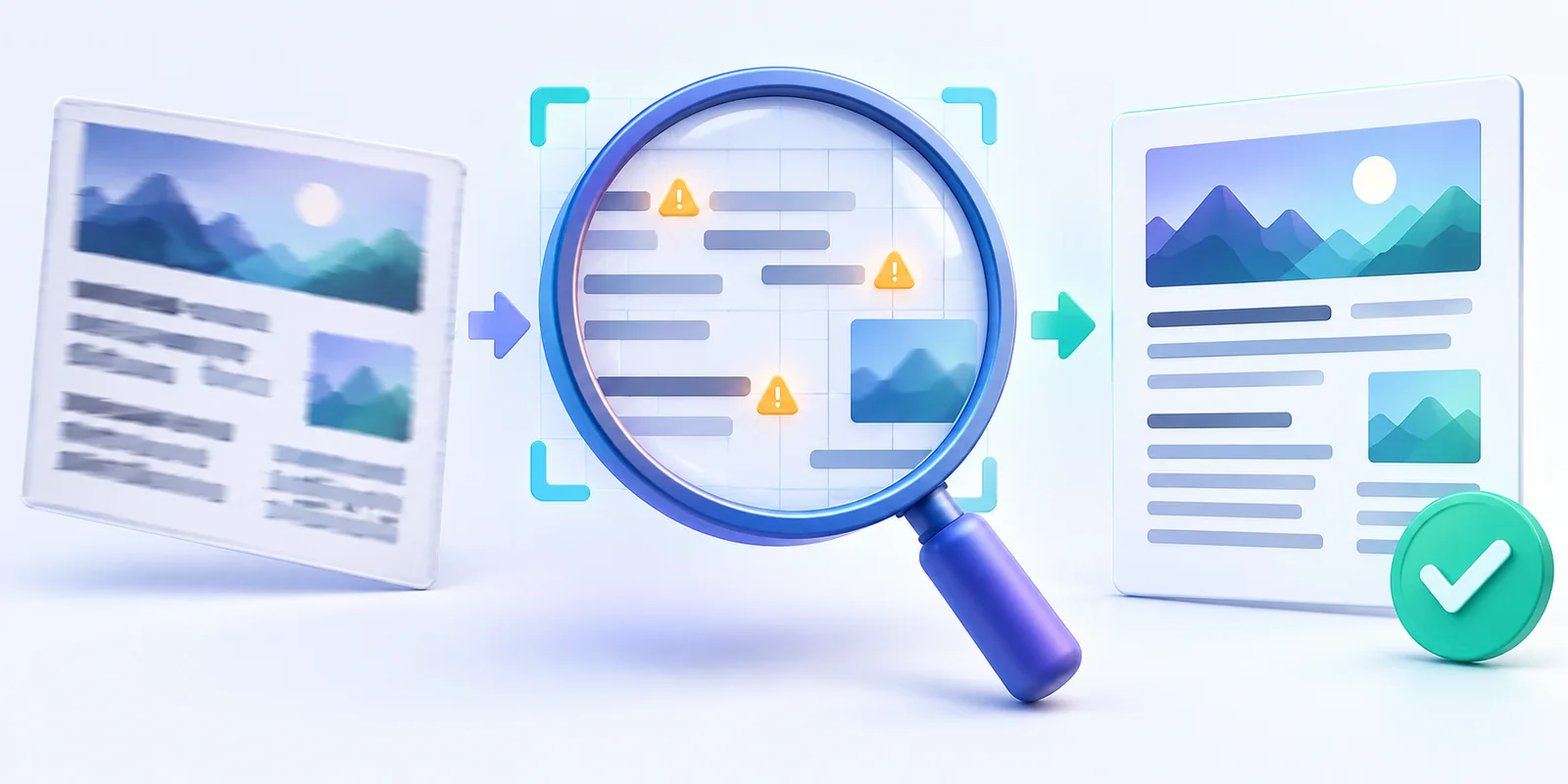
Understand how OCR errors, missing context, mixed languages and image quality affect screenshot translation—and learn how to improve the result.
 Menu
Menu
Upload an image and turn the text inside it into editable copy in seconds. Our online OCR tool helps you extract text from images, screenshots, photos, and scanned documents without retyping.
Upload one file at a time. Free: 3 conversions/day, up to 4MB. Images use online OCR.
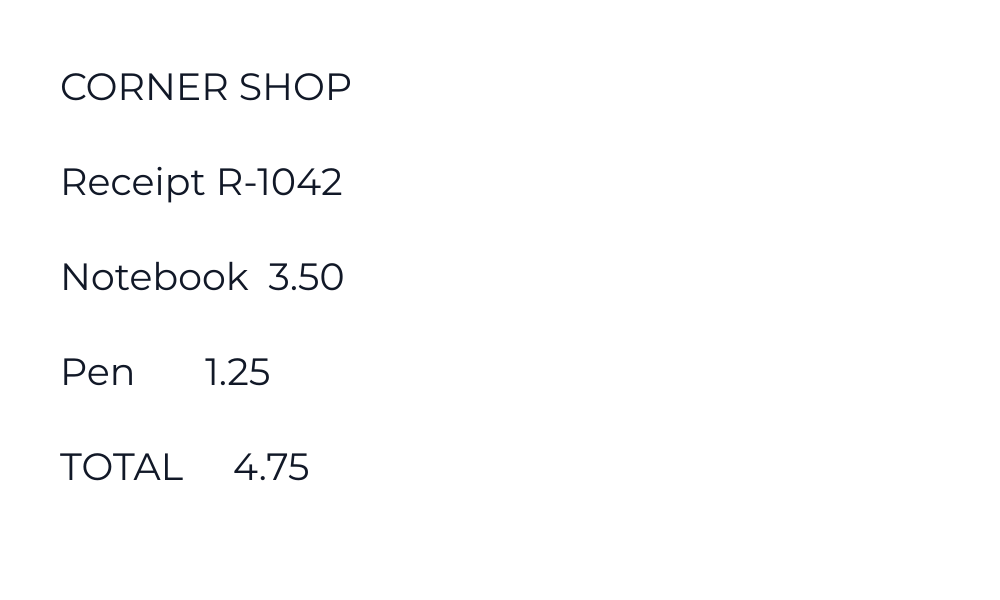
Use this fictional receipt to see whether the tool preserves amounts and punctuation. Download the image, upload it above, and compare your result with the source text shown here.
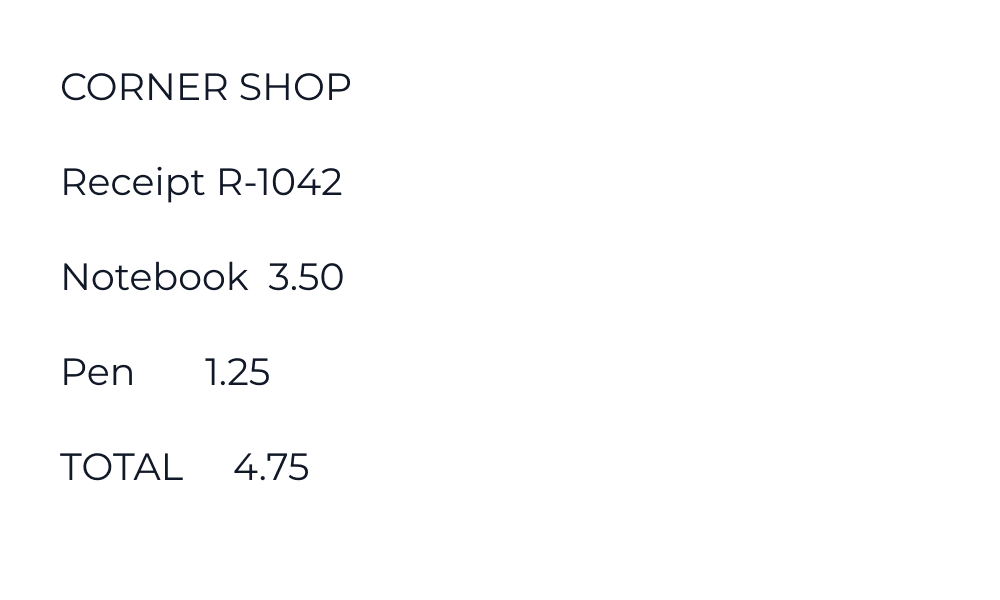
CORNER SHOP
Receipt R-1042
Notebook  3.50
Pen       1.25
TOTAL     4.75
This is a transcription of the sample, not a measured OCR result or an accuracy guarantee. Your result may differ. A practice conversion uses your normal conversion allowance.
Download source transcriptionImage OCR sends the uploaded image to our server and Google Cloud Vision. Avoid sensitive files unless you understand the processing. Read our processing and security details. For PDFs with selectable text, use PDF to Text.
No complicated steps. Upload your image, let the OCR tool read the text, and copy the result in a clean editable format.
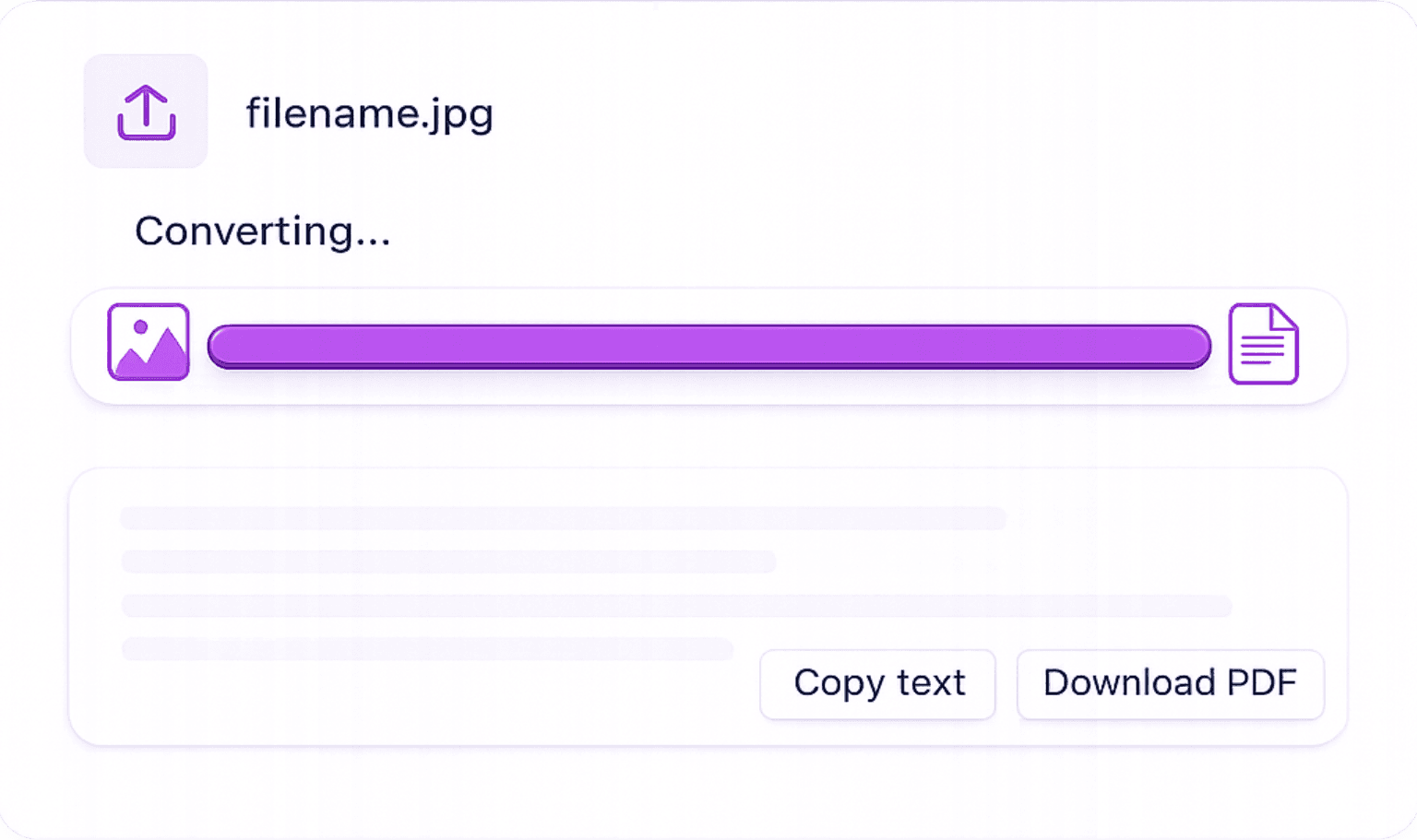
Upload Your Image: Choose a photo, screenshot, scanned page, document image, or any clear image that contains text.
Let OCR Read the Text: The OCR tool scans your image, detects the characters, and turns the visible text into an editable format.
Copy, Edit, or Download: Once the text is extracted, you can copy it, edit it, save it, or use it in your notes, documents, emails, and daily workflows.
Get readable text from everyday images, files, notes, and document photos with tools that help you review, clean, and reuse the result faster.
Recognize printed text from clear photos, document images, receipts, and screenshots. For best results, use sharp images with good lighting and readable text.
Review the extracted result on the same page. Fix small OCR mistakes, clean up formatting, and prepare the text before copying or saving it.
Upload JPG/JPEG, PNG, WebP, BMP, GIF or TIFF images. PDFs must contain selectable text. Convert HEIC photos to JPG or PNG first. Image-only scanned PDFs need to be saved as images before OCR.
Save the extracted content in the format you need. Copy the text directly, download a plain text file, or export it for document use
Convert a screenshot, receipt or page image, review the result, then upload the next file when ready. Free use includes three conversions per day.
Turn clear handwritten notes, letters, and journal pages into digital text when the writing is easy to read and the image quality is good.
Image OCR uses Google Cloud Vision. The returned text is a draft you can check against the original, edit and export.
Images over 1MB may be resized and compressed in your browser before upload. Crop to the text you need to retain readable detail.
The image is sent to our server and Google Cloud Vision for recognition. An internet connection is required; image OCR does not run entirely on your device.
Review the returned text in the editor. Names, amounts, punctuation and reading order can need corrections; exporting does not verify their accuracy.
Built for quick uploads, clean results, easy corrections, and flexible downloads so you can turn image-based text into usable content without extra steps.
Quickly pull useful text from images, notes, screenshots, and document photos so you can edit, save, or reuse it without typing everything manually.
Turn lecture slides, textbook photos, and study notes into editable text for easier learning and organization.
Copy text from scanned forms, receipts, reports, and document images without retyping every line.
Save useful text from reference images, scanned pages, and screenshots for easier editing, quoting, and organizing.
Extract lines from graphics, whiteboards, screenshots, and saved references for captions, scripts, drafts, and notes.
Extract text from images, convert PDFs, and create editable documents with simple online tools built for images, screenshots, scanned files, and document conversion.
Extract image text, review it and translate it into another language.
Extract text from JPG and JPEG images.
Convert PNG images into editable text.
Copy text from desktop and mobile screenshots.
Convert clear handwritten notes into digital text.
Extract contact details from a business card and download a VCF.
Find quick answers about supported files, free daily use, text editing, privacy, and how to get better OCR results.
Understand how OCR errors, missing context, mixed languages and image quality affect screenshot translation—and learn how to improve the result.
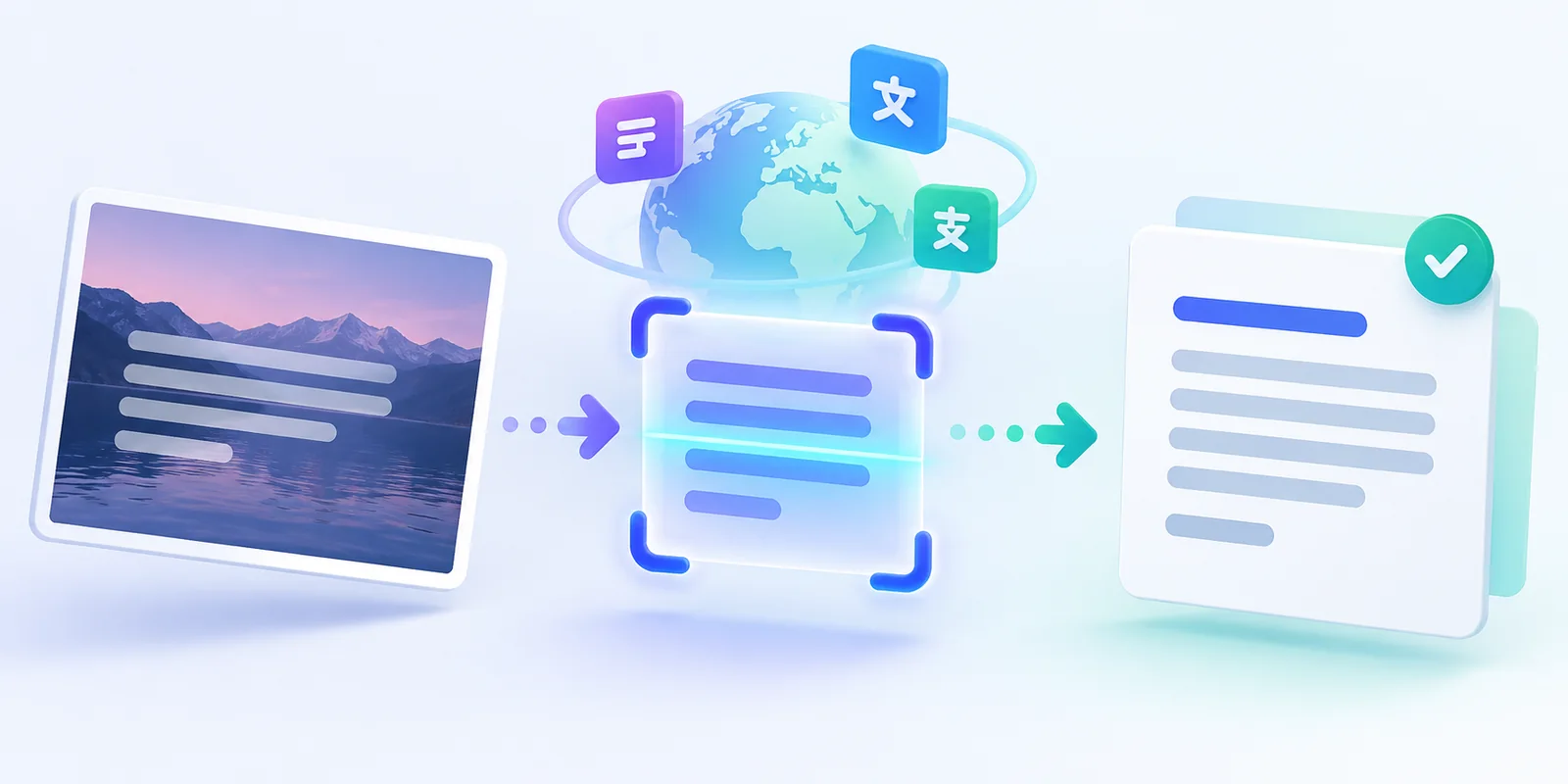
Learn how to extract text from a screenshot, correct OCR mistakes, translate it into another language, and copy or download the result.
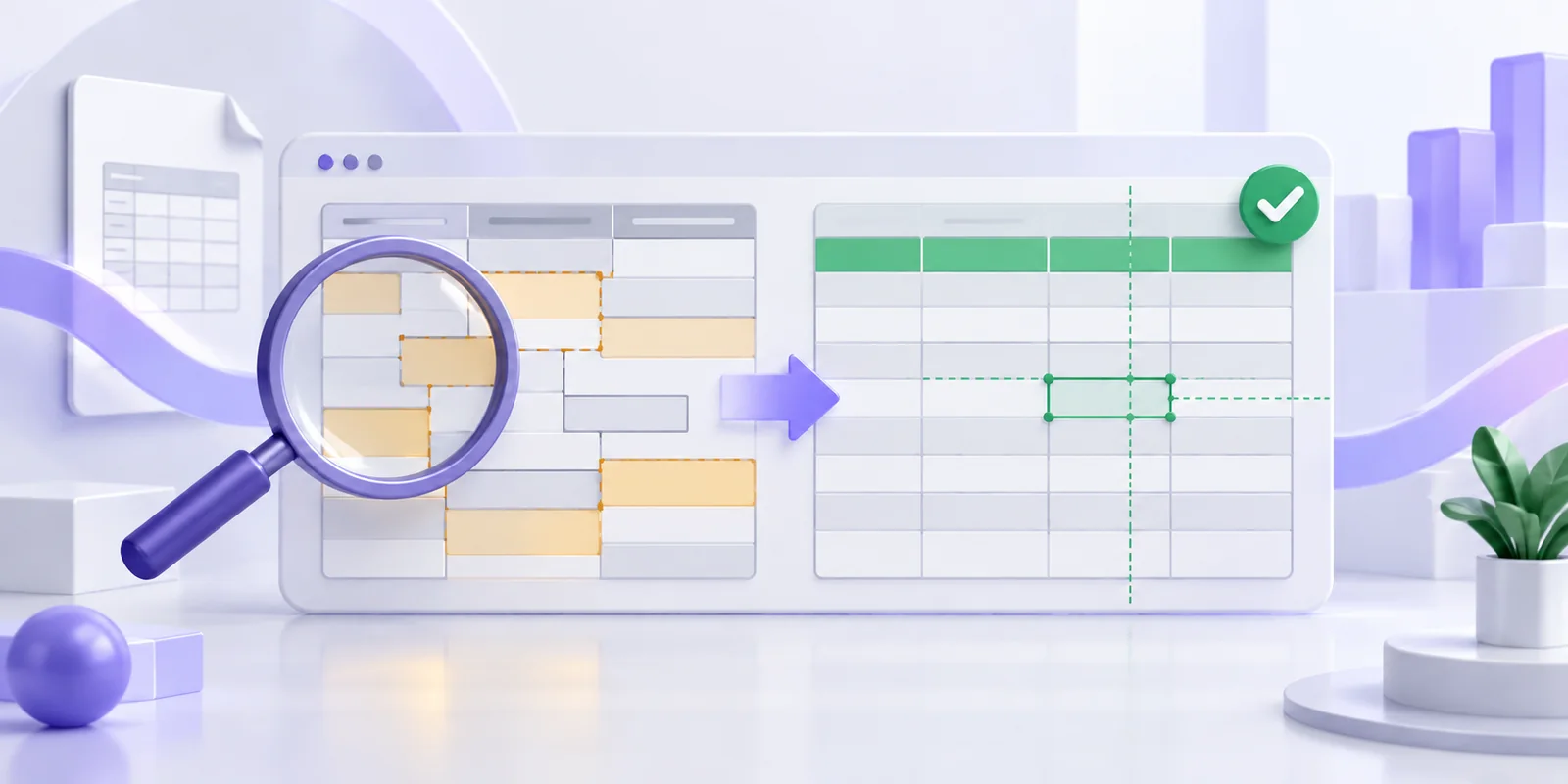
Find out why PDF values move into the wrong Excel columns and how to correct wrapped rows, headers, numbers and identifiers before export.