Can OCR Read Handwriting? Cursive and Messy Notes Explained
Can OCR Really Read Handwriting? What to Expect from Cursive, Print, and Messy Notes
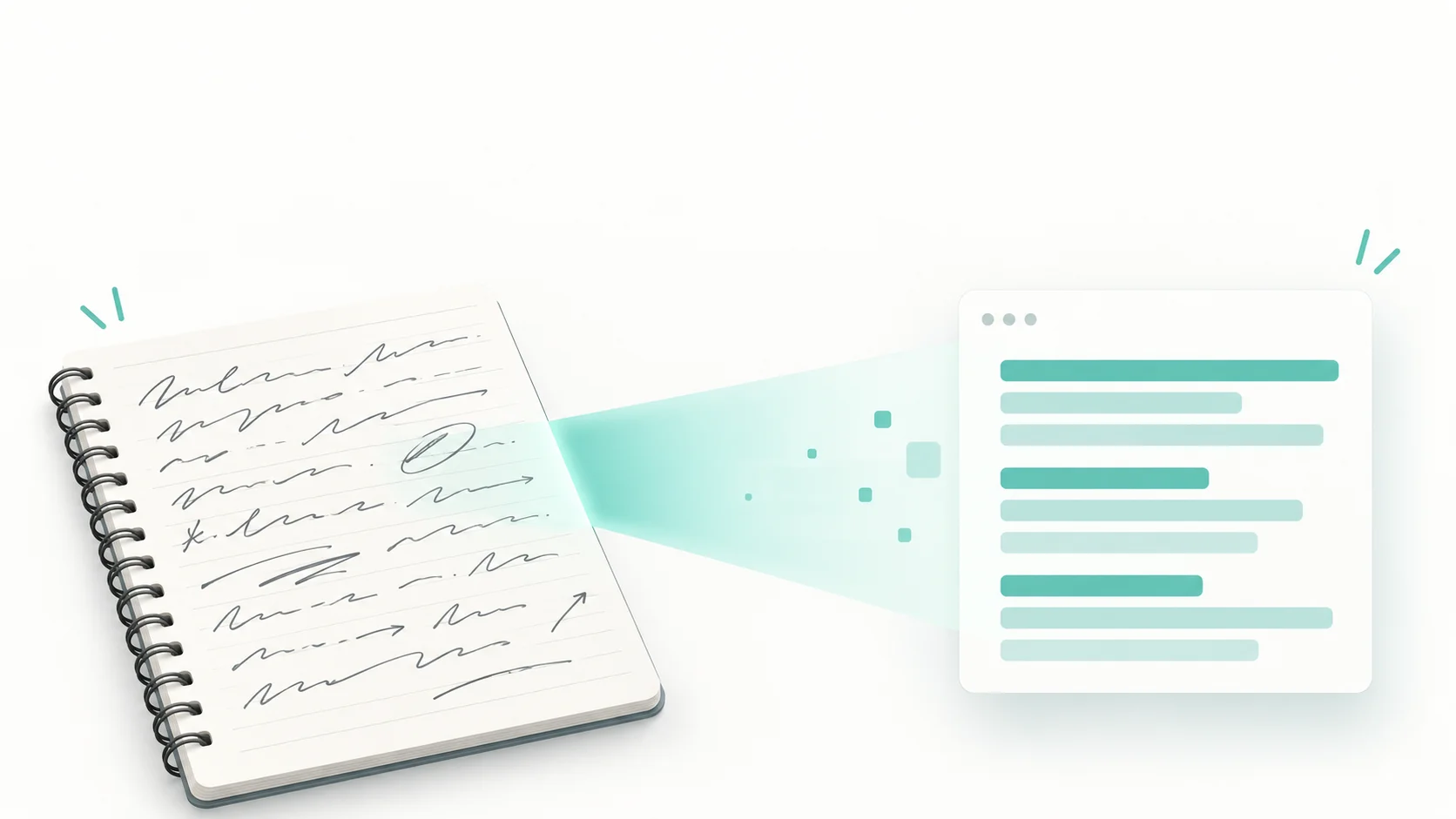
Typed text is a solved problem. Point any decent OCR tool at a screenshot or a scanned book page and you get near-perfect results. Handwriting is where people stop believing, and it is the question we get asked more than any other: can it actually read my writing?
The short answer is yes. Modern AI handwriting recognition reads most handwriting well, cursive included. But accuracy swings a long way depending on the writing itself and on how you photograph the page, so it is worth knowing what helps and what hurts before you blame the tool.
Why handwriting is so much harder than print
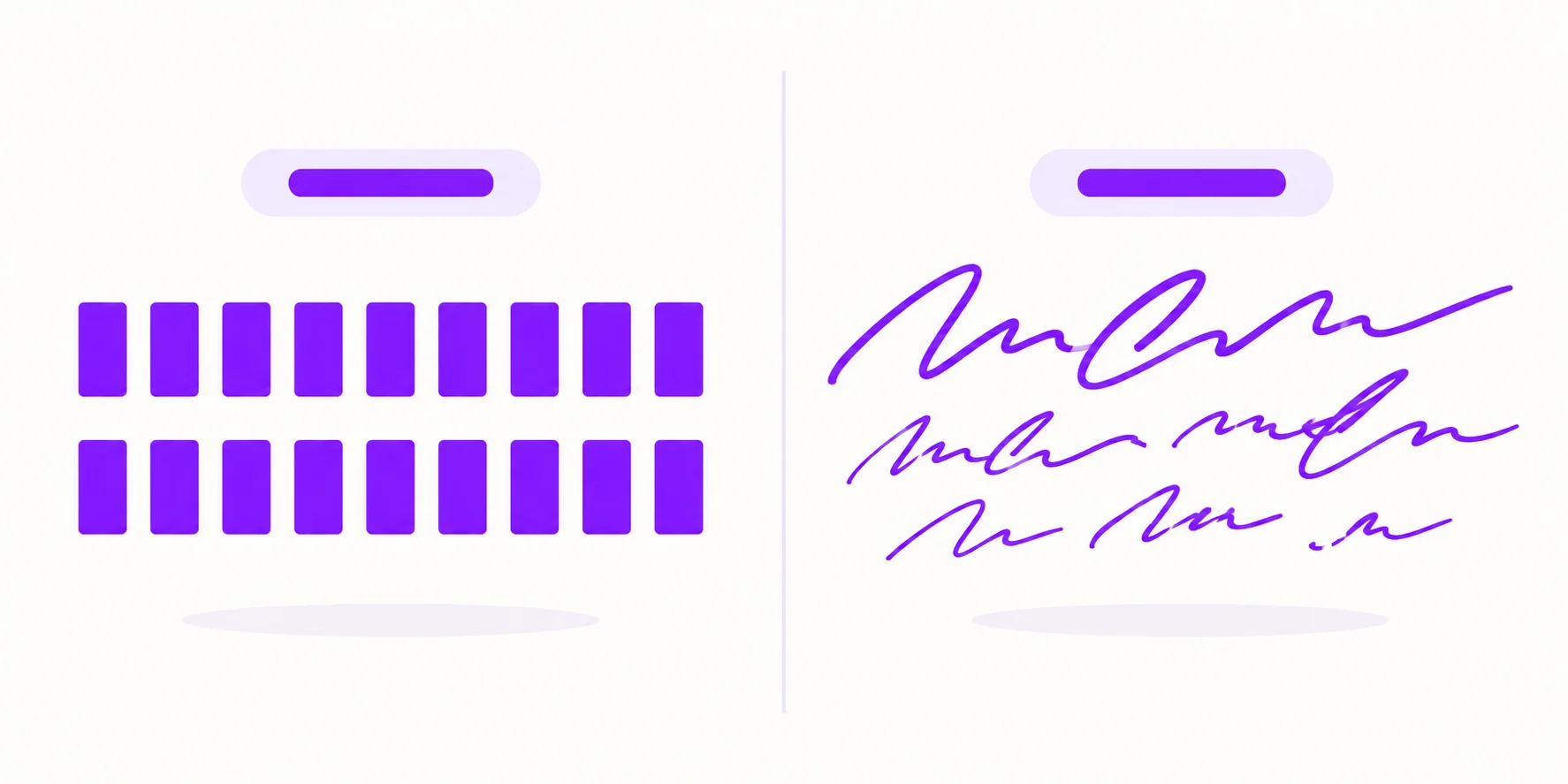
Classic OCR was built on a simple idea: every printed "a" looks basically like every other printed "a". The software matches shapes against known letterforms, and printed fonts are consistent enough for that to work almost perfectly.
Handwriting breaks every assumption in that approach:
No two letters are identical. Your "a" at the start of a page does not match your "a" at the end of it.
Cursive connects letters. The software cannot easily tell where one letter ends and the next begins. This segmentation problem defeated OCR for decades.
Baselines drift. Handwritten lines slope, crowd together and overlap.
Pressure and ink vary. Strokes fade mid-word, and pencil is low-contrast to begin with.
That is why modern tools do not match letter shapes at all. AI handwriting recognition (often called HTR, for handwritten text recognition) reads whole words and lines in context, using neural networks trained on millions of handwriting samples. When a scribbled word could be "clam" or "claim", the model uses the surrounding sentence to decide. It is much closer to how a human reads bad handwriting than to how old OCR worked.
What to expect from five kinds of handwriting
Not all handwriting is equally hard. Here is how five common samples tend to behave, from the easiest case to the most difficult.
1. Neat block print
The best case, and close to printed text in difficulty. Separated letters, consistent height and a steady baseline give the model everything it needs. If you already know a page of notes is going to be digitised, this is the style to write it in.
2. Everyday quick print
Normal note-taking speed, letters mostly separated but rushed. Results stay strong, with the occasional slip where two letters run together or an ambiguous character gets decided by context, such as a hurried "u" that could pass for a "v".
3. Cursive
Better than most people expect. Because the model reads words rather than isolated letters, consistently joined writing is often more reliable than erratic print. The errors that do show up cluster on proper nouns, invented abbreviations and acronyms, where there is no surrounding language for the model to lean on.
4. Messy meeting notes
The genuinely hard case, and rarely because of the letterforms. Arrows into the margin, boxed asides, bullet fragments and words crossed out and rewritten above the line confuse the reading order far more than the handwriting itself does.
5. Whiteboard photos
Marker writing is bold and high-contrast, which helps a lot. But whiteboard photos are usually taken from a seat at the side of the room, at an angle, with glare from the ceiling lights across part of the board. Those two factors, not the writing, decide the result.
Handwriting results depend on letter clarity, language and the photograph. These examples describe common challenges; they are not measured benchmark results. Check names and numbers manually and compare the output with your original notes.
What actually breaks handwriting recognition
Errors cluster around the same few causes, and almost all of them are fixable before you upload:
Overlapping lines and cross-outs. A correction written above a crossed-out word confuses line detection more than messy letters ever do.
Shadows and uneven light. A shadow across the page reads as a dark smudge the model has to work around.
Extreme slant plus tight spacing. Either one alone is fine. Together, words merge into each other.
Faint pencil on off-white paper. Low contrast starves the model of signal. Pen beats pencil every time.
Photographing at an angle. Perspective distortion stretches letterforms into shapes the model has seen less often.
Notice what is not on that list: cursive itself. Joined-up writing that is consistent scores far better than disjointed print that is erratic. Consistency beats neatness.
How to photograph notes for the best results
Five habits fix most accuracy problems before the AI ever sees your page:
Shoot from directly above, with the page flat. Weigh down curled corners.
Use daylight or bright, even room light, and check that your own shadow is not falling across the page.
Fill the frame with the page. Do not capture the whole desk and crop later, because cropping throws away the resolution you needed.
One page per photo. Two facing notebook pages in a single shot halves the effective resolution of each.
Keep it under 4 MB for the free tier. A standard phone photo is usually well within that.
Check your own accuracy in five minutes
Rather than trusting anyone's numbers, measure your own handwriting once. It takes about five minutes and tells you exactly what to expect from your notes:
Pick a page of roughly 100 words of your normal writing.
Photograph it flat, from above, in good light.
Run it through the Handwriting to Text Converter.
Count the words that came out wrong and divide by the total. That is your baseline accuracy.
Now change one thing — better light, a pen instead of pencil, a straighter angle — and run it again. You will usually find one variable is responsible for most of the errors.
From notebook to digital text in three steps
Upload your photo to the Handwriting to Text Converter. No signup needed.
Let the AI process it. A page of notes takes a few seconds.
Copy the text, or export it. If you want a formatted document rather than raw text, the Image to Word converter produces an editable .docx directly.
Images are sent over HTTPS to our server and Google Cloud Vision for OCR. The conversion route does not save source files or extracted text to our application database. Account and usage records are separate; see our security page.

Zarbaz Khan
Guides to OCR, document conversion and reviewing extracted text. Read the author profile for background and more articles.