Step 1
Upload one image
Choose a clear JPG, PNG or WebP photo, screenshot, sign, menu or document image.
 Menu
MenuOCR extraction with Pro text translation
Translate text from a photo, screenshot, sign or scanned image. Review the OCR result, choose a language, then copy or download the translated text.
OCR extraction and text translation
JPG, PNG or WebP · Free OCR: 3 scans per day, up to 4 MB
Translation requires Pro
Use a clear photo, screenshot, sign, menu or document image. You can correct the recognized text before translation.
The image is sent to our server and Google Cloud Vision for text recognition. Reviewed text is sent to Google Cloud Translation only when a Pro user selects Translate. This tool returns translated text; it does not replace text inside the image. See our security information.
Use the photo and screenshot translator workflow below. Review the OCR result first so recognition errors do not become translation errors.
Step 1
Choose a clear JPG, PNG or WebP photo, screenshot, sign, menu or document image.
Step 2
Google Vision reads the visible text and returns an editable result.
Step 3
Check names, numbers, punctuation and unclear characters before translation.
Step 4
The translation service detects the source language automatically and translates the reviewed text.
Step 5
Review the translated text, make optional edits, then copy it or save a UTF-8 TXT file.
Translation uses the editable source text, so fixing a misread character can change the result. Review proper names, product codes, prices, dates and punctuation carefully.
The result is editable translated text. The tool does not redraw the original image, preserve its fonts, or place translated words over signs, menus and screenshots.
Only need the original text? Try Screenshot to TextHow OCR extraction, translation access and downloaded text work.
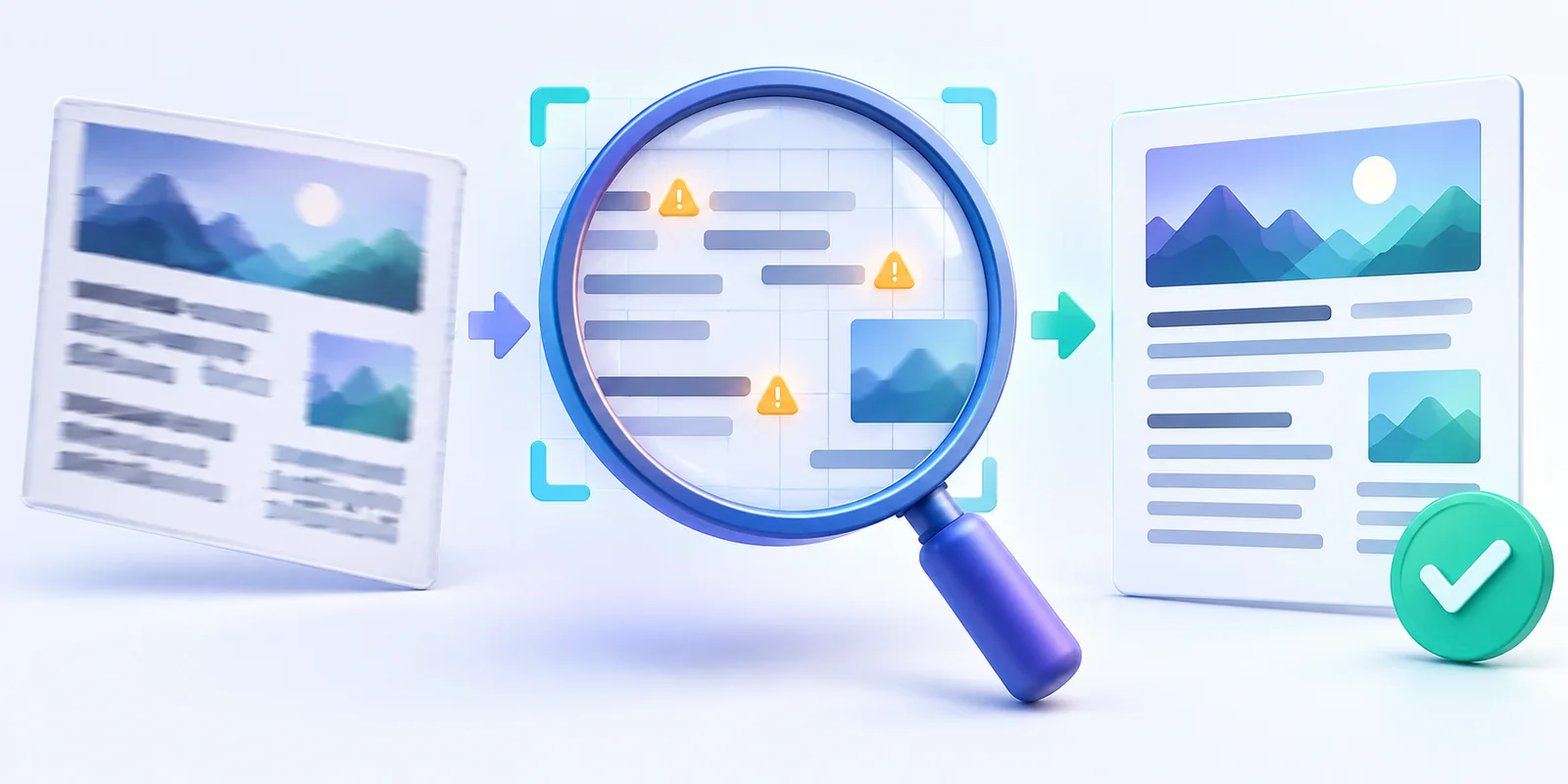
Understand how OCR errors, missing context, mixed languages and image quality affect screenshot translation—and learn how to improve the result.
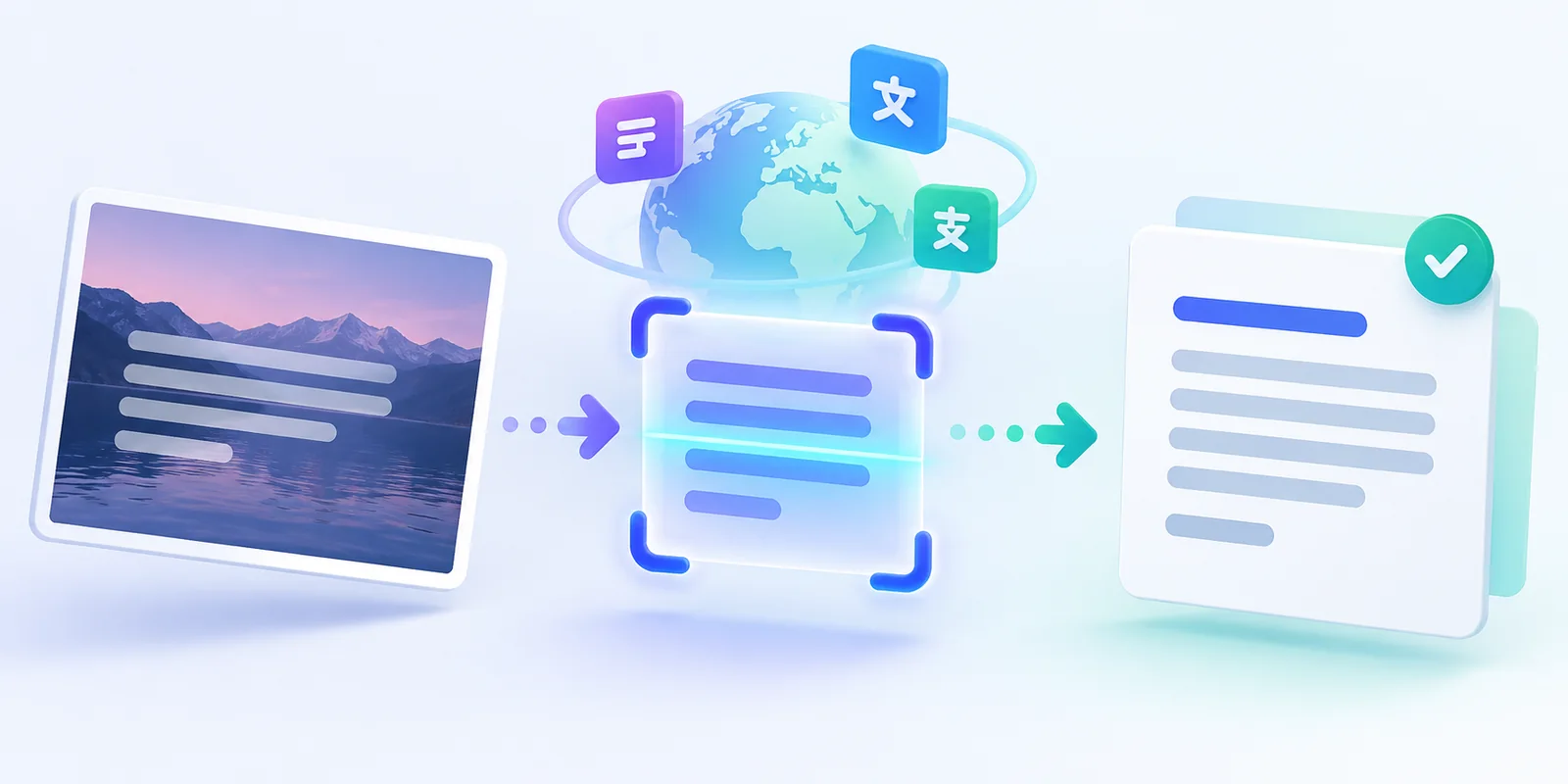
Learn how to extract text from a screenshot, correct OCR mistakes, translate it into another language, and copy or download the result.