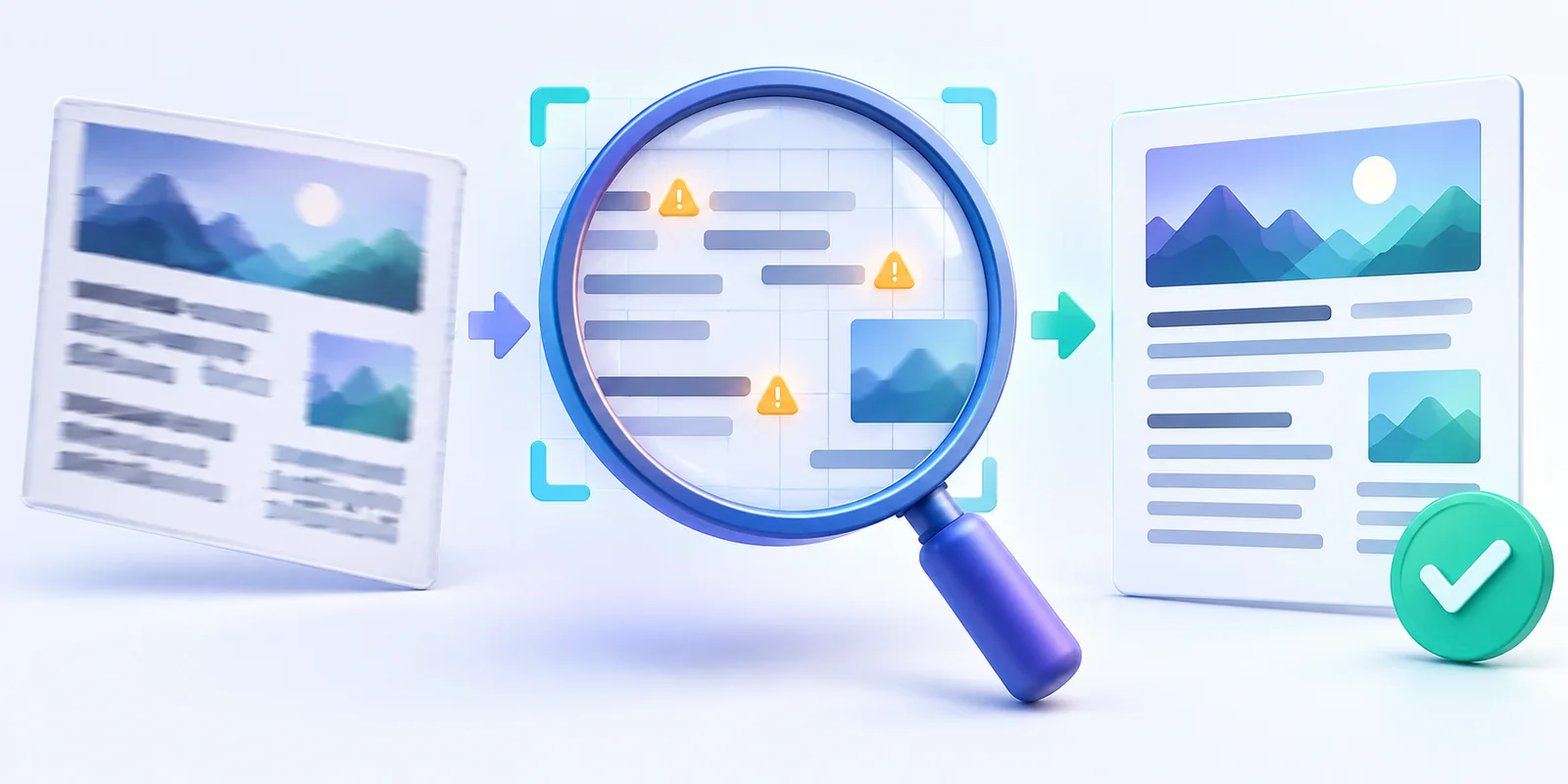
Why Screenshot Translations Go Wrong and How to Improve Them
Understand how OCR errors, missing context, mixed languages and image quality affect screenshot translation—and learn how to improve the result.
 Menu
Menu
Copy text from a screenshot without retyping it. Upload a PNG or JPG from your computer or phone, check the extracted words, and copy them into your notes or document. Free: 3 conversions per day, up to 4MB each.
PNG, JPG or WebP · One screenshot at a time · Free: 3 conversions/day, up to 4MB
Use a clear screenshot with readable text. Small text, compression and overlapping windows can affect the result.
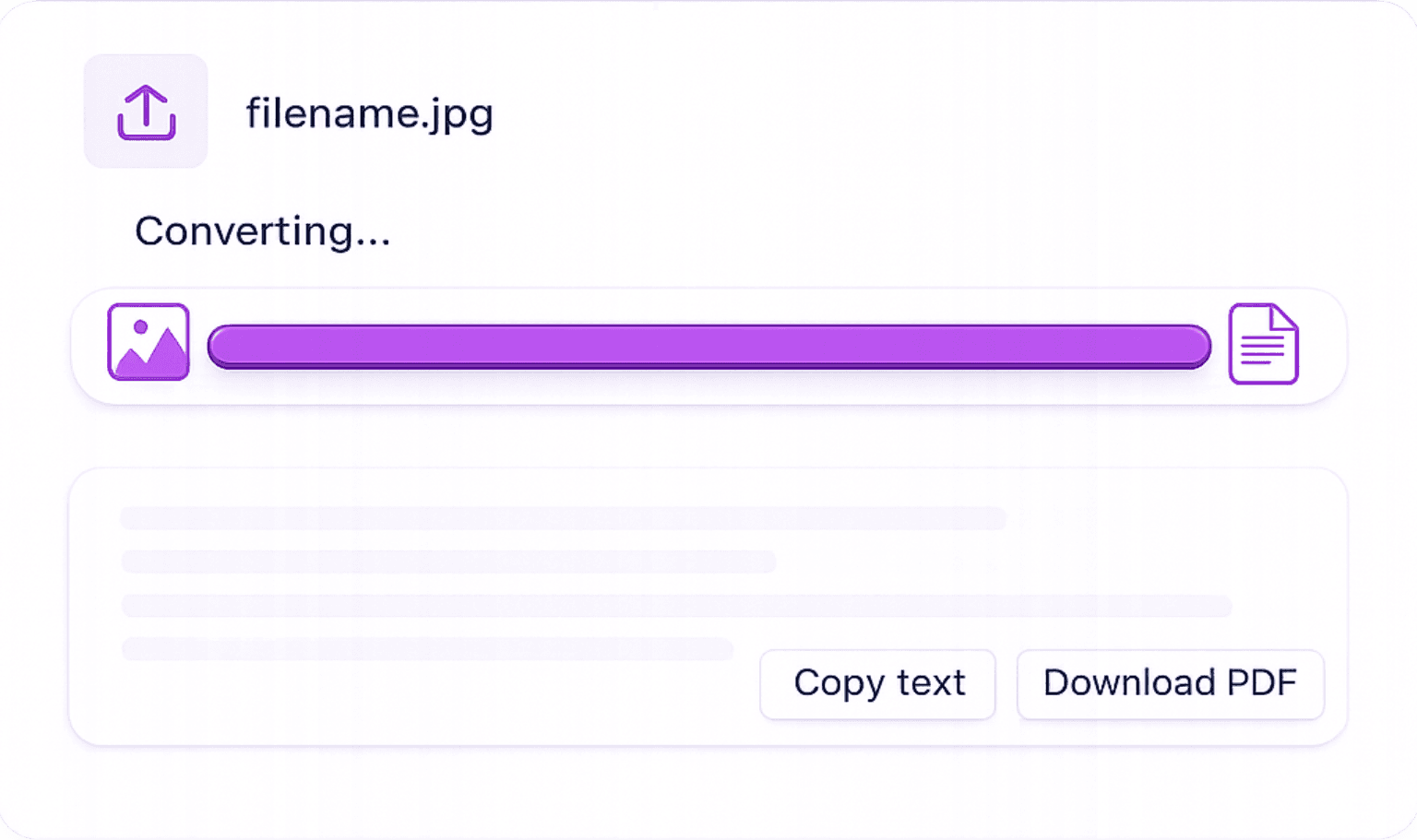
Take Your Screenshot & Upload: Capture your screen (PNG, JPG, or WEBP) and upload it to our tool. Works with full-screen captures, partial crops, and mobile screenshots.
Read the Result: OCR extracts the visible text. Check punctuation, names and numbers against the screenshot before copying.
Copy Text Instantly: The extracted text appears in the editor. Copy it with one click, or export as a Word document, PDF, or TXT file.
Built to handle the visual complexity of real-world screen captures, not just simple scans.
Reads text from screenshots of any source, Windows, macOS, iOS, Android, web browsers, video frames, and desktop apps.
Crop to one text block and use a clear background where possible. Decorative fonts and low contrast may need corrections.
Upload screenshots directly from your iPhone or Android, our tool reads text from both iOS and Android screen captures ; accuracy depends on the source image.
Images are sent over HTTPS to our server and Google Cloud Vision for OCR. The result returns to your browser for review. See our security page for processing and account-data details.
Any time you can see text on screen but can't select or copy it, our tool solves the problem instantly.
Copy Text from Videos & Recordings: Pause a video frame and upload a screenshot to extract subtitles, on-screen text, or slide content without rewatching.
Extract Code Snippets from Screenshots: Developers can extract code from screenshots shared in Slack, emails, or documentation, avoiding manual retyping.
Grab Text from Social Media Posts: Extract quotes, captions, or statistics from Twitter, Instagram, or LinkedIn screenshots for research or reporting.
Research: Save Quotes from Non-Selectable Web Content: Some web pages disable text selection. Screenshot the content and extract it with our tool in seconds.
Bug Reports: Copy Error Messages from Screenshots: Developers and testers can extract exact error text from app screenshots to include in bug reports without guessing at spelling.
Extract text from images in common formats.
Convert JPG screenshots or photos into text.
Extract editable text from PNG screenshots.
Convert clear handwritten content into text.
Turn extracted screenshot text into a Word file.
Extract text from PDF documents and scans.
What to know before copying text out of desktop and mobile screenshots — supported formats, quality tips, and privacy.
Understand how OCR errors, missing context, mixed languages and image quality affect screenshot translation—and learn how to improve the result.
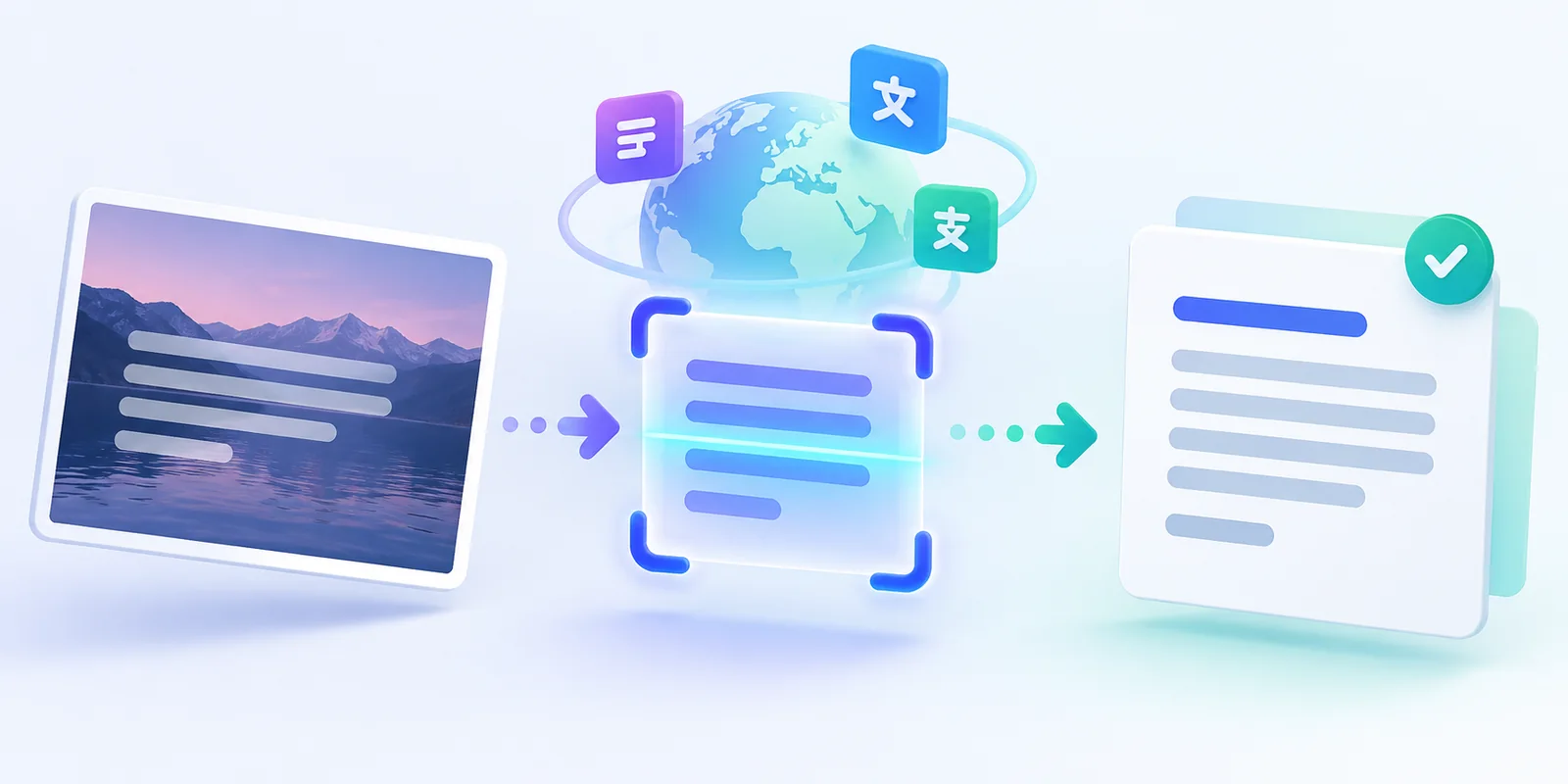
Learn how to extract text from a screenshot, correct OCR mistakes, translate it into another language, and copy or download the result.