Step 1
Upload a digital PDF
Choose one PDF containing selectable text arranged in clear rows and columns.
 Menu
MenuEditable XLSX and CSV export
Convert tables from a digital PDF into an editable Excel or CSV spreadsheet. Review the extracted cells before downloading, with free daily conversions available.
Selectable-text PDF tables
One PDF · Free: 3 conversions per day, up to 4 MB · XLSX or CSV
This first version works with digital PDFs where you can select the text. Scanned and image-only PDFs are not supported yet.
The PDF is sent to our server and read with PDF.js. Digital PDF extraction does not use Google Vision. Files and extracted table data are not added to a downloadable history. See our security information.
Review is included because PDF text positions do not always map perfectly to spreadsheet columns.
Step 1
Choose one PDF containing selectable text arranged in clear rows and columns.
Step 2
The converter reads text positions and reconstructs an editable spreadsheet grid.
Step 3
Correct columns, numbers, headings or blank cells before creating the spreadsheet.
Step 4
Export the edited grid for Excel, Google Sheets or another spreadsheet program.
The tool uses the position of selectable PDF text to suggest rows and columns. It exports the values you see in the editable grid to Excel XLSX or CSV.
This version is designed for digital PDFs with clear table spacing. It does not run OCR on scanned pages or recover formulas, merged cells, charts and the original visual design. Complicated reports may need manual column corrections.
Need ordinary text instead? Try PDF to TextSupported PDFs, spreadsheet output and the checks to make before download.
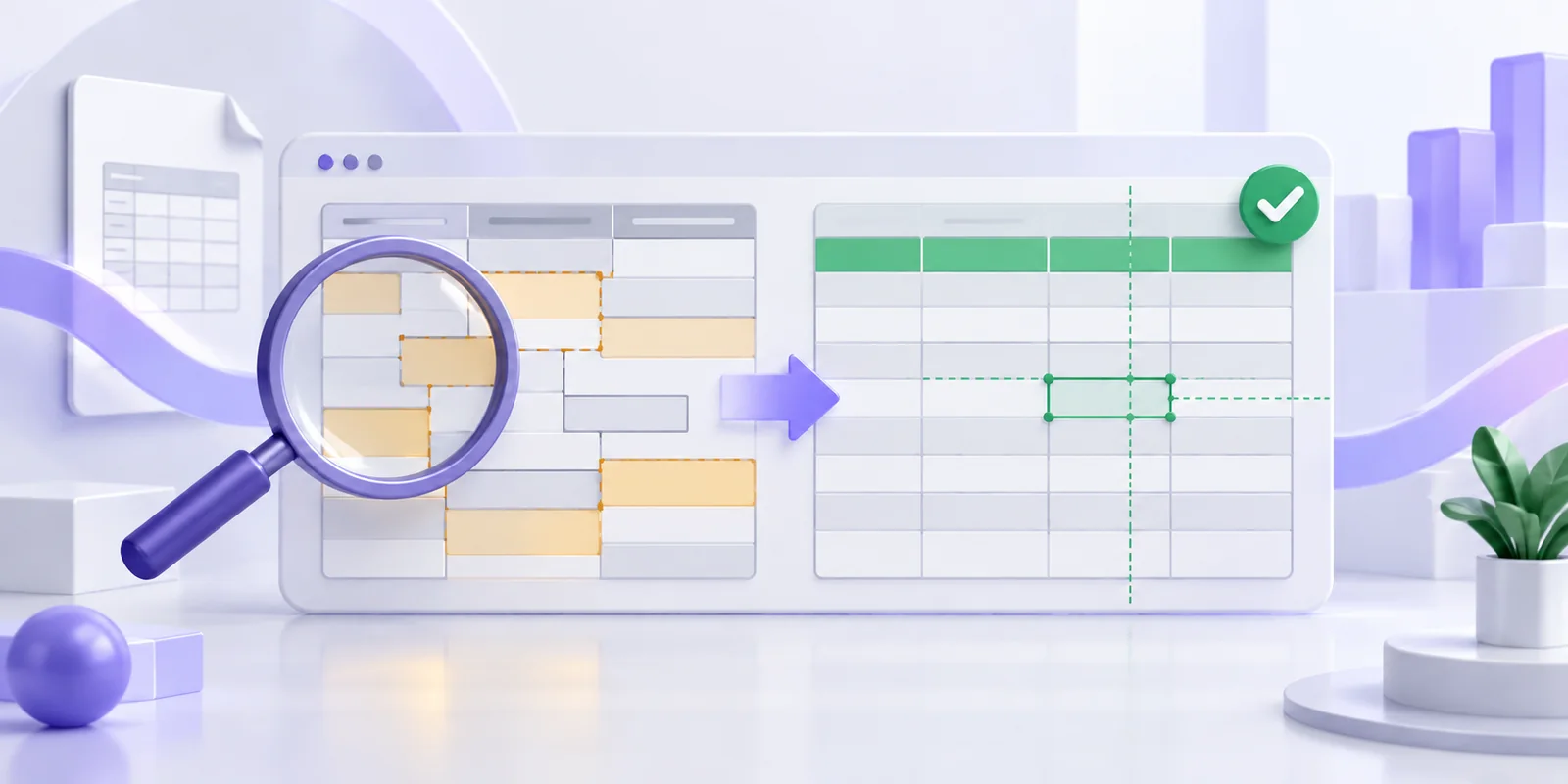
Find out why PDF values move into the wrong Excel columns and how to correct wrapped rows, headers, numbers and identifiers before export.

Learn how to extract a table from a digital PDF, review the rows and columns, and download an editable XLSX or CSV spreadsheet.