Extract Image to Text – OCR Tool LogoMenu

Image to PDF Converter

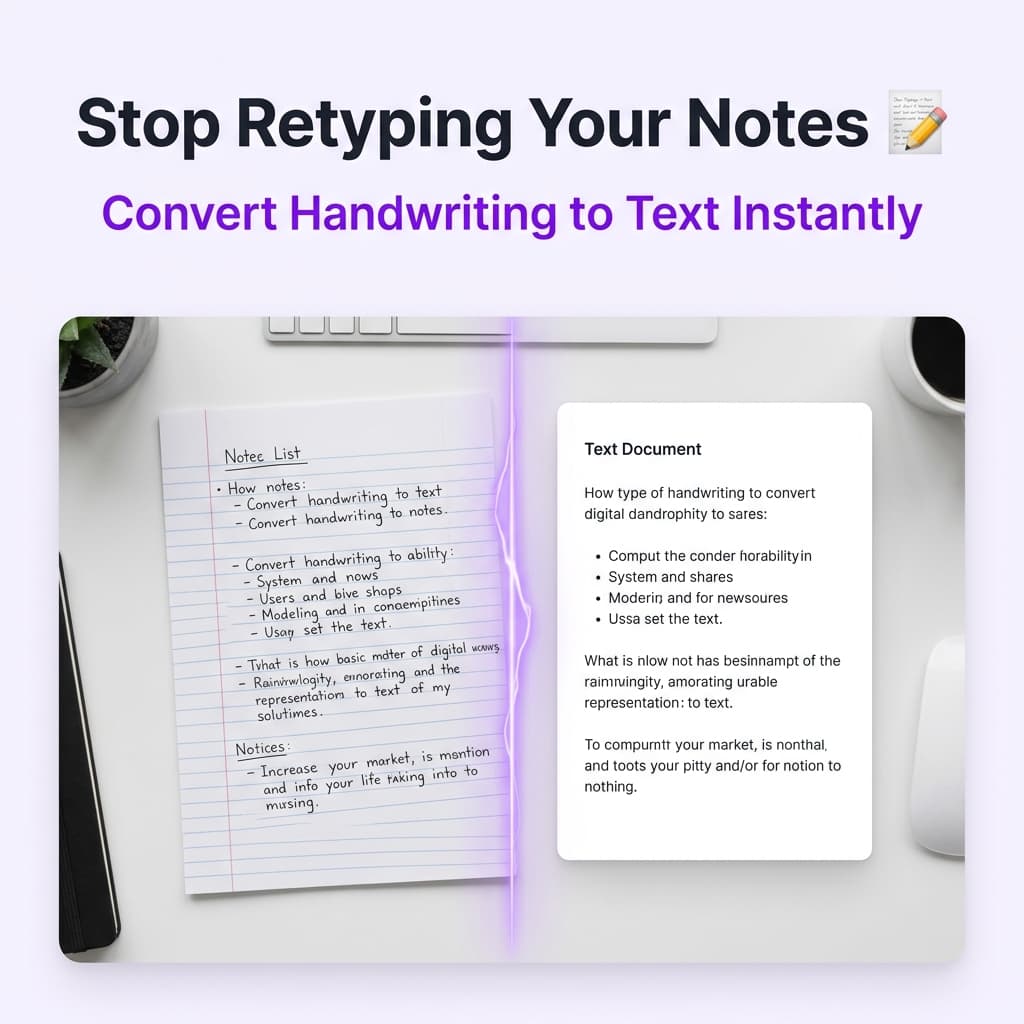
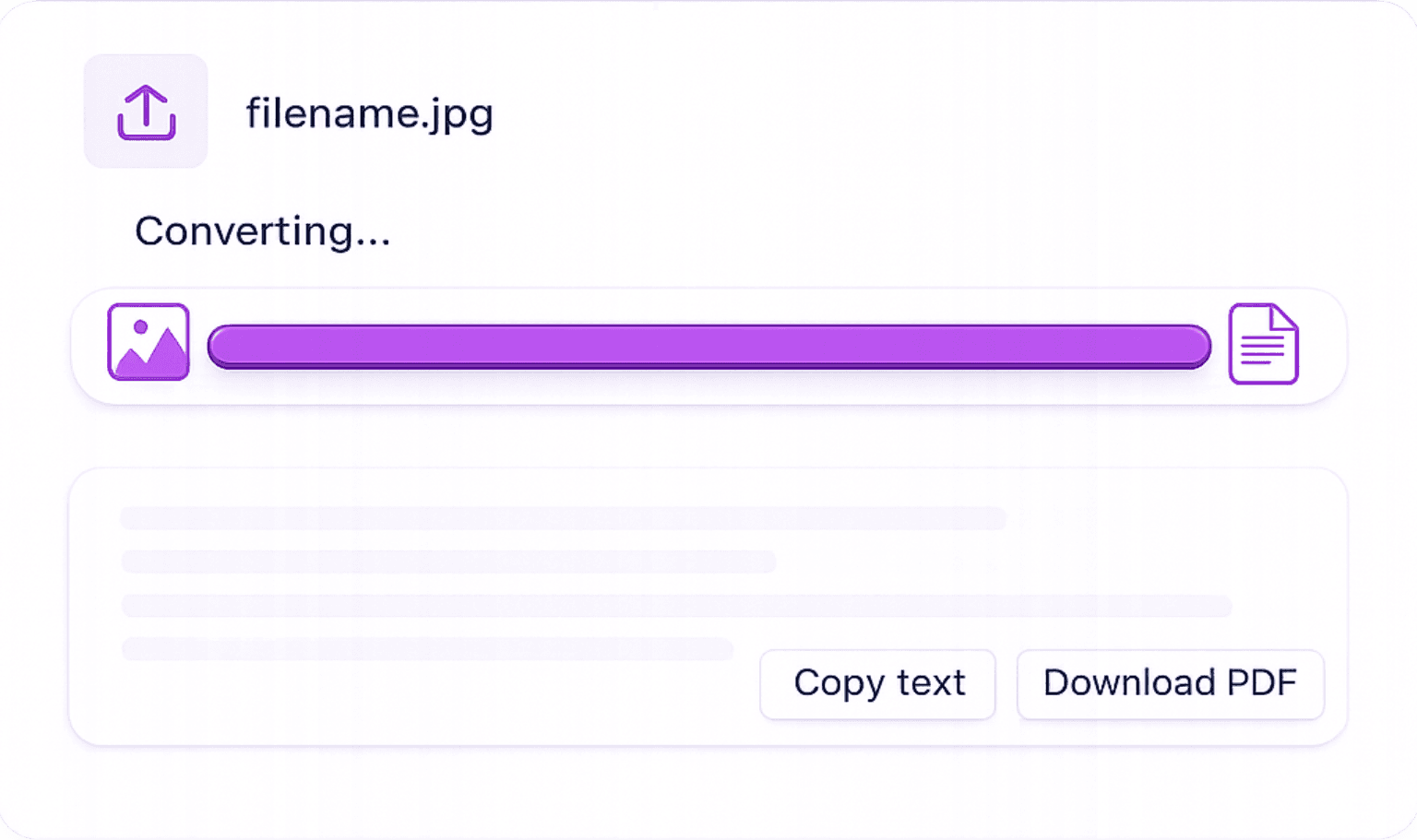
Drop in any image and our OCR engine reads the text inside it, then exports everything as a clean, searchable PDF. Not merely a picture wrapped in a PDF shell — genuine text you can search, copy, and edit. Free, no account, no watermark.

Free · No sign‑up required · Files deleted instantly after conversion
50,000+ conversions to date
OCR inside

A PDF You Can Actually Search — Not Just a Wrapped Image

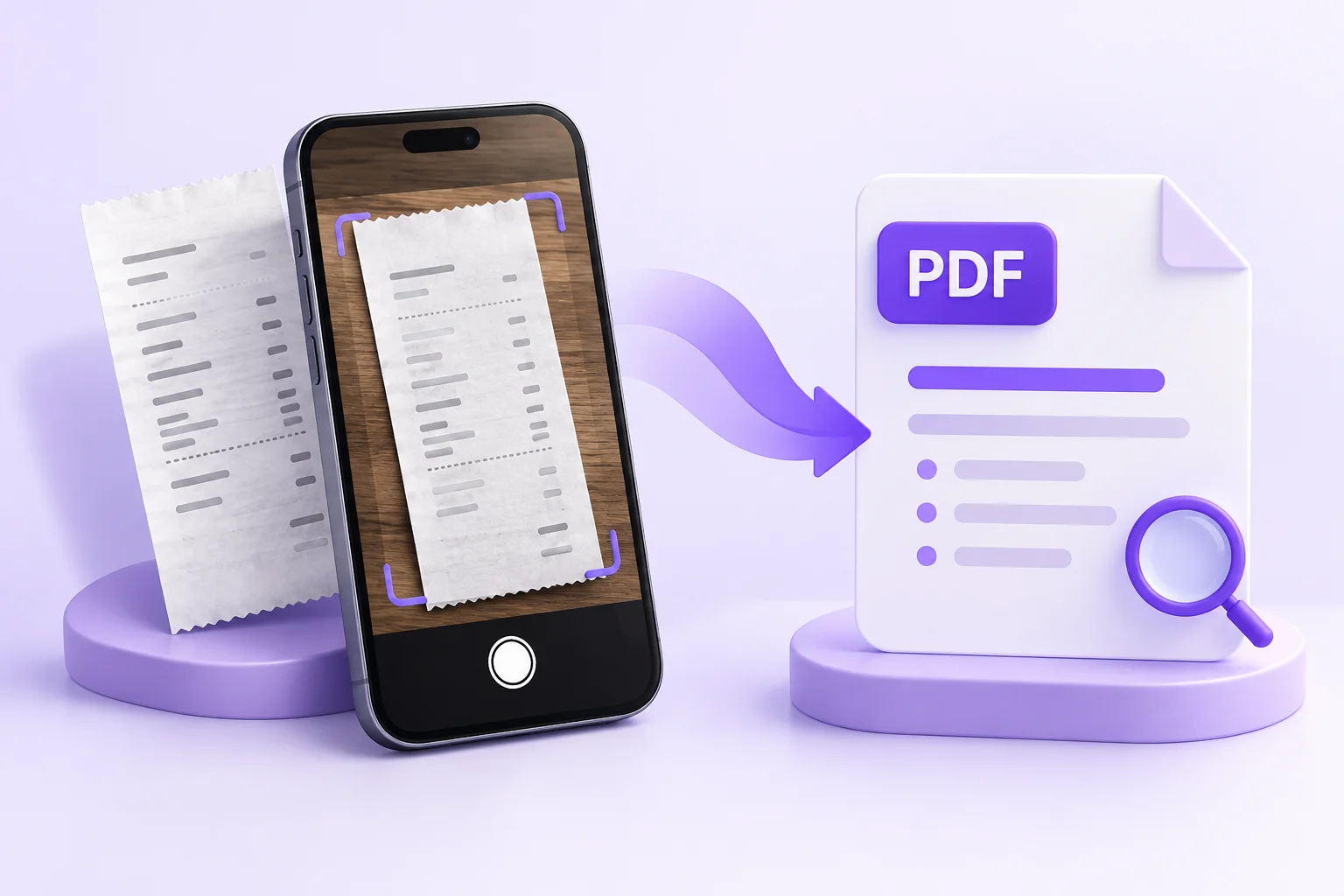
Most image-to-PDF tools do one thing: they put your picture inside a PDF container. The result looks fine, but it behaves like a photo — you can't search it, select text in it, or index it in a document system. This converter goes a step further: its OCR engine reads the text in your image first, so the PDF you download carries a real text layer.

That difference matters in practice. A receipt converted here can be found later by searching for the vendor's name. A scanned form can be indexed by your document management system. A photographed page can be quoted by selecting the text directly in any PDF reader.

The converter accepts JPG, JPEG, PNG, WEBP, BMP, GIF, and TIFF files up to 4MB each on the free tier, preserves the original resolution, and never adds a watermark. Multiple images combine into a single multi-page PDF, one image per page.

  • Creates searchable PDFs with a real text layer, not image-only wrappers
  • Accepts 7 image formats: JPG, JPEG, PNG, WEBP, BMP, GIF, TIFF
  • Combines multiple images into one multi-page PDF
  • Original resolution preserved — no compression, no watermark
  • Encrypted transfer; files auto-deleted after download
Images being converted into a searchable PDF document

Turn Images into PDFs in 3 Quick Steps

Convert any photo or image into a shareable PDF document in seconds, no installation, no signup.

how to convert jpg to text online
1

Add Your Image: Choose one or more images (JPG, PNG, WEBP, BMP, TIFF) from your device or drop them into the uploader. High-resolution photos and compressed files both work.

2

Automatic Processing: The tool prepares your image for PDF output, keeping the original resolution and sharpness intact, and never stamping a watermark on it.

3

Save Your PDF: Tap the PDF button and your converted document downloads instantly. Ready to share, print, or file away.

Why This Image to PDF Converter Stands Out

Simple conversion with no hidden caps, no login walls, and your image quality fully intact.

Every Common Image Format

Handles JPG, JPEG, PNG, WEBP, BMP, GIF, and TIFF. Whatever format your image is in, you get a PDF back.

Original Quality, Untouched

The PDF output matches your source image exactly. No compression, no blurring, no quality loss of any kind.

Zero Watermarks

Every conversion is 100% watermark-free for every user. There's no premium tier hiding behind a branding-removal fee.

Private: Deleted After Download

Images move over an encrypted connection and are automatically removed from our servers once you download. Your files remain yours alone.

Reasons to Convert Images to PDF

PDF remains the universal format for sharing and archiving documents. These are the situations where converting images pays off.

  • Turn Receipt Photos into PDFs for Accounting: Convert snapshots of paper receipts into PDF documents for expense reports, bookkeeping, or VAT submissions.

  • Share Documents That Look Right Everywhere: Images don't always display consistently. A PDF guarantees your content appears identical on every device and operating system.

  • Digitise and Archive Paper Documents: Photograph physical paperwork with your phone and convert those JPGs to PDF for long-term digital storage.

  • Build a PDF Catalogue from Product Photos: Merge multiple product shots into one multi-page PDF catalogue for client pitches or supplier emails.

  • Hand In Handwritten Work Digitally: Students can photograph handwritten assignments and convert the images to PDF for online submission.

Image to PDF Converter: Common Questions

Practical answers about converting photos and images into PDFs — batching, quality, transparency, and limits.

Yes. Upload multiple images and our tool combines them into a single multi-page PDF document, one image per page. This is ideal for creating document packages or photo portfolios.
Yes. We preserve the full resolution of your uploaded image in the PDF output. There is no compression or quality degradation during conversion.
Free users can upload images up to 4MB per file. For larger images or batch conversions, consider our Pro plan which supports higher limits.
Yes. PNG transparency is handled correctly, transparent areas are converted to a white background in the PDF output, which is standard PDF behaviour.
Yes. Open this page in your mobile browser, tap the upload area, select your image from your camera roll or files app, and tap the PDF button to download. The entire process works on iOS and Android without any app installation.
Built-in scanners typically save an image-only PDF — a photo in a PDF shell. This converter runs OCR on your image first, so the resulting PDF contains a searchable, selectable text layer. If you ever need to find the document again by its contents, that text layer is what makes it possible.
Yes. Converting images up to 4MB each is free every day, with no account, no trial period, and no watermark stamped on the output. The Pro plan exists only for larger files and batch-heavy workflows.