How to Extract Text from a JPG Image: OCR Tips for Cleaner Results
Learn why text inside JPG images cannot be copied directly, how OCR works, and how to prepare JPG photos, receipts, and scanned pages for cleaner text extraction.
 Menu
Menu
Turn any JPG or JPEG image into editable text in seconds. Upload your photo, scan or screenshot, and our OCR converter extracts the text so you can copy, edit or save it, with no retyping needed.
Upload one file at a time. Free: 3 conversions/day, up to 4MB. Images use online OCR.
A JPG image can hold important text inside a photo, receipt, scanned page, form, or document. Instead of typing everything manually, you can use this JPG to text converter to extract the text automatically and turn it into editable content.
Our online OCR tool reads the text inside your JPG or JPEG file and converts it into copyable text. You can use it for scanned notes, printed documents, receipts, forms, product labels, study material, and other JPG files where you need editable text.
No app download is required. Just upload your JPG image, wait a few seconds, and copy or download the extracted text.
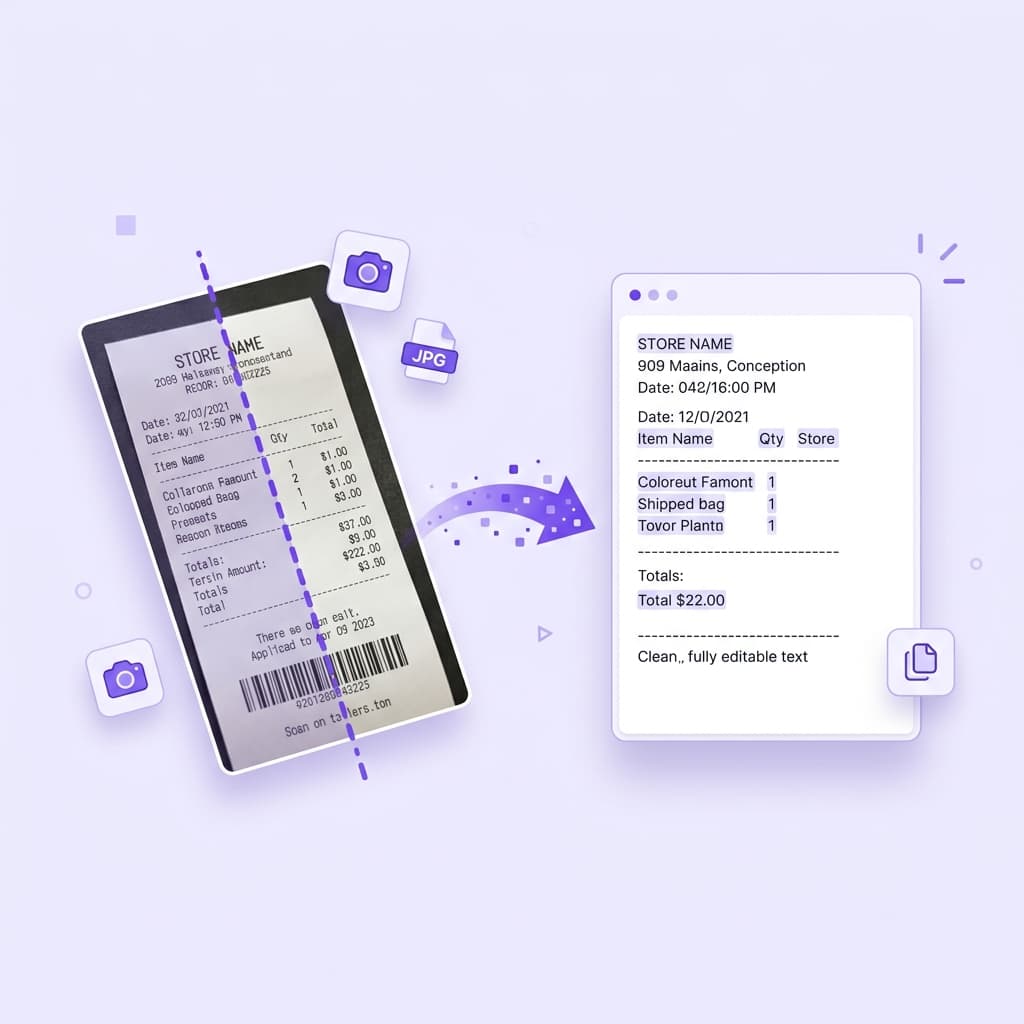
Converting a JPG image to text only takes a few simple steps. Upload your file, let OCR process the image, and copy the extracted result.
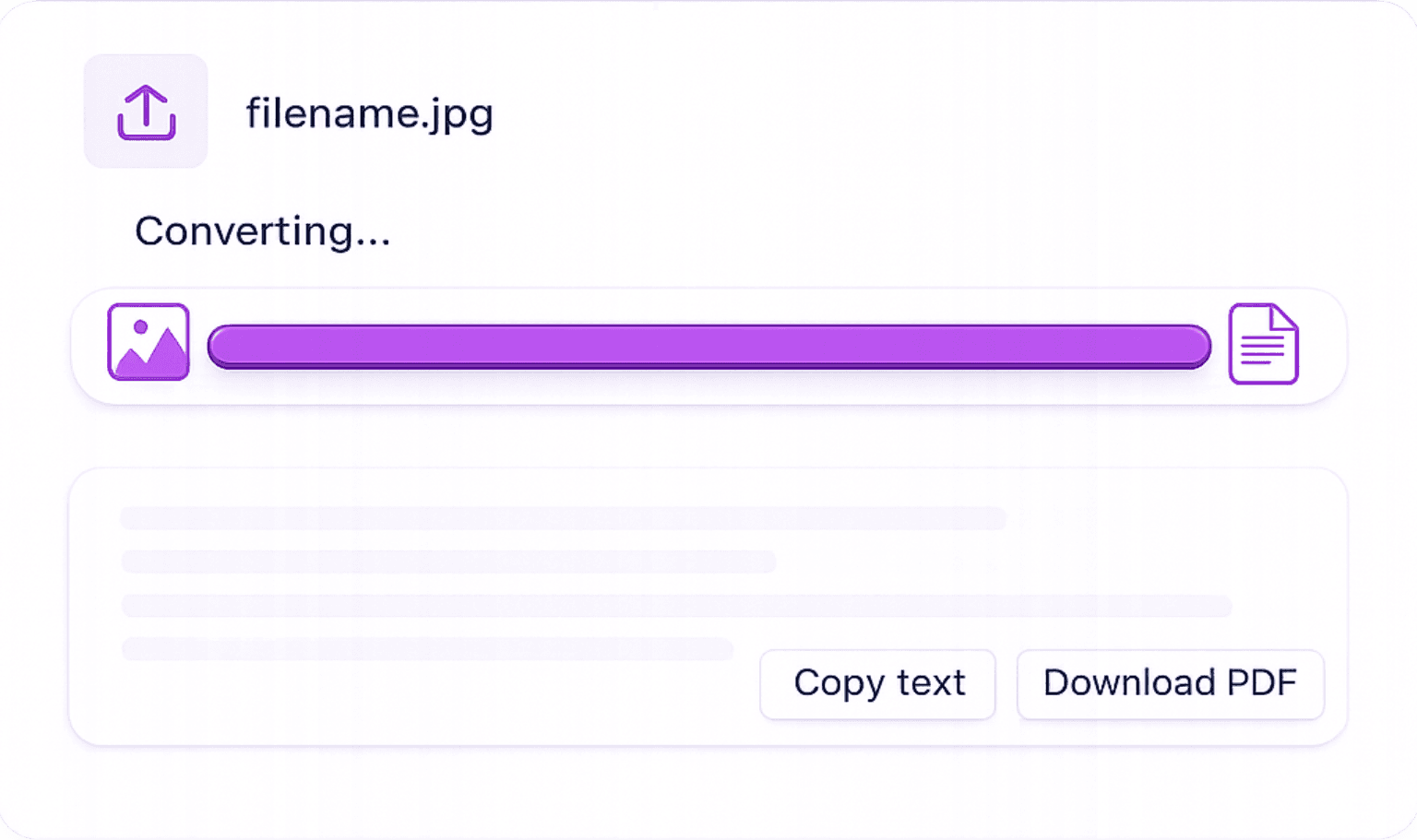
Upload Your JPG Image: Choose a JPG or JPEG file from your device. You can upload a photo, scanned document, receipt, form, or any JPG file that contains readable text.
Let OCR Process Your File: The OCR tool scans your image and detects the text inside it. Clear, high-resolution images with sharp text usually give the best results.
Copy or Download Your Text: Once the JPG has been converted, you can copy the extracted text directly or download it as a .txt file for later use.
Purpose-built for JPG photos, high resolution, compressed, or camera-shot. Our OCR handles them all with precision.
Turn text inside JPG images into editable copy. This is useful when you have scanned pages, receipts, forms, or photos with written content
Upload both .jpg and .jpeg files. The tool supports common image files used by phones, cameras, scanned documents, and saved photo uploads.
After conversion, you can copy the extracted text or download it as a .txt file. This makes it easier to save, edit, reuse, or share the content without retyping it manually.
Use the JPG to text converter directly in your browser. You do not need to install any OCR software or mobile app
You can use this tool to extract text from different kinds of JPG and JPEG files, including scanned documents, mobile camera photos, receipts, invoices, forms, study notes, class material, product labels, and downloaded JPG images.
You can use this tool to extract text from different kinds of JPG and JPEG files, including scanned documents, mobile camera photos, receipts, invoices, forms, study notes, class material, product labels, and downloaded JPG images.
OCR accuracy depends on the quality of the image. Clear images with sharp printed text usually produce better results. If the JPG is blurry, too dark, heavily compressed, cropped, or taken at an angle, some words may need manual correction after conversion.
For better results, upload a high-resolution image with good lighting, straight alignment, and clearly visible text. Printed text is usually easier to extract than handwriting, but handwritten JPG images can still work if the writing is clear.
Extract text from images in multiple formats.
Convert PNG images into editable text.
Copy text from screenshots in seconds.
Convert clear handwritten notes into text.
Export extracted image text into a Word document.
Extract readable text from PDF documents.
Find quick answers about converting JPG and JPEG images into editable text
Learn why text inside JPG images cannot be copied directly, how OCR works, and how to prepare JPG photos, receipts, and scanned pages for cleaner text extraction.
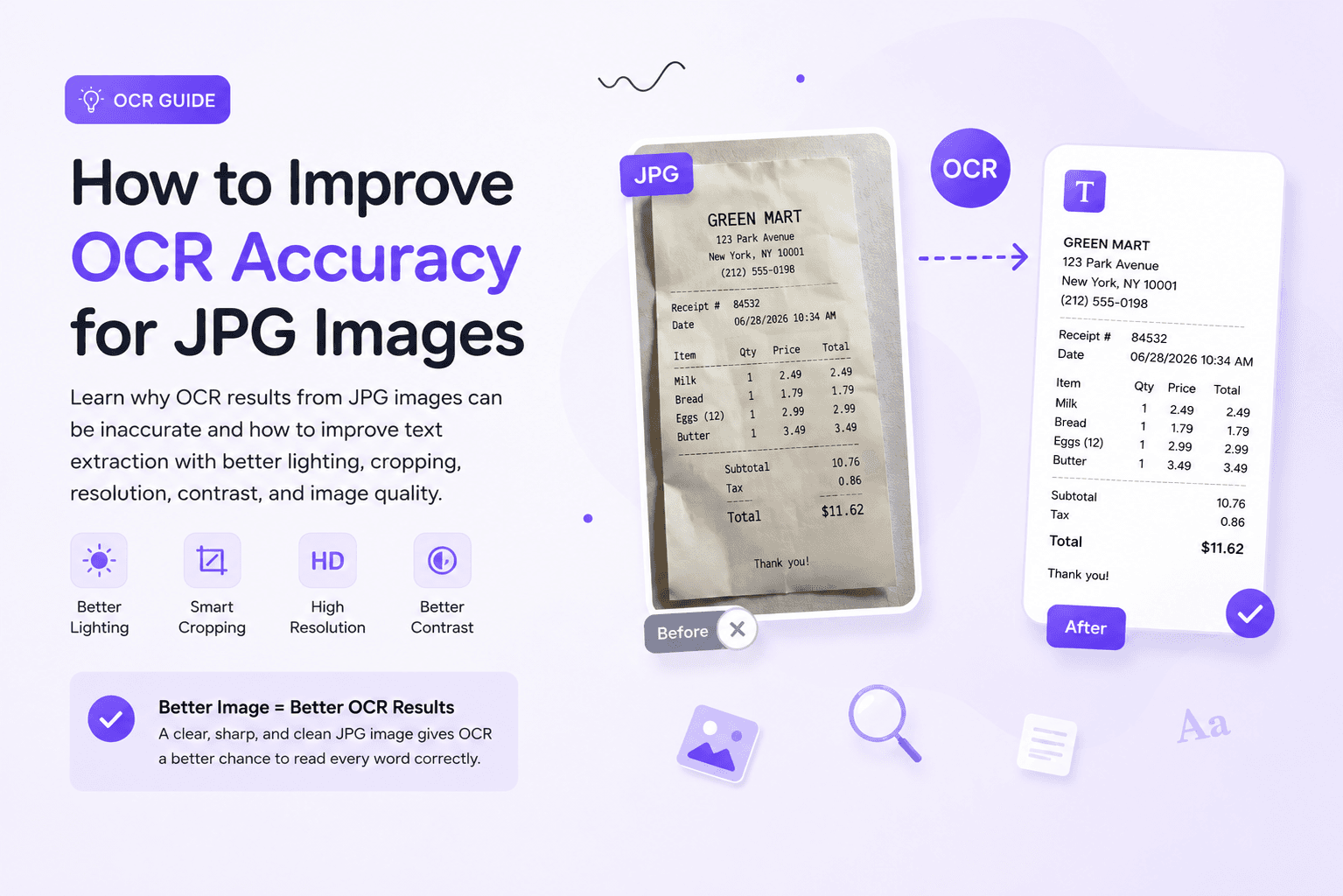
OCR results from JPG images depend on image quality. Learn how blur, shadows, compression, cropping, and small text affect OCR accuracy, and how to prepare cleaner JPG images before extracting text.