Extract Image to Text – OCR Tool LogoMenu

PDF to Text Converter

Pull the text out of any PDF document in seconds with our free online converter. It handles both searchable (text-based) PDFs and scanned (image-based) PDFs. Nothing to install, no account required, your extracted text is ready to copy or download right away.

Free · No sign‑up required · Files deleted instantly after conversion
50,000+ conversions to date
Why this tool

Copy Text out of Any PDF — Even Scanned Ones

Most PDF readers let you select text only when the PDF was born digital. The moment a document has been scanned, photographed, or faxed, the "text" you see is really just a picture — and copy-paste stops working. That is the gap this converter closes: it detects whether your PDF contains real text or page images and picks the right extraction method automatically.

For text-based PDFs, the embedded characters are read directly, so the output matches the source exactly. For scanned PDFs, the built-in OCR engine analyses each page image and reconstructs the text, typically reaching 95–99% accuracy on clean, high-resolution scans.

Everything runs in your browser session over an encrypted connection. Files are processed in memory and removed from our servers as soon as the conversion completes — nothing is stored, and no account is required.

  • Handles both searchable and scanned (image-only) PDFs automatically
  • 100% exact extraction for text-based PDFs; 95–99% OCR accuracy on clean scans
  • Free tier processes PDFs up to 4MB — no signup, no watermark
  • Export to TXT, Word (.docx), or a fresh PDF; edit in the built-in editor first
  • Files deleted from servers immediately after conversion
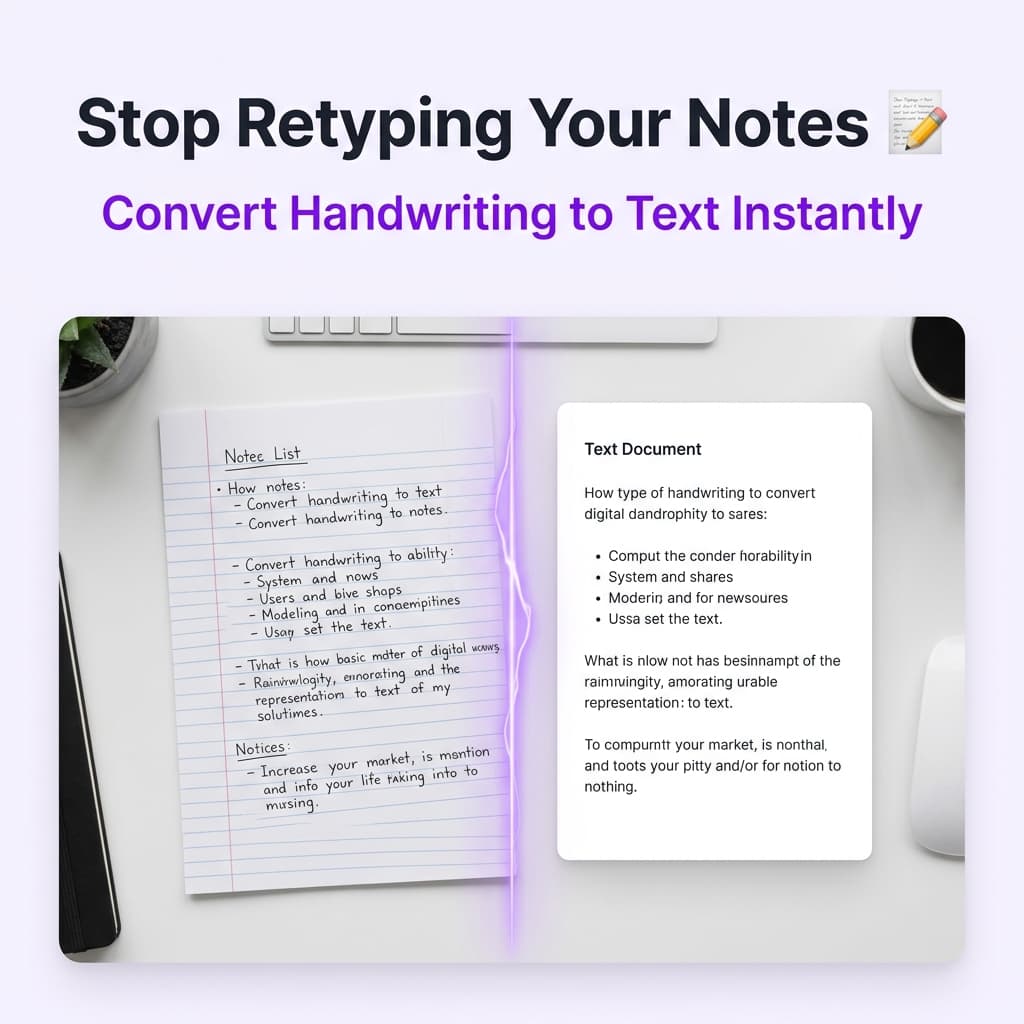
PDF to text converter extracting text from a scanned PDF document

Extract Text from Any PDF in 3 Simple Steps

It doesn't matter whether your PDF has selectable text or is just a scanned image, the converter handles both automatically. Here's the process.

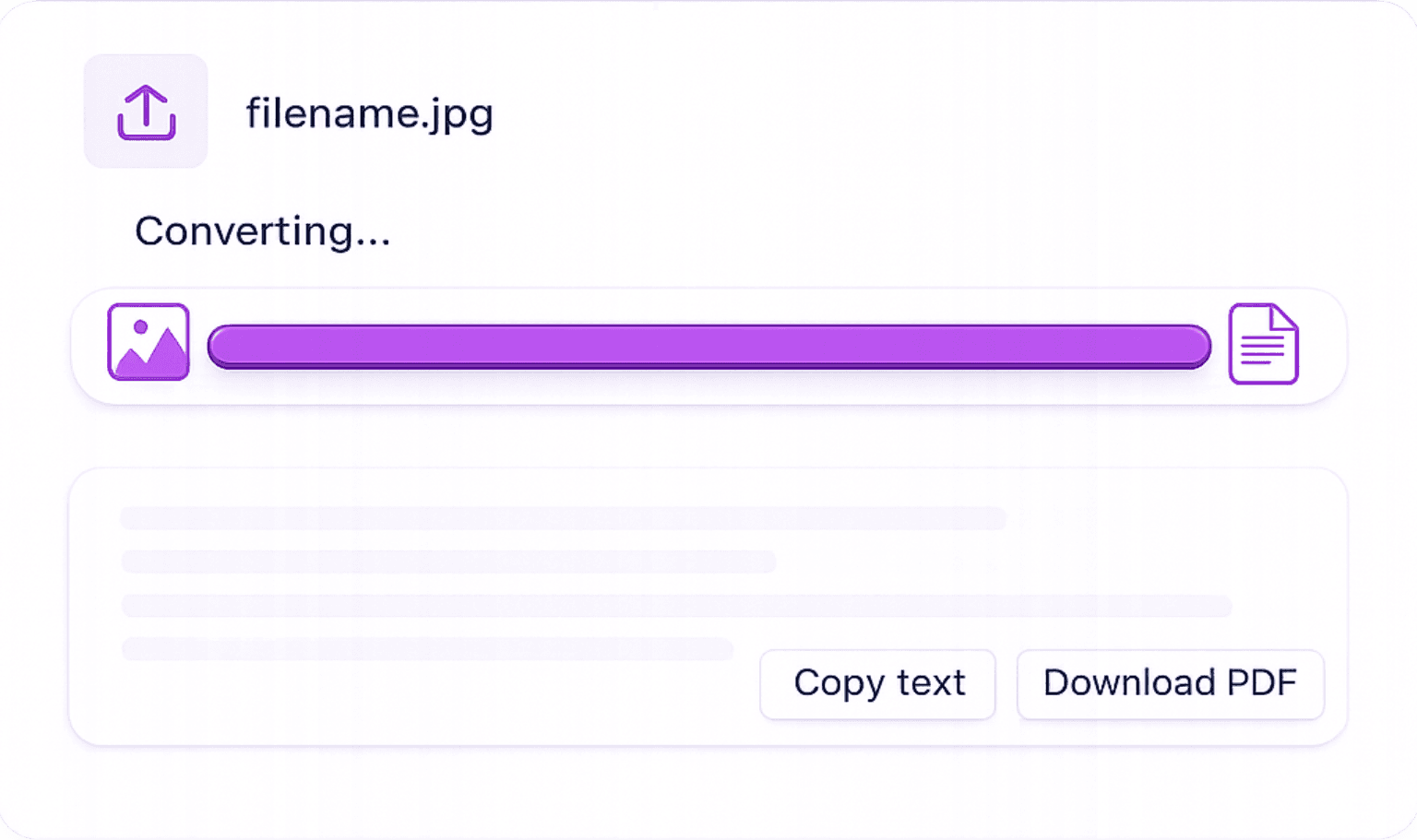
how to convert jpg to text online
1

Add Your PDF: Drag and drop your PDF into the uploader, or pick it from your device. Both text-based PDFs and image-only scanned PDFs are supported.

2

Text Is Extracted Automatically: Searchable PDFs have their text pulled out directly, instant and exact. Scanned PDFs go through our OCR engine, which reads every page image and recognises each character.

3

Copy, Edit, or Save: The extracted text opens in the built-in editor. Copy it to your clipboard, make corrections, or save it as a TXT, Word, or PDF file.

Searchable vs Scanned PDFs: Why It Matters

PDFs come in two flavours, and knowing which one you have helps you understand what the converter is doing under the hood.

Searchable PDFs: Direct Extraction

Text-based PDFs carry embedded text data. The converter reads it straight out with perfect accuracy, no OCR pass, no delay.

Scanned PDFs: Read by AI OCR

A scanned PDF is really a stack of page images. Our AI OCR looks at each page visually and pulls out the text, the same way it reads a JPG or PNG scan.

Private: Files Are Never Kept

Every PDF travels over an encrypted connection and is wiped from our servers as soon as conversion finishes. Nobody else ever sees your documents.

Save as TXT, Word, or Edit In Place

After extraction, review and fix the text in the editor, then export it as plain TXT, a Word (.docx) document, or a fresh PDF.

What People Use PDF Text Extraction For

Getting the raw text out of a PDF unlocks all kinds of everyday workflows. These are the ones we see most.

  • Researchers: Pull Quotes from Academic Papers, Grab passages from journal articles, research papers, and e-books for citations, notes, and literature reviews, no retyping needed.

  • Legal Teams: Lift Text from Contracts, Extract clauses and provisions from legal PDFs to analyse, compare, or reuse in new documents.

  • Developers: Feed PDF Content into Pipelines, Convert PDF files to raw text for databases, NLP tooling, or content management systems.

  • Students: Make Lecture PDFs Searchable, Turn scanned lecture notes and handouts into searchable text for quick keyword lookups while revising.

  • Accessibility: Unlock Image-Only PDFs, Convert image PDFs to real text so screen readers and assistive technologies can read them aloud.

How the PDF Text Extraction Engine Works

Under the hood, the converter runs a short pipeline that adapts to the kind of PDF you upload:

Document analysis: the tool inspects your PDF's internal structure to determine whether pages contain embedded text, images, or a mix of both.

Extraction: embedded text is read directly from the PDF data; image-only pages are rendered and passed to the AI OCR engine, which detects characters, words, and line structure.

Reconstruction: the recognised text is cleaned up, paragraph breaks are restored, and the result is loaded into the editor for you to review, correct, and export.

PDF to Text Converter: Common Questions

Answers about extracting text from searchable and scanned PDFs — accuracy, limits, security, and formats.

Yes. Scanned PDFs are image-only documents, they look like text but contain no selectable data. Our OCR engine reads each page visually and extracts the text, just as it would from a JPG scan. Accuracy depends on the scan quality.
For searchable (text-based) PDFs, accuracy is 100%, the embedded text is extracted directly. For scanned PDFs, accuracy depends on scan quality: clean, high-resolution scans typically achieve 95–99% accuracy. Poor scans, skewed pages, or low contrast will reduce accuracy.
The converter can process any PDF that opens and displays in your browser. PDFs that require a password before they can be opened cannot be processed, remove the password protection first and then upload the file.
Free users can process PDFs of up to 4MB in size. For large multi-page documents or batches, our Pro plan supports higher file sizes and priority processing.
Plain text extraction removes PDF formatting (columns, fonts, spacing). The extracted text preserves paragraph breaks and line structure but not visual layout. For layout-preserving output, use our PDF to Word converter which produces an editable DOCX file.
All transfers use SSL encryption. Your PDF is processed in memory and deleted automatically from our servers immediately after conversion. We never store, share, or analyse your uploaded documents.
You don't need Acrobat or any desktop software. Upload the PDF here, let the converter extract the text, and copy it straight from the editor. This works on Windows, macOS, Linux, iOS, and Android — anything with a browser.
Because the PDF is image-based. Scanners, fax machines, and phone cameras produce PDFs where each page is a photo, with no text layer underneath. OCR (Optical Character Recognition) is the technology that reads those page images and rebuilds the text — which is exactly what this tool applies automatically when needed.