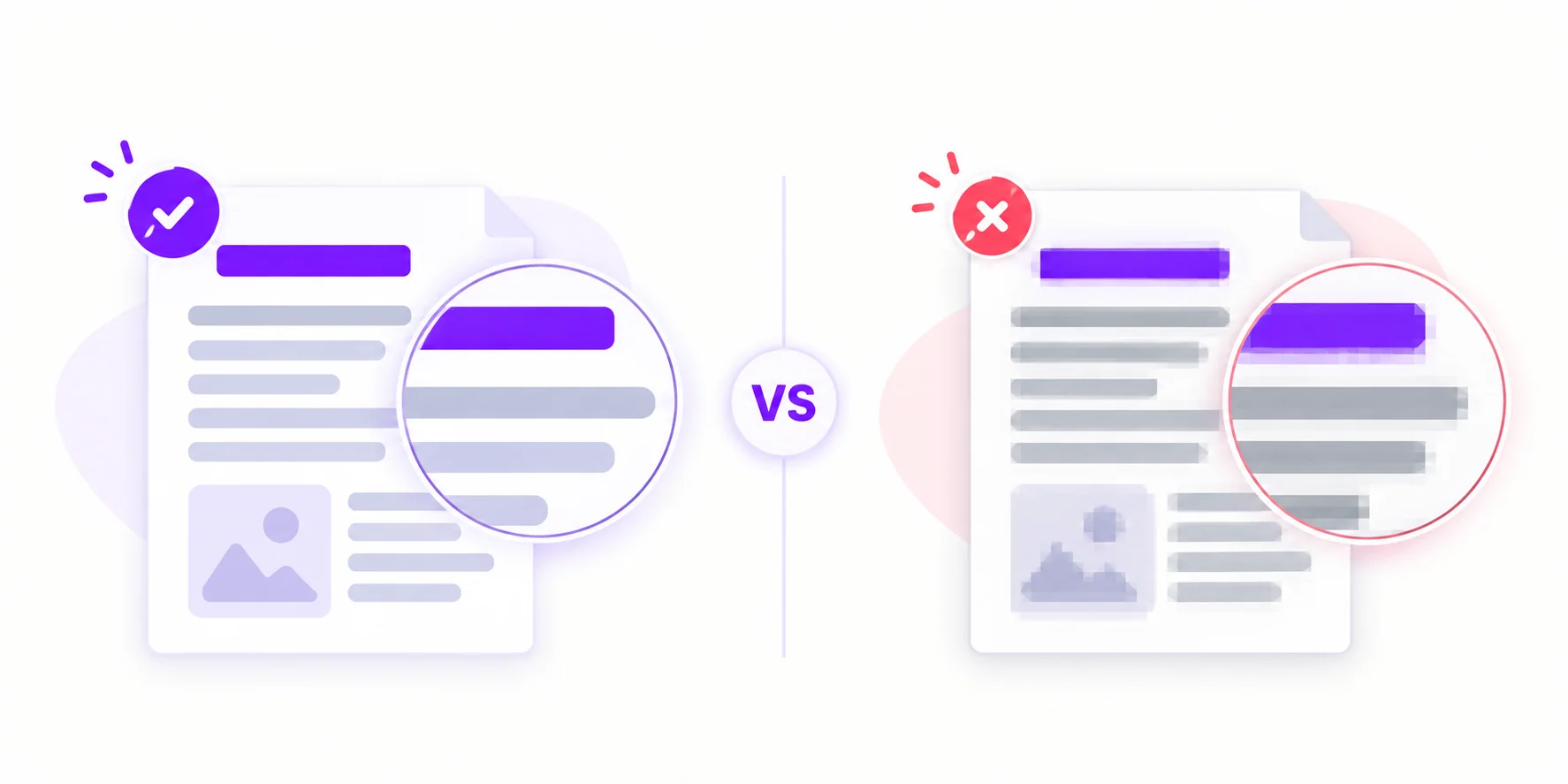
PNG vs JPG for OCR: Which Extracts Text More Accurately?
PNG keeps every pixel; JPG throws data away — and it throws it away exactly where letters live. What compression does to text, when it matters for OCR, and which format to choose.
 Menu
Menu
Copy text from a PNG screenshot, scanned page or image. Upload the original file, review the OCR result, and copy or download the text. Free: 3 conversions per day, up to 4MB each.
Upload one file at a time. Free: 3 conversions/day, up to 4MB. Images use online OCR.
No software, no account. Just upload your PNG and get editable text in seconds.
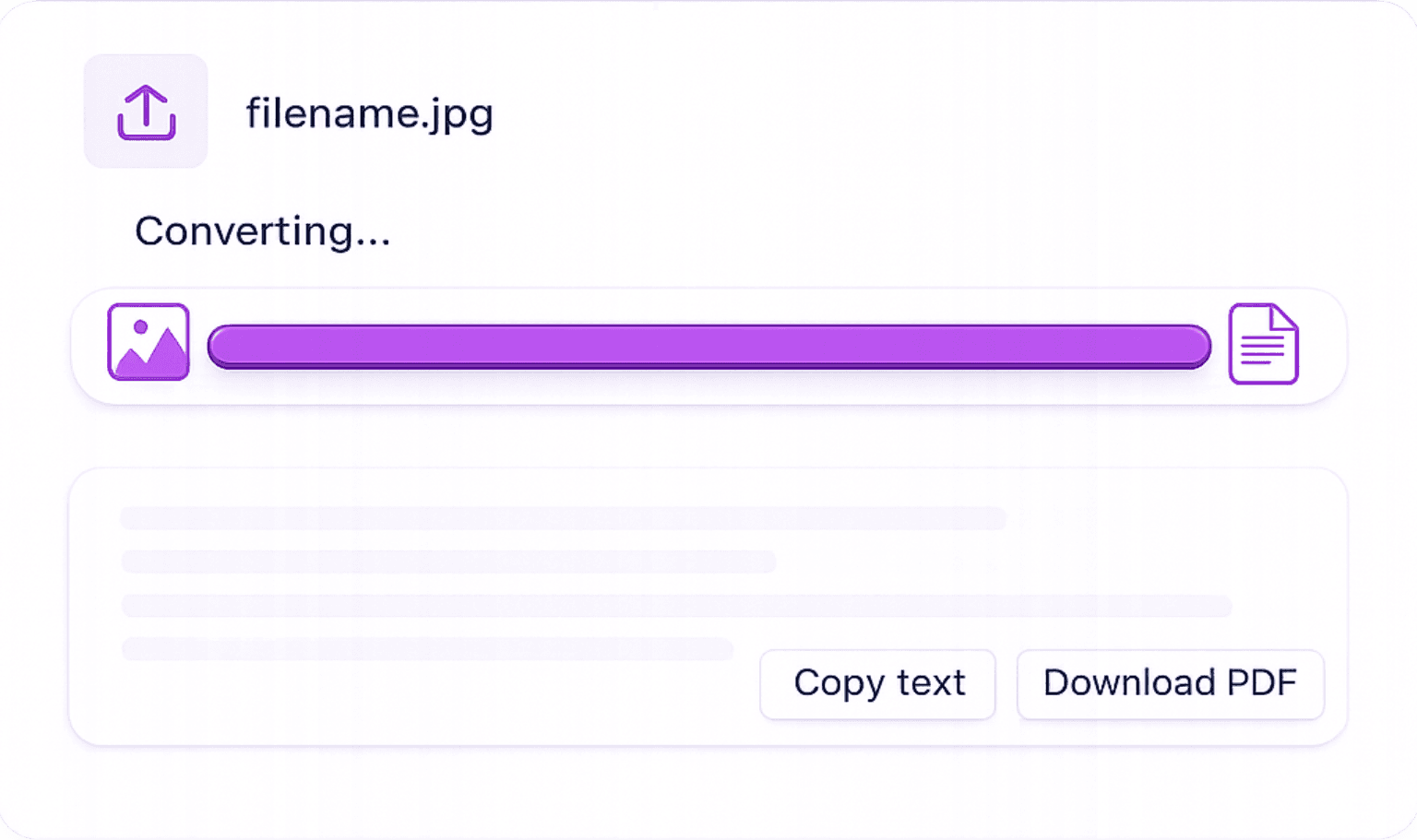
Upload Your PNG: Select your PNG file from your device or drag it into the uploader. Supports transparent backgrounds, high-resolution images, and screenshots.
Automatic Text Recognition: Our AI OCR engine reads every character in the PNG, including text on coloured or transparent backgrounds, with high accuracy.
Download or Copy Extracted Text: Copy the text to your clipboard instantly, or export it as a Word document, PDF, or TXT file.
Original PNG screenshots can keep small text clear. Images above 1MB may be resized and compressed before OCR, so crop to the text you need.
Use the original screenshot rather than a compressed copy. Low contrast, tiny fonts and transparency can still affect recognition.
Our OCR correctly processes PNG images with transparent layers, text is extracted cleanly regardless of background colour.
Perfect for extracting text from website screenshots, design mockups, slide decks, and data-rich infographics.
Three free conversions per day, up to 4MB per upload, without an account. Images are processed online.
PNG is the dominant format for screenshots, web graphics, and design work. Here's where our tool saves the most time.
Website Screenshots: Extract text from web page screenshots, useful for content audits, competitor research, and accessibility checks.
Design Mockups & Slide Decks: Pull text from Figma exports, PowerPoint screenshots, or Canva PNG downloads without retyping.
Infographics: Get the data and labels from infographics saved as PNG to repurpose in reports or articles.
Social Media Graphics: Extract quotes, captions, or statistics from PNG-format social posts and branded content.
Scanned Documents Saved as PNG: Convert PNG scans of printed documents, forms, or contracts into searchable, editable text.
Extract text from different image formats.
Convert JPG and JPEG images into editable text.
Extract text from desktop and mobile screenshots.
Turn handwritten notes into editable digital text.
Save extracted text from images as a Word file.
Copy selectable text from digital PDFs.
Answers to common questions about extracting text from PNG images, including transparency handling and accuracy.
PNG keeps every pixel; JPG throws data away — and it throws it away exactly where letters live. What compression does to text, when it matters for OCR, and which format to choose.
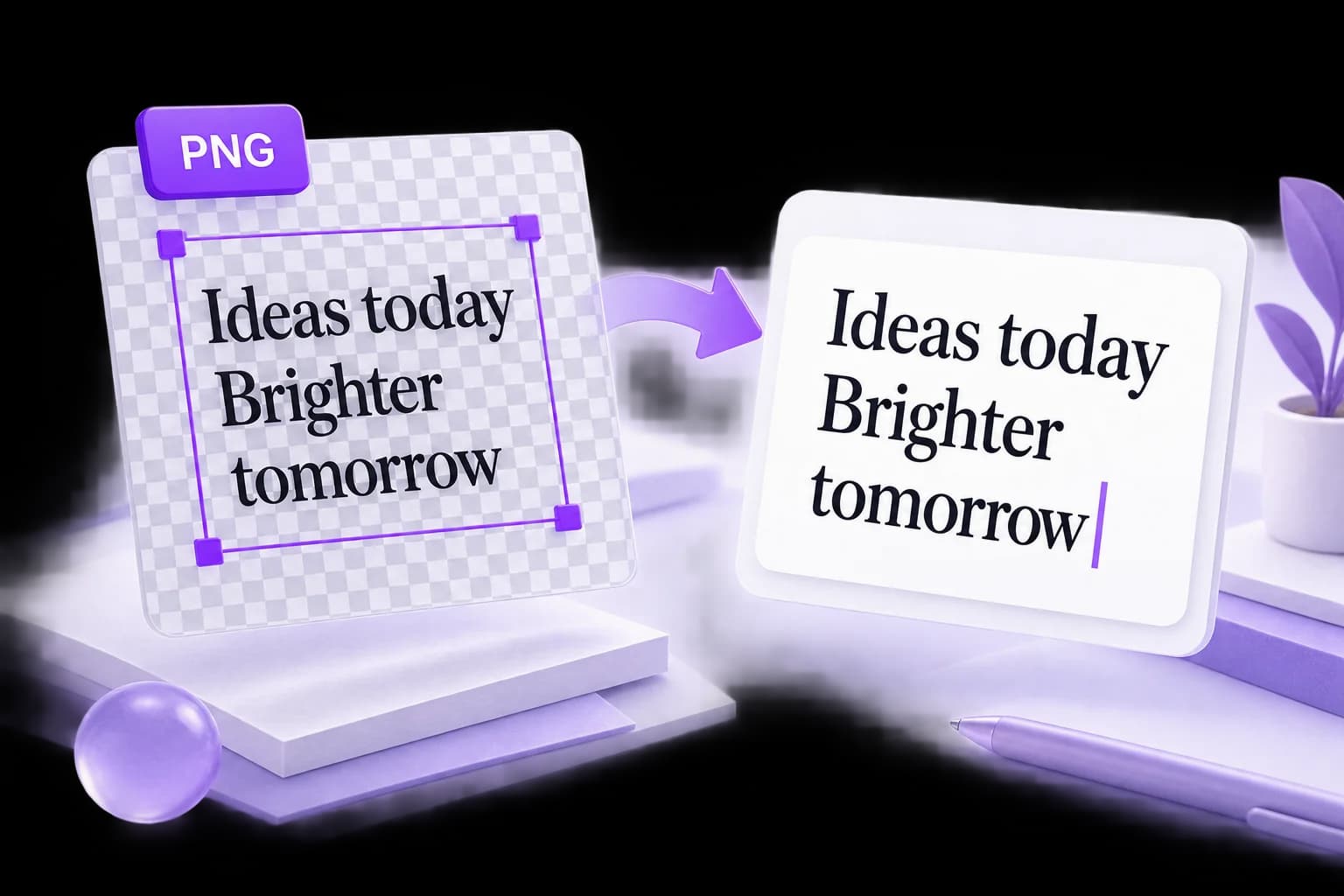
A PNG can look sharp and still produce incomplete text. Work through the source image, background, crop, and reading order before trying another conversion.