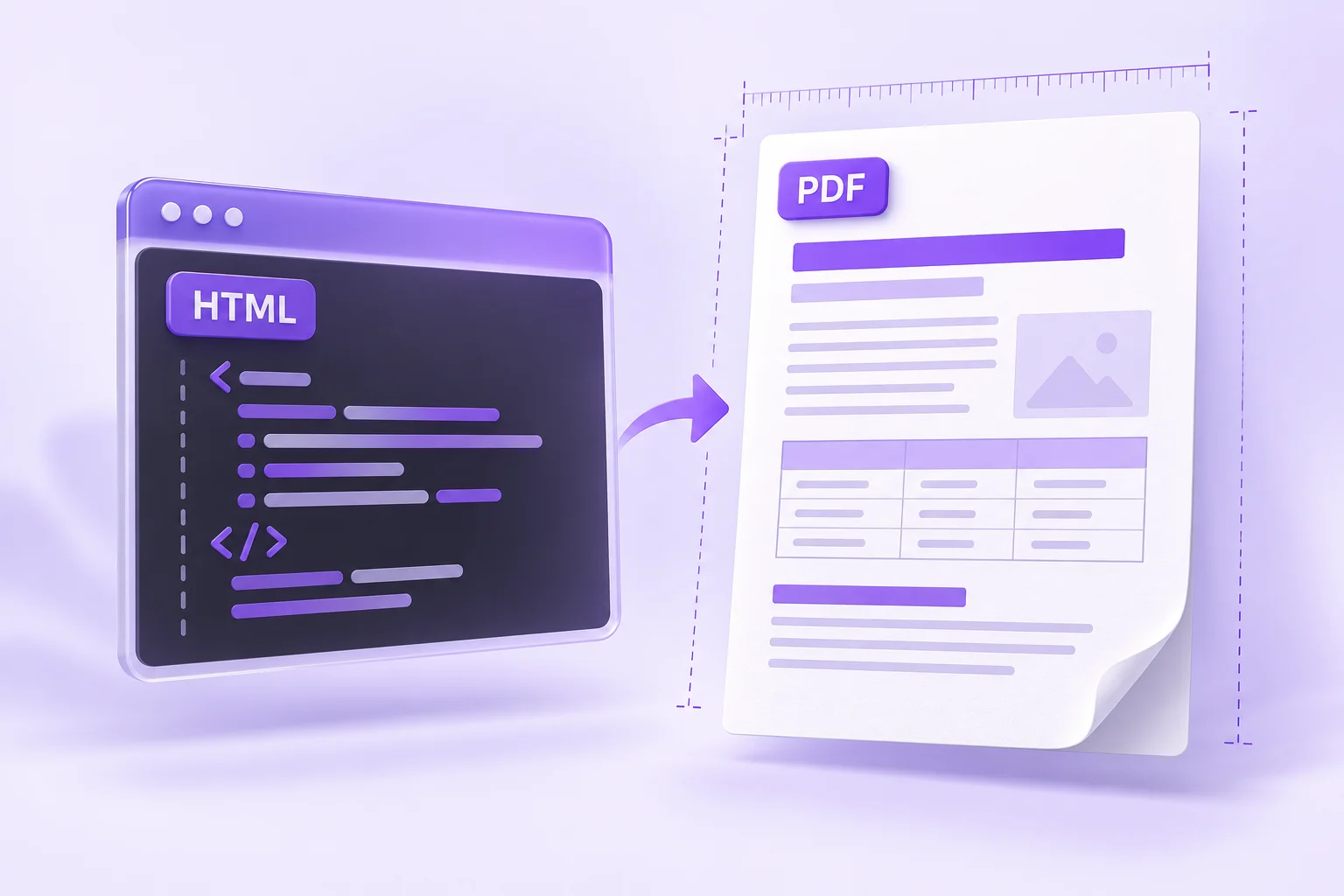
HTML to PDF Layout Problems: Margins, Tables, and Images
A good browser preview can still produce a PDF with clipped tables or awkward page splits. Use this workflow to simplify the document and check the actual export.
 Menu
MenuUse simple HTML and embedded CSS. Check the preview and downloaded PDF; some CSS features may differ.
Transform any HTML document into a polished PDF file without leaving your browser. Paste in your HTML code, style it with custom CSS, review the live preview, and save a high-quality PDF — no server upload, without uploading your HTML to our conversion server.
Go from raw HTML code to a downloadable PDF in a matter of seconds.
Add Your HTML: Type or paste your HTML code into the editor. Use simple HTML with inline or embedded CSS and check the preview.
Check the Preview: Flip to Preview mode and see exactly what your PDF will look like before you convert.
Save the PDF: Hit Download PDF and a PDF lands on your device instantly.
The editor accepts standard HTML5 markup with inline styles or embedded<style>blocks. Simple headings, paragraphs and tables work best; some CSS features may render differently in the downloaded file. Conversion runs in your browser and we do not upload the HTML to our conversion server. External images, fonts and URLs in your markup can still contact their own hosts.
Output is generated in A4 portrait format (210 × 297 mm). Documents taller than one page are split automatically across as many pages as needed, so long reports can span several pages. Check for content split across page boundaries. There is no upload size limit; the only practical ceiling is your device's memory for extremely large documents. One current constraint to know about: stylesheets linked from external URLs via <link>may be blocked by browser security rules, so embed your CSS directly in the document for reliable results. And if your starting point is a photo or scan rather than markup, use the image to PDF converter instead it exports the recognized image text into a new PDF, without preserving the original photo.
Quick, private, and precise conversion with nothing to install.
Inspect your rendered HTML before converting — the final PDF holds no surprises.
Inline styles, embedded stylesheets, tables, and complex layouts all come out rendered correctly.
Long HTML documents are split automatically across multiple A4 pages.
Conversion runs in your browser. External images and fonts can still contact their own hosts.
A flexible tool for developers, designers, and business teams alike.
Invoices & Reports: Render HTML invoice templates as professional PDF documents.
Email Templates: Convert HTML email designs into PDFs for client review and sign-off.
Documentation: Publish HTML documentation pages as shareable PDF files.
Web Archiving: Capture web page HTML as a PDF snapshot for offline reference.
A good browser preview can still produce a PDF with clipped tables or awkward page splits. Use this workflow to simplify the document and check the actual export.
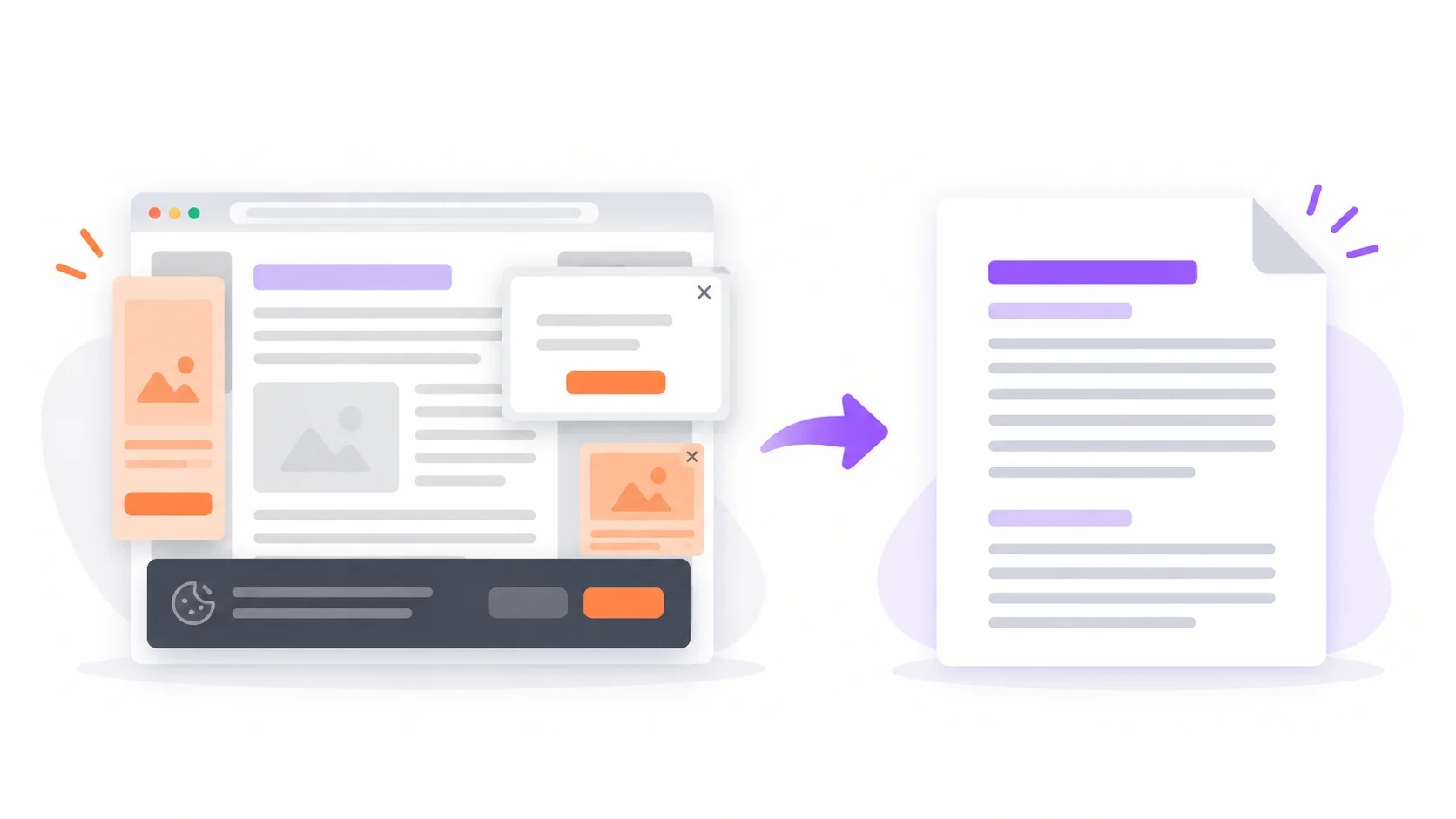
Browser print-to-PDF keeps the ads, cookie banners, and broken layouts. Here's how to turn any URL into a clean, shareable PDF — and when the built-in way is actually enough.
How the in-browser HTML to PDF conversion works — CSS support, page sizes, privacy, and limits.